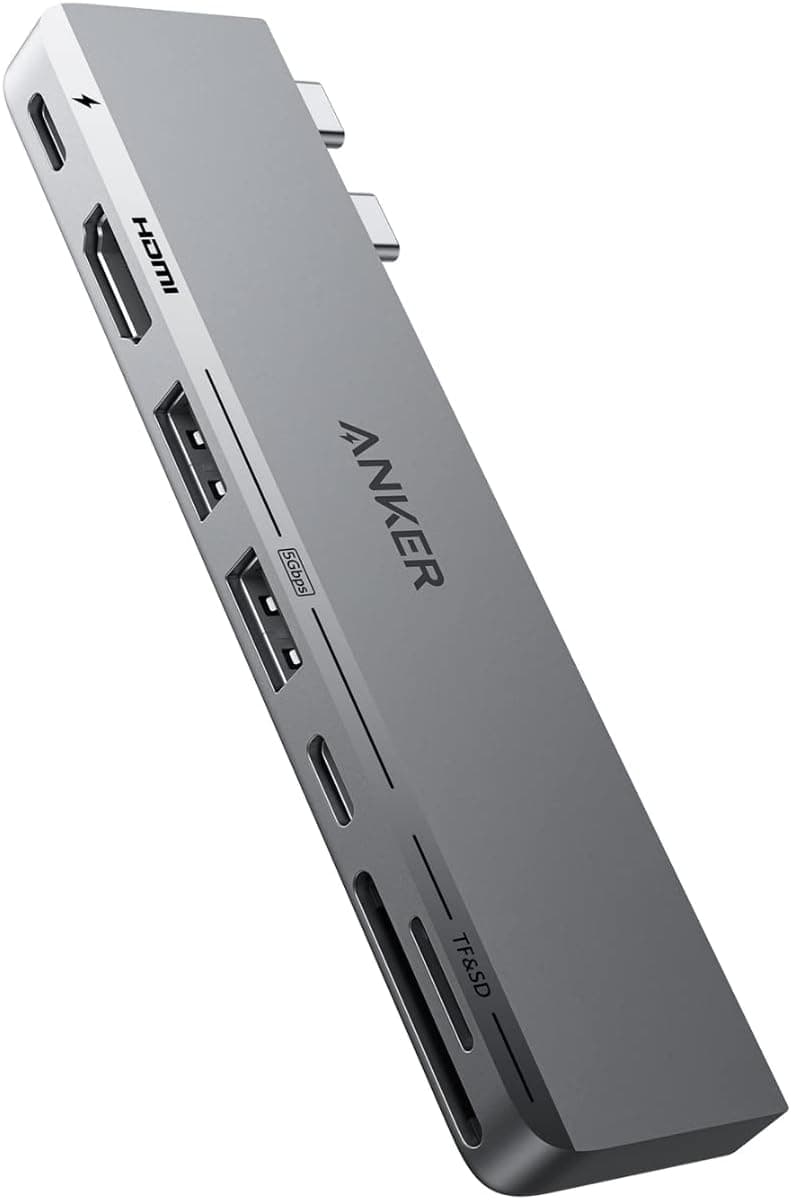
This article covers Anker 547 USB-C ハブ 7-in-2 for MacBook Thunderbolt 4.
Overview
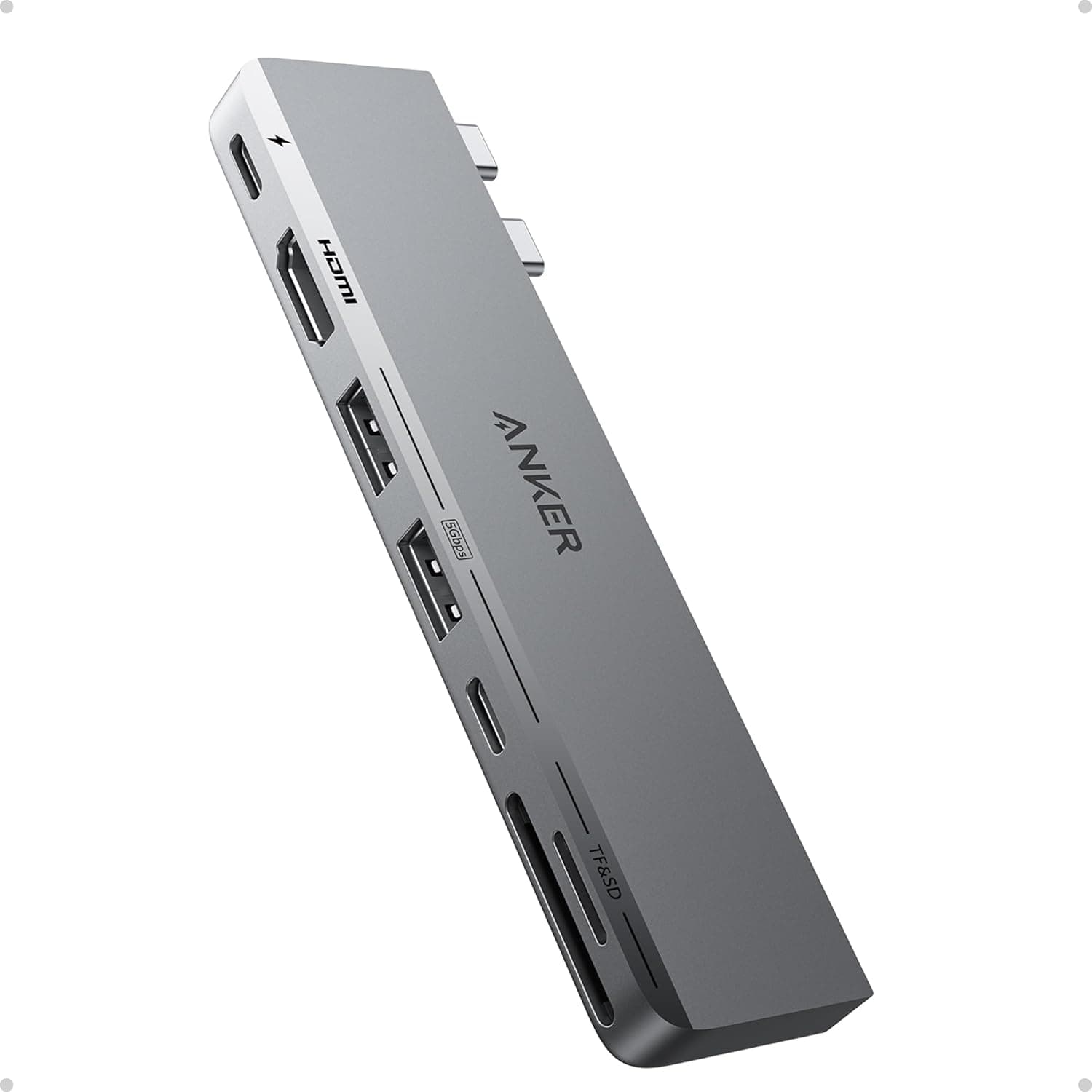
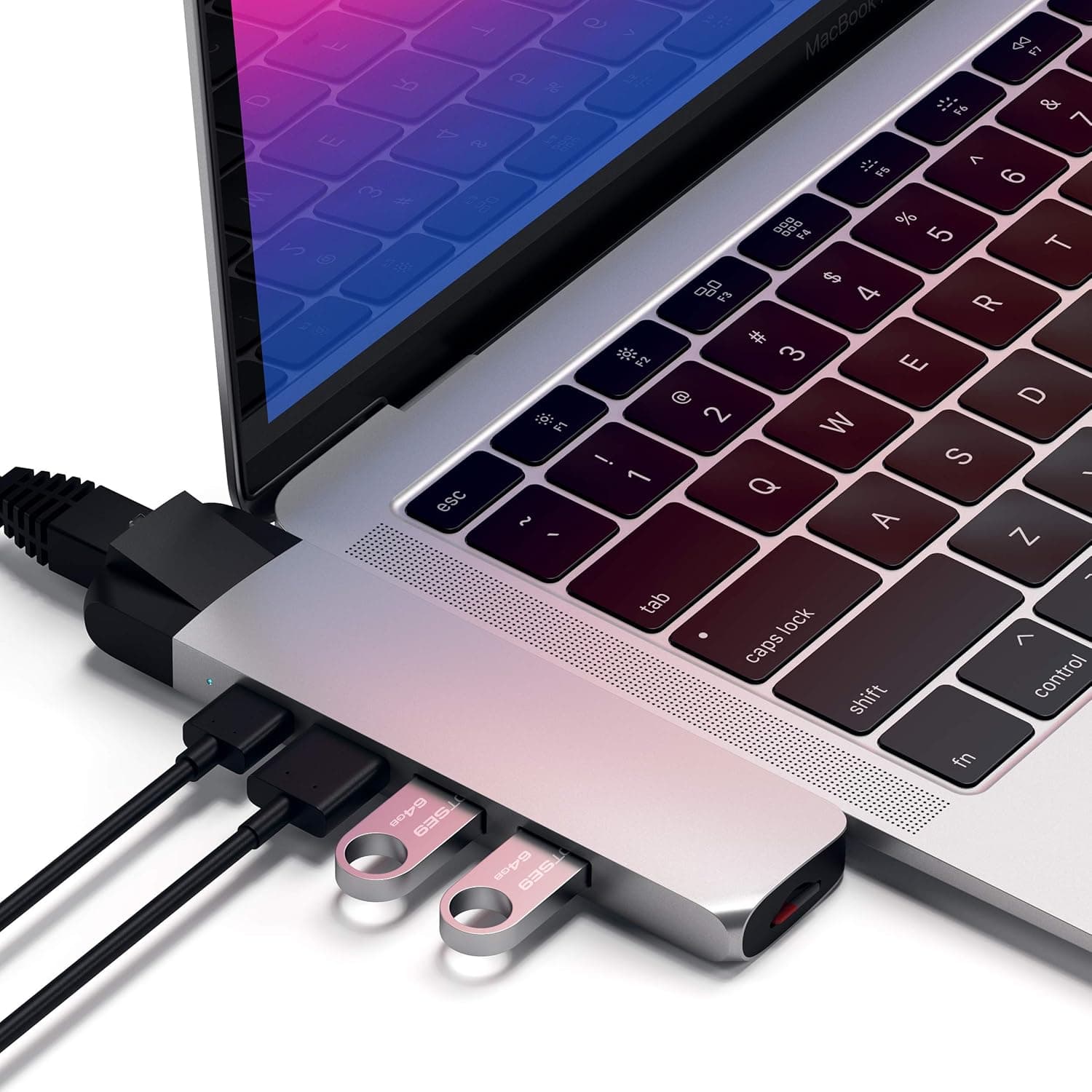
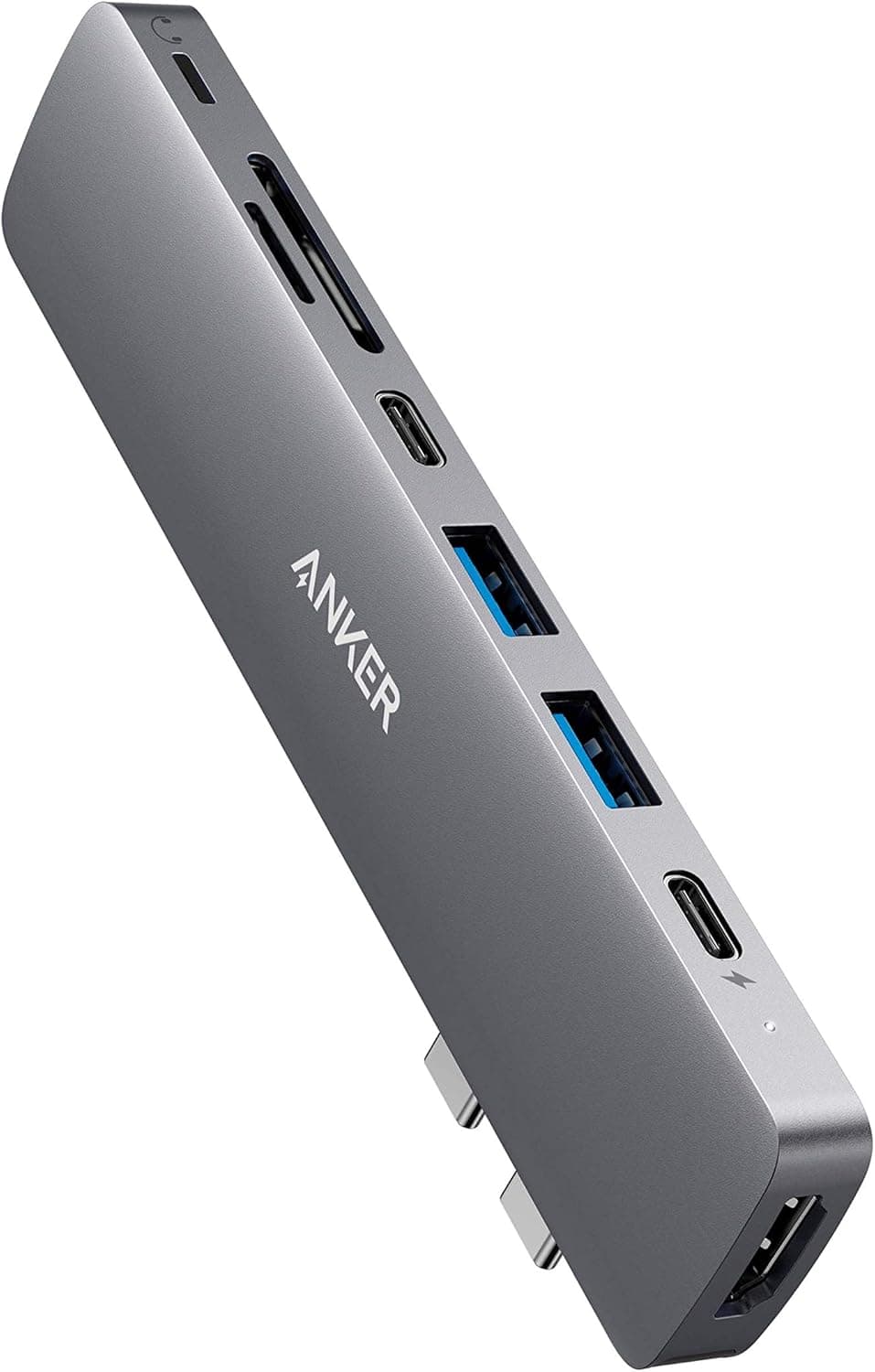
The Anker 547 USB-C Hub 7-in-2 for MacBook Thunderbolt 4 is a purpose-built expansion dock designed to snap directly into a MacBook’s dual USB-C ports. It transforms two ports into seven useful connections, including a Thunderbolt 4 multifunction USB-C port that delivers up to 40Gbps data transfers, 100W pass-through charging, and 5K video output. This hub is an ideal solution for MacBook users who find themselves constantly juggling dongles and adapters. In addition to the flagship Thunderbolt 4 port, you get a 4K@60Hz HDMI output, a 5Gbps USB-C data port, two USB-A 3.0 ports, and both microSD and full-size SD card slots. The compact, wedge-shaped body sits flush against the laptop’s chassis, preserving portability while vastly expanding connectivity. It’s a well-rounded dock that hits the sweet spot between features and convenience.
Connectivity & Compatibility
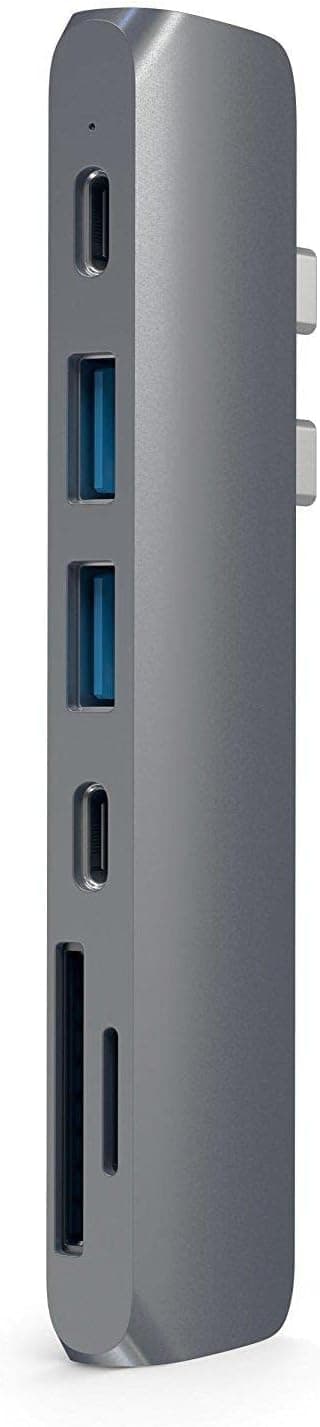
This hub connects directly to the MacBook’s Thunderbolt 4/USB4 ports via two built-in connectors. The offset design ensures it does not block the MagSafe charging port, so you can keep the power cable plugged in while using the hub. Supported ports include: Multifunction USB-C (Thunderbolt 4): up to 40Gbps data, 100W PD pass-through, 5K@60Hz video USB-C data port: up to 5Gbps HDMI port: up to 4K@60Hz Two USB-A 3.0 ports: up to 5Gbps each * microSD and SD card slots (UHS-I compatible) The hub is officially compatible with MacBook Air and MacBook Pro models from 2020 onward (M1/M2/M3/M4 chips), as well as Windows laptops with Thunderbolt 4 or USB4 ports. It will not work with machines that have only one USB-C port or where the port spacing does not match the hub’s connector layout.
Product Info
Launched in October 2023, the Anker 547 USB-C Hub occupies the mid-to-high end of the market. It offers Thunderbolt 4 throughput, 100W PD, and dual-monitor output at a price that undercuts most full-featured Thunderbolt 4 docks. The package includes the hub unit and a quick-start guide; no separate cables are needed. A standard 18-month warranty applies, extendable through Anker’s official registration. It is widely available on Japan, major electronics retailers, and the Anker online store.
Best Use Cases
MacBook users who need more ports: If you regularly connect an external monitor, a mouse, a keyboard, and an SD card, the 7-in-2 hub eliminates the need for multiple dongles. The pass-through charging keeps your laptop topped up without hogging a separate port. This is perfect for desk setups and on-the-go productivity alike. Dual-monitor workstation builders: With 5K output over USB-C and 4K output over HDMI, you can run two external displays simultaneously. This is a huge plus for video editors, developers, or financial analysts who benefit from extra screen real estate. Note that the host MacBook’s GPU capabilities and the monitor resolutions may impose limits; check compatibility before purchasing. * Mobile professionals who value convenience: The direct-attach design means no dangling cables—just plug the hub into your MacBook and go. It’s small enough to slip into a laptop sleeve, and the Thunderbolt 4 speed ensures fast file transfers to external SSDs. It is less suitable for older MacBooks with a single USB-C port or for Windows laptops with non-standard port spacing.
Things to Consider
The direct-attach form factor is both a strength and a limitation. It only fits MacBooks (and some Windows laptops) with two USB-C ports spaced exactly like the MacBook’s. If your laptop has a single USB-C port or the ports are farther apart, this hub will not work as intended. While the hub supports up to 100W input, the actual charging speed depends on the charger you use. If your MacBook charger is 67W, you will get up to 67W pass-through; to reach 100W, you need a compatible 100W USB-C charger. Also, Windows PCs without Thunderbolt 4 may see reduced data and video performance on the multifunction port. Finally, the included card slots are UHS-I, so they will not achieve the maximum speed of UHS-II cards. If you work with high-speed SD cards for 4K video, consider an external UHS-II reader for optimal performance.
Product Disclosure (Amazon)
- Manufacturer: Anker
- Seller: AnkerDirect
- Fulfilled by: Amazon
- ASIN: B0BP6F11HH
- Note: This article covers a manufacturer-made product based on Amazon listing details.