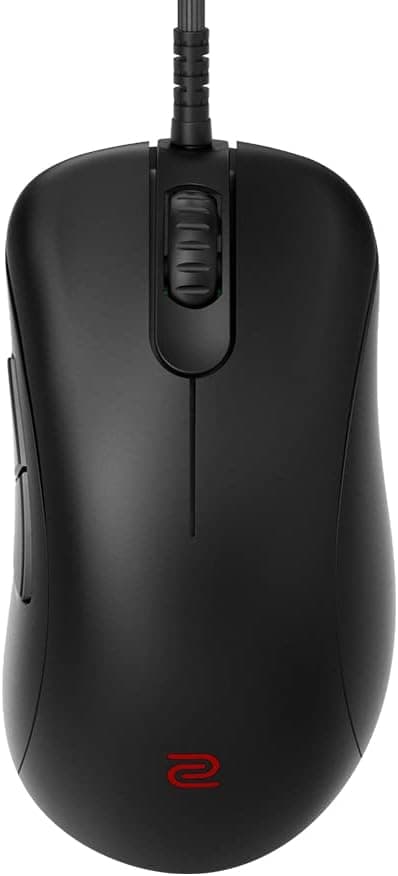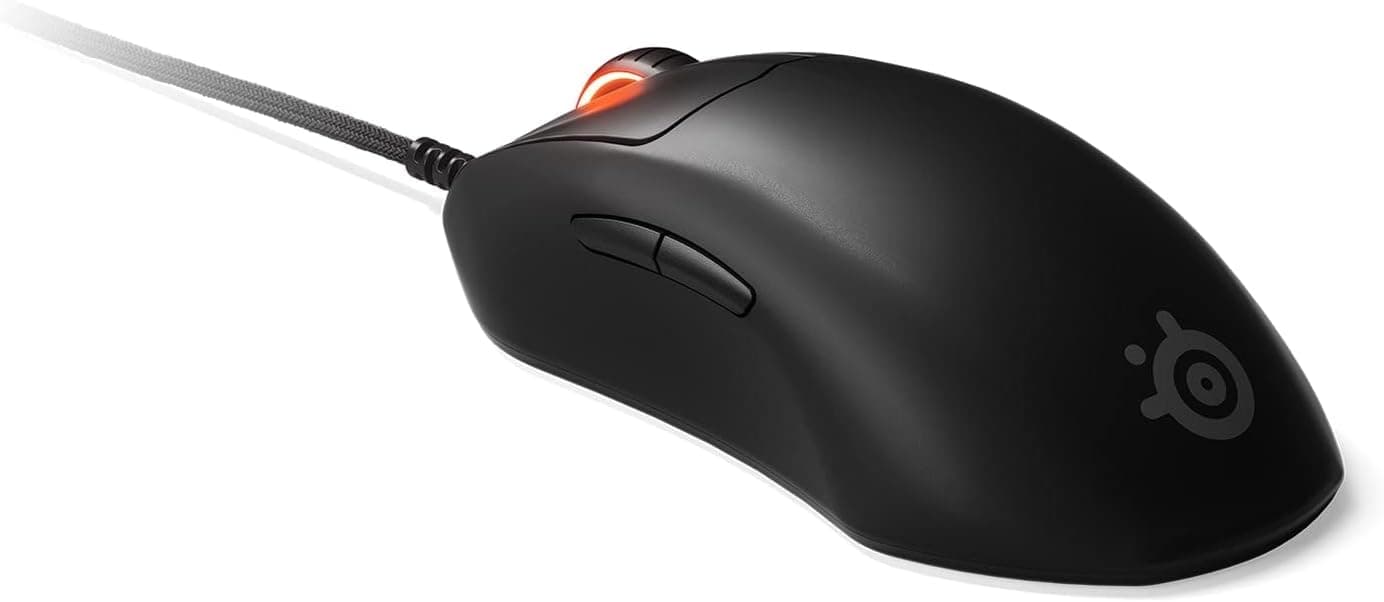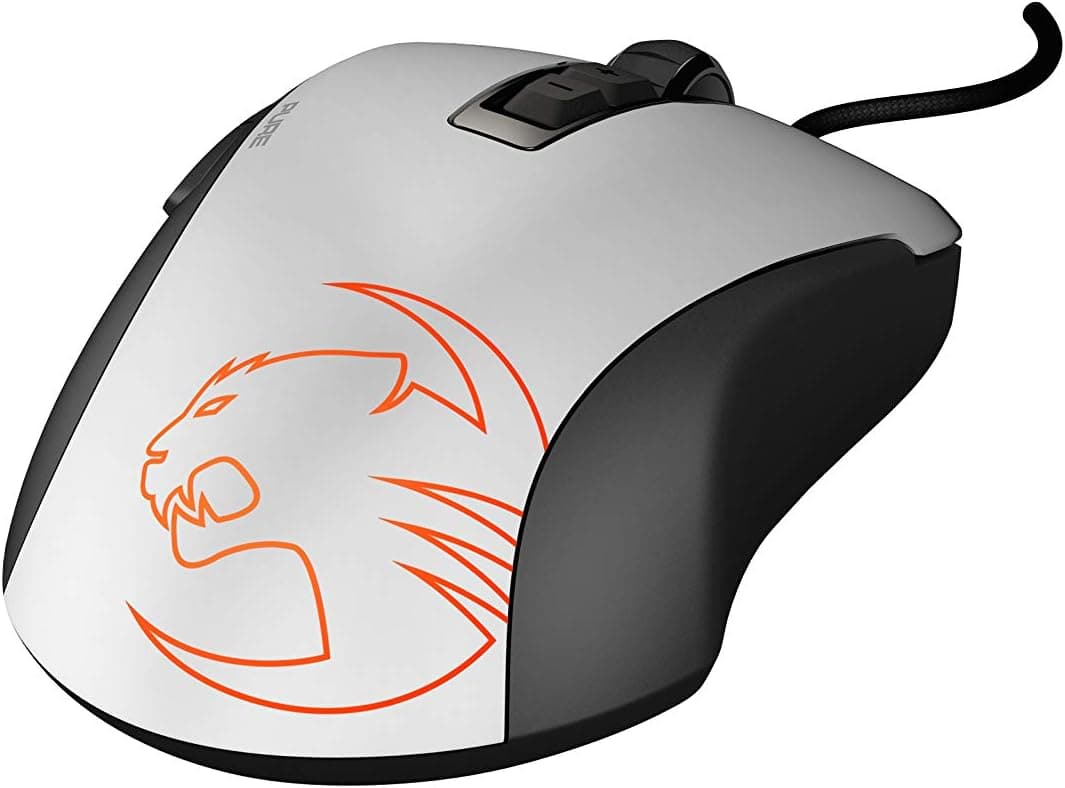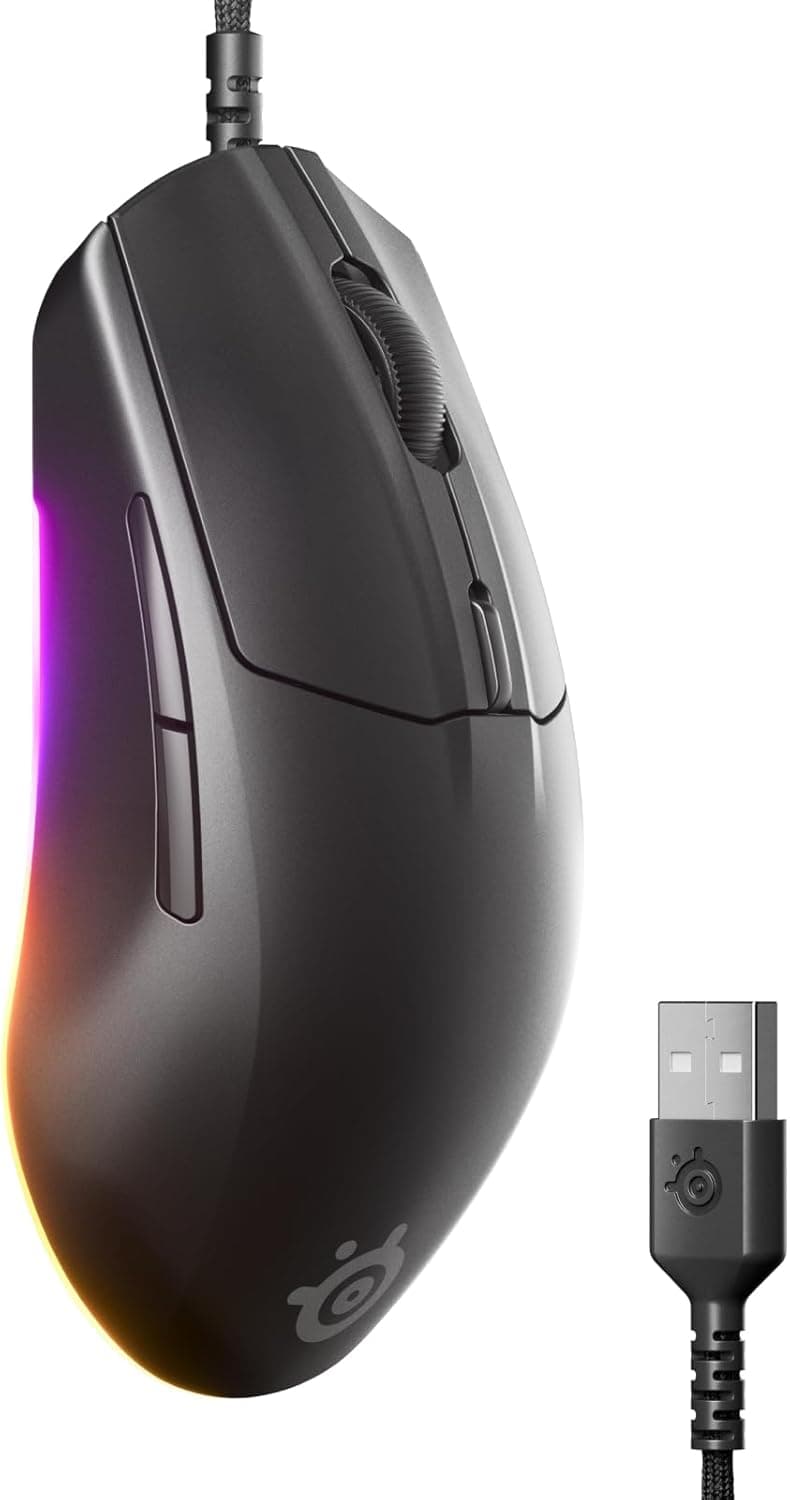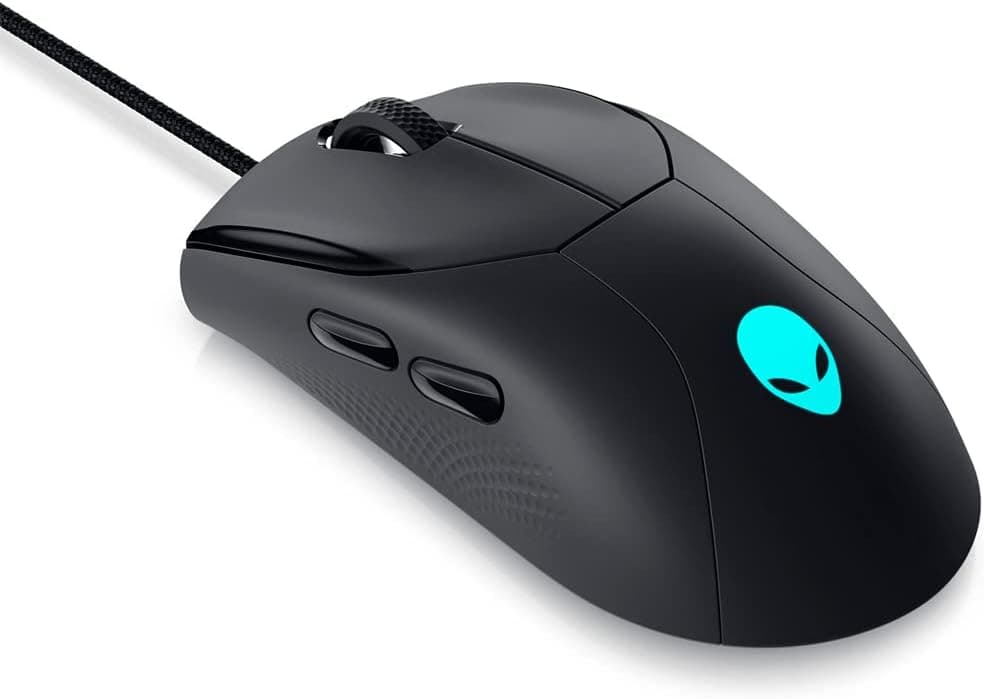
The Alienware AW320M — listed in Japan as Alienware ゲーミングマウス有線 USB-A 光学センサー 6つの設定ボタン AW320M ブラック — is a wired gaming mouse from Dell's Alienware line. This article covers how to read its published specs, whether it will work in your setup, and the pitfalls buyers notice only after unboxing.
Overview
The short version: the AW320M is a right-handed gaming mouse built around being reliably wired, not around winning the weight or polling-rate race. A 19,000 DPI native optical sensor, 400 IPS tracking and 50G acceleration tolerance put it squarely in the mid-range.
Switches are rated for 60 million clicks, and all six buttons are programmable.
The cable is a braided paracord-style USB-A lead about 2 m long. No charging, no pairing, no battery management — that is the appeal of a wired mouse at this level.
Check the retailer's page for the latest user reviews. That is a small sample, so read it as "no widespread complaints reported" rather than as a statistically solid verdict.
Quick Verdict
| Goal | Fit | Why |
|---|---|---|
| Stable wired aiming in FPS / battle royale | Yes | 400 IPS and 50G rarely get outrun by normal swipes |
| Works the moment it is plugged in | Yes | Plug-and-play; usable in BIOS or during OS install |
| Heavy macro use in MOBA / MMO | Partly | Only six assignable buttons |
| Sub-60g flick shots | No | Lightweight-focused models exist; weight is not published here |
| A cable-free desk | No | Wired only, and the cable is not detachable |
| Deep tuning on macOS | No | The configuration software is Windows-only |
In short, the AW320M pays off when you can accept a cable. Here is why.
Compatibility Guide
All it needs is one free USB-A port. No driver install is required, so basic input works instantly — including during an OS installation or in the BIOS/UEFI screen, which makes it a useful fallback when a wireless mouse fails to wake or pair.
Common stumbling blocks:
- USB-C-only laptops: you will need an A-to-C adapter or a hub. Plugging directly into the machine is more reliable than sharing a bus-powered hub with high-draw devices.
- macOS: standard input works fine, but Alienware Command Center is Windows-only. DPI steps and button remaps have to be set on a Windows machine or handled by a generic third-party utility.
- Consoles: the USB-A plug fits physically, but whether mouse input is accepted depends on the console and the individual game. Do not assume a USB port means support.
- Cable length (~2 m): routing from a PC at the back of the desk around a monitor arm eats that length quickly. A mouse bungee helps if cable rebound bothers you.
Product Details
| Item | Value |
|---|---|
| Sensor type | Optical |
| Maximum DPI | 19,000 |
| Tracking speed | 400 IPS |
| Max acceleration | 50G |
| Programmable buttons | 6 |
| Switch durability | 60 million clicks |
| Connection | Wired USB-A (paracord) |
| Cable length | approx. 2 m |
| Supported OS | Windows, macOS (customization on Windows only) |
Check the retailer's page for the latest price. Sales and stock move that number, so check the current price before buying.
The eBay side showed only "See listing" at capture time, meaning no fixed price. Overseas listings mix used and parallel-import units, so buy domestically if warranty coverage matters.
The AW320M launched in 2022. The sensor generation is not the newest available, but 400 IPS and 50G are unlikely to be a limiting factor even for low-sensitivity players.
The box contains the mouse only, and the cable is fixed.
How It Compares
The wired segment now competes mainly on weight and polling rate. The Razer DeathAdder V2 is quoted at 112g with eight buttons, and the Razer Viper 8K Hz at 71g with 8000 Hz polling.
The AW320M does not lead on either axis, and its weight is not part of the published data — if lightness is your priority, confirm the measured figure on the product page first.
On the wireless side, models claiming 53g, 63g and even 38g sit in a similar price bracket. The AW320M still makes sense if you want a matching Alienware setup and a single configuration app, if you never want to charge a mouse, or if you move between PCs and value "plug it in, it works." If none of those apply, look at the alternatives first.
Setup and Day-to-Day Use
DPI goes up to 19,000, but the practical range is 800–1600, and even high-sensitivity players rarely exceed about 3200. That 19,000 figure is sensor headroom, not a recommended setting.
Rather than raising DPI when your aim feels off, turn off "Enhance pointer precision" in Windows and adjust in-game sensitivity instead — it is far more repeatable.
The exact button layout (side button count, DPI-switch placement) is not in the published data, so check the product photos if remapping flexibility matters to you. The same applies to onboard memory: the spec sheet does not state whether profiles are stored on the mouse itself, which is worth verifying if you plan to carry settings between machines.
Who It's For
It suits FPS and battle royale players who are fine with a cable. 400 IPS and 50G will not cap out during normal swipes, and there is no battery level to monitor, so every session starts under identical conditions.
It is also a natural pick for anyone already running Alienware hardware who wants one configuration app. For someone stepping up from a bundled office mouse, six buttons and DPI switching are easy to grow into without being overwhelming.
Before You Buy
The fixed cable is the biggest practical risk. The paracord sleeving is flexible and routes well, but a broken cable means replacing the whole mouse.
If your cable rubs a desk edge, fix the routing at the same time you buy.
Six buttons is the ceiling. MOBA and MMO players who bind large skill and item sets will run out.
Dedicated MMO mice with a dozen or more side buttons are a separate category — go there instead.
The shape is right-handed only, so left-handed users should look at ambidextrous designs. The software is Windows-only, which is a real compromise on a Mac-centric desk.
Prices move. ¥12,498 was the figure captured on 2026-08-28, and several ultralight wireless models compete in that bracket.
Judge by the price at the moment you buy, not by the number in an article.
Finally, listing metadata (model number, bundled items, supported OS) is sometimes registered incorrectly on retail pages. That is a common data-entry issue rather than anything unusual, so confirm from the product image and title that what ships is the AW320M itself.
FAQ
Q. Does it work on macOS? A.
Yes for standard input — left/right click, wheel, basic side-button behavior. But Alienware Command Center is Windows-only, so DPI steps and remapping cannot be configured from macOS alone.
Q. Can I use it on PlayStation or Xbox? A.
It plugs in physically, but mouse input support depends on the console and the specific game. Check per title.
Q. What DPI should I use? A.
Start at 800–1600 for FPS. The 19,000 DPI figure is the sensor ceiling, not a recommendation.
Set DPI once and tune in-game sensitivity instead.
Q. Is it usable left-handed?
A. Not recommended; the shape is right-handed. Look for an ambidextrous model.
Q. Can the cable be replaced?
A. No — it is fixed. If you need a detachable lead, choose a model with a USB-C connector on the mouse.
Q. What is the polling rate? A.
It is not in the published data, so this article will not guess. If 4000 Hz or 8000 Hz polling is a requirement, confirm it on the product spec sheet.