Overview
The Alienware Aurora Gaming Desktop ACT1250 is a mid-tower prebuilt gaming PC from Dell's Alienware brand. (The full listing name reads "Alienware Aurora Gaming Desktop ACT1250 - Intel Core Ultra 7 265KF プロセッサー" — the trailing Japanese word simply means "processor".) The verdict up front: this machine is built for high-settings 1440p gaming and suits people who want a current-generation system working today without assembling it.
It is not the machine for anyone chasing maximum frames per yen.Check the retailer's page for the latest user reviews.
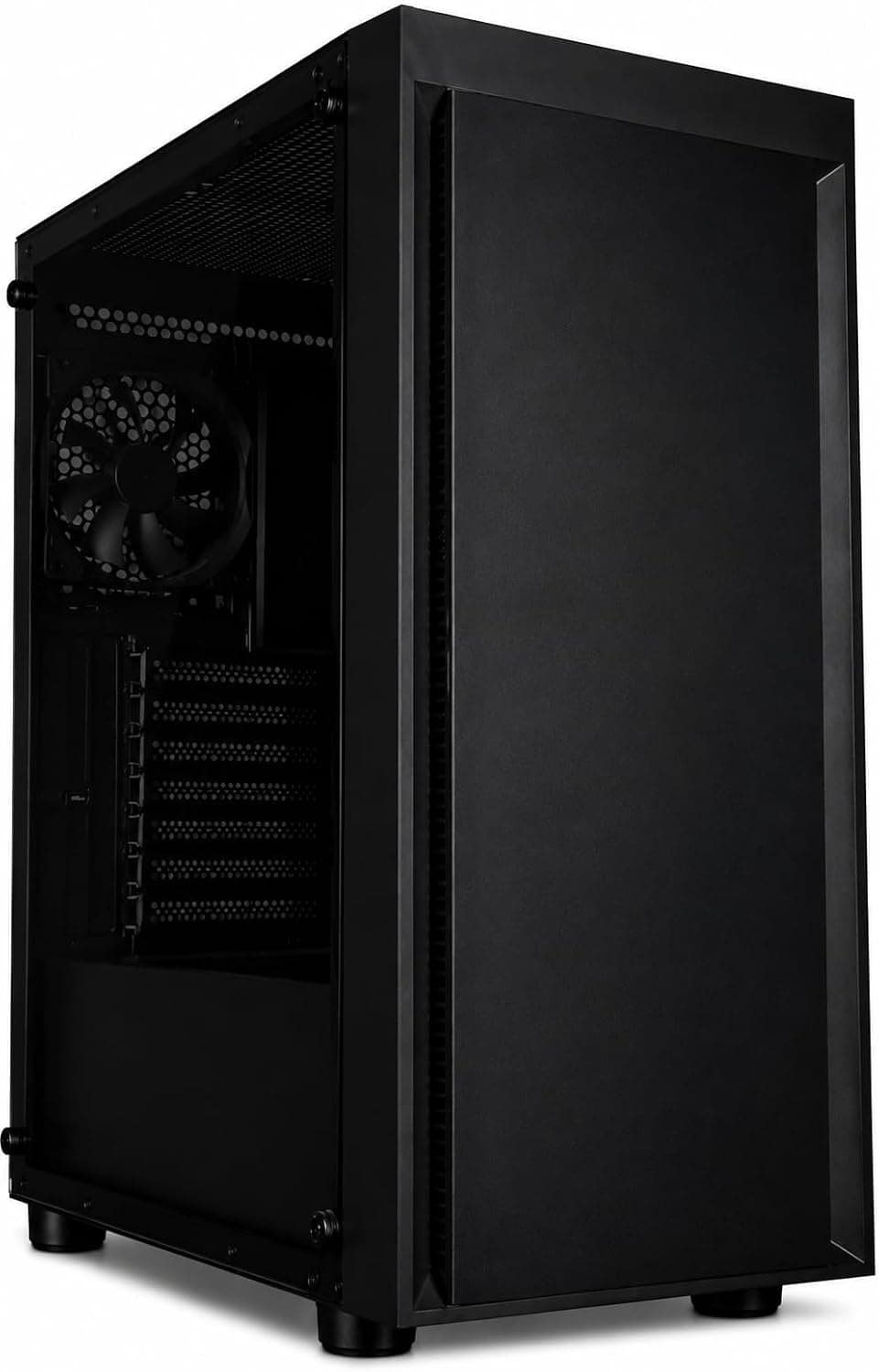
The configuration is an Intel Core Ultra 7 265KF, NVIDIA GeForce RTX 5060 Ti, 16GB of DDR5, a 1TB NVMe SSD, a 500W Platinum-rated power supply, and Windows 11 Home pre-installed. The chassis uses a matte "Basalt Black" finish with customizable AlienFX RGB lighting zones and a clear side panel that shows the internals.
The listed PassMark (CPU) score is 58561, which is plenty of headroom for export and encoding work alongside games.
The Core Ultra 7 265KF uses Socket 1851 (LGA1851), a 3nm process, and a 125W TDP. It is generally known as a 20-core part combining 8 performance cores with 12 efficient cores, which explains why the spec sheet lists both 3.9GHz / 5.5GHz and a 3.3GHz base — the two core types have different base clocks, so the figures are not contradictory.
Note also that the "KF" suffix means no integrated graphics: all display output must come from the GPU. That detail matters later for troubleshooting.
Quick Verdict by Use Case
| Use case | Verdict | Why |
|---|---|---|
| 1440p, high to ultra | Excellent | What the RTX 5060 Ti and DLSS 4 are built for |
| 1080p high refresh | Excellent | CPU headroom lets the GPU set the ceiling |
| 4K ultra | Compromise | Expect upscaling or reduced settings |
| Streaming while playing | Excellent | Many-core CPU, PassMark 58561 |
| Video editing / 3D | Good | Move to 32GB of RAM sooner rather than later |
| Huge game library | Compromise | Only one M.2 slot; expansion falls to SATA |
| Dropping in a bigger GPU later | Compromise | The 500W PSU sets the limit |
"Compromise" does not mean impossible — it means you either accept a trade-off or spend more money. The last two rows are the ones that bite after purchase, so they get their own detail below.
Compatibility Guide
The CPU socket is Socket 1851 (LGA1851) and memory runs on two DDR5-5600 slots, expandable to 64GB. The important part is that there are only two slots.
The spec sheet does not say whether the stock 16GB is 8GB x2 or a single 16GB module. With 8GB x2 you must replace both sticks to reach 32GB and the originals go unused; with a single 16GB stick you just add one.
Dual-channel operation affects frame rates too, so it is worth confirming the module count on the product page before ordering.
Expansion consists of one PCIe 5.0 x16 slot (occupied by the GPU) and one PCIe 4.0 x4 slot.
A capture card, sound card, or a 2.5GbE-and-up network card has exactly one home, and a thick GPU cooler may physically block it.
Storage is one M.2 slot (already filled by the 1TB NVMe SSD) plus two SATA ports.
There is no room for a second fast NVMe drive, so expansion means SATA SSDs or hard drives. If you keep dozens of games installed, understand that before you buy.
The PSU is 500W with Platinum efficiency. For the factory configuration that is appropriate — the RTX 5060 Ti and Core Ultra 7 265KF will not run short under normal load.
But K-series CPUs routinely pull above their TDP rating in short bursts, and adding a larger GPU erases the remaining margin quickly. If your plan involves a much bigger card later, plan on a PSU swap as part of it.
The chassis measures 458 x 197 x 418 mm and the listed weight is roughly 5.96 kg.
That 458 mm depth will not fit every under-desk rack, so allow around 500 mm including cable routing, plus a few centimeters at the sides and rear for airflow. Be aware that 5.96 kg is unusually light for a metal case of these dimensions; the listed figure may not match the physical unit, so verify it on the product page if shipping or moving the machine matters to you.
One more note on video output: because the 265KF has no integrated graphics, a removed or failed GPU means no picture at all. The usual troubleshooting trick — moving the cable to the motherboard's display port to isolate the fault — is not available on this build.
Product Info
rmation
The Japanese listing showed ¥374,079 as captured on 7 June 2026. For reference, an eBay US listing showed $1,529.99 as captured in July 2026.
The gap is wider than exchange rates alone explain; domestically distributed prebuilts carry shipping, warranty, and inventory risk in their price. Prices move constantly with sales and stock while articles do not, so check the product page for the current figure before buying.
| Item | Value |
|---|---|
| CPU | Intel Core Ultra 7 265KF (Socket 1851 / 3nm / 125W TDP) |
| Clocks | 3.9GHz / 5.5GHz (3.3GHz base) |
| PassMark (CPU) | 58561 |
| GPU | NVIDIA GeForce RTX 5060 Ti |
| Memory | 16GB DDR5 (DDR5-5600, two slots, 64GB max) |
| Storage | 1TB NVMe SSD (one M.2, two SATA) |
| Power supply | 500W, Platinum rated |
| OS | Windows 11 Home |
| Dimensions | 458 x 197 x 418 mm |
| Weight | approx. 5.96 kg |
Warranty coverage is one year of on-site service, with a technician dispatched for hardware failures. Note, however, that the listing shows a third-party distributor as both seller and shipper rather than the manufacturer's own store.
Warranty start dates and support channels can differ depending on the distribution path, so if on-site coverage is a reason you are buying, confirm how it is handled before you order.
Front I/O includes USB 3.2 Gen 1 Type-A, USB 3.2 Gen 2 Type-C, and a headphone/mic jack.
The rear adds USB 2.0, USB 3.2 Gen 2, Gigabit Ethernet, audio outputs, and display outputs straight from the GPU.
Wireless covers Wi-Fi and Bluetooth, so pairing peripherals is painless. Gigabit-only wired networking is modest for this price bracket; if you need 2.5GbE or faster for NAS work, that free PCIe 4.0 x4 slot is where it goes.
Performance Expectations
The RTX 5060 Ti supports DLSS 4, and with frame generation enabled even demanding titles land in comfortable territory at 1440p. It is not a card for native 4K ultra, so if you already own a 4K display, either accept upscaling as the normal operating mode or look at a system with a stronger GPU.
Leaving that question unresolved is how buyers end up with a monitor their PC cannot feed.
On the CPU side, the PassMark score of 58561 reflects real strength in background work during gameplay. Streaming software, browser tabs, voice chat, and local recording can run together without the frame rate falling apart — that is where this chip earns its place.
The flip side is that for pure gaming the CPU is somewhat more than needed, and a build that shifted that budget into memory or the GPU would deliver better value per yen.
How It Compares
There are really three comparison axes at this budget: systems with the same Core Ultra 7 class CPU but a different GPU, systems pairing an AMD X3D chip with a stronger GPU, and building an equivalent spec yourself. On frames-per-yen, the latter two usually win, and that is worth stating plainly rather than glossing over.
What the Aurora ACT1250 sells instead is chassis quality including AlienFX lighting, a year of on-site warranty, and the fact that setup ends when you press the power button. For someone who does not want to lose half a day to one unseated cable, or who has no interest in diagnosing faults personally, that premium is reasonable insurance.
The decision comes down to performance per yen versus convenience plus support.
What Owners Report
Solid, but 54 responses cannot tell you about defect rates or long-term noise and thermal behavior. Read what the low-star reviews actually complain about instead of stopping at the average — with prebuilts, scores often split over the seller, shipping condition, and initial setup rather than the hardware itself.
Prebuilt gaming desktops in general draw three recurring complaints: fan noise under load, stingy stock memory and storage, and limited upgradability from proprietary design choices. This machine clearly fits the second (16GB / 1TB), and the third shows up as hard numbers: one M.2 slot, two memory slots, a 500W PSU.
Recommended Users
This is a strong fit if you play current titles at 1440p with high settings and want to stream or export video at the same time. The many-core Core Ultra 7 265KF is exactly the kind of CPU that pays off when something is always running in the background.
It also suits people who do not want to build, or who have built before and would rather buy time this round. Windows 11 Home and drivers arrive ready, and on-site warranty means you are not the one diagnosing a failure.
Finally, it appeals if desk aesthetics matter to you — AlienFX lighting and the clear side panel are genuinely fun if you like RGB. If you want a quiet, unlit workhorse, or consider lighting wasted money, look elsewhere and you will be happier.
Before You Buy
16GB and 1TB are the bare minimum. Single games routinely exceed 100GB, so the OS plus a handful of titles fills a 1TB drive.
Memory gets tight too once a browser and streaming software join the game. Budget for 32GB of RAM and an extra SATA SSD at purchase time — and remember that with only two slots, going to 32GB may mean replacing sticks rather than adding them.
The 500W PSU limits your future. It is fine for the stock configuration but not for a much larger GPU later.
Prebuilt power supplies are often sized and shaped to the case, so assume less swap freedom than in a self-built machine. A plan of "run the RTX 5060 Ti now, drop in a bigger card in a few years" does not work cleanly here.
There is only one M.2 slot, and it is taken. Adding a second fast NVMe drive is effectively off the table, so expansion happens over SATA with the load-time difference that implies.
Design your storage layout around keeping latency-sensitive games inside that 1TB.
Check the price and the seller. ¥374,079 was the figure captured on 7 June 2026 and nothing since is reflected here.
The seller and shipper are a third-party distributor, not the manufacturer's store. With prebuilts, the seller determines warranty handling, bundled accessories, and how the machine arrives configured, so do not choose on price alone.
Listing metadata is sometimes wrong. This article repeats the published figures as given, but some of them — the weight in particular — may not match the physical unit.
If the manufacturer name, model number, or accessory list looks off, confirm from the product images and title that you are actually looking at the ACT1250. Similar model numbers with different GPUs or memory capacities sometimes share a single listing page.
FAQ
Q. Is 16GB enough? A.
Most games run fine. If you also keep streaming software and a browser open, go to 32GB — and note that with two slots this may be a replacement rather than an addition.
Q. Is a 500W PSU enough for the RTX 5060 Ti? A.
Yes, as shipped from the factory. It becomes the bottleneck only when you install a more power-hungry GPU.
Q. Can it handle 4K? A.
With DLSS 4 upscaling, yes, usably. It is not built for native 4K ultra, so if 4K is the goal, consider a stronger GPU configuration.
Q. How much storage can I add? A.
The single M.2 slot is already populated, so additions use the two SATA ports.
Unlike memory, which reaches 64GB, fast-storage expansion is essentially closed.
Q. What if there is no picture on boot? A.
The Core Ultra 7 265KF has no integrated graphics, so all video comes from the GPU. Check first that the cable is in a GPU output and not a motherboard port.
Q. How much space does it need? A.
The chassis is 458 x 197 x 418 mm. Allow roughly 500 mm of depth with cables attached, plus a few centimeters at the sides and rear for airflow.
Product Disclosure (Amazon)
- Manufacturer: Alienware
- Seller: よろず流通館 送料無料!年中無休でお届けします!
- ASIN: B0F9MRQ328
- Note: This article covers a manufacturer-made product based on Amazon listing details.