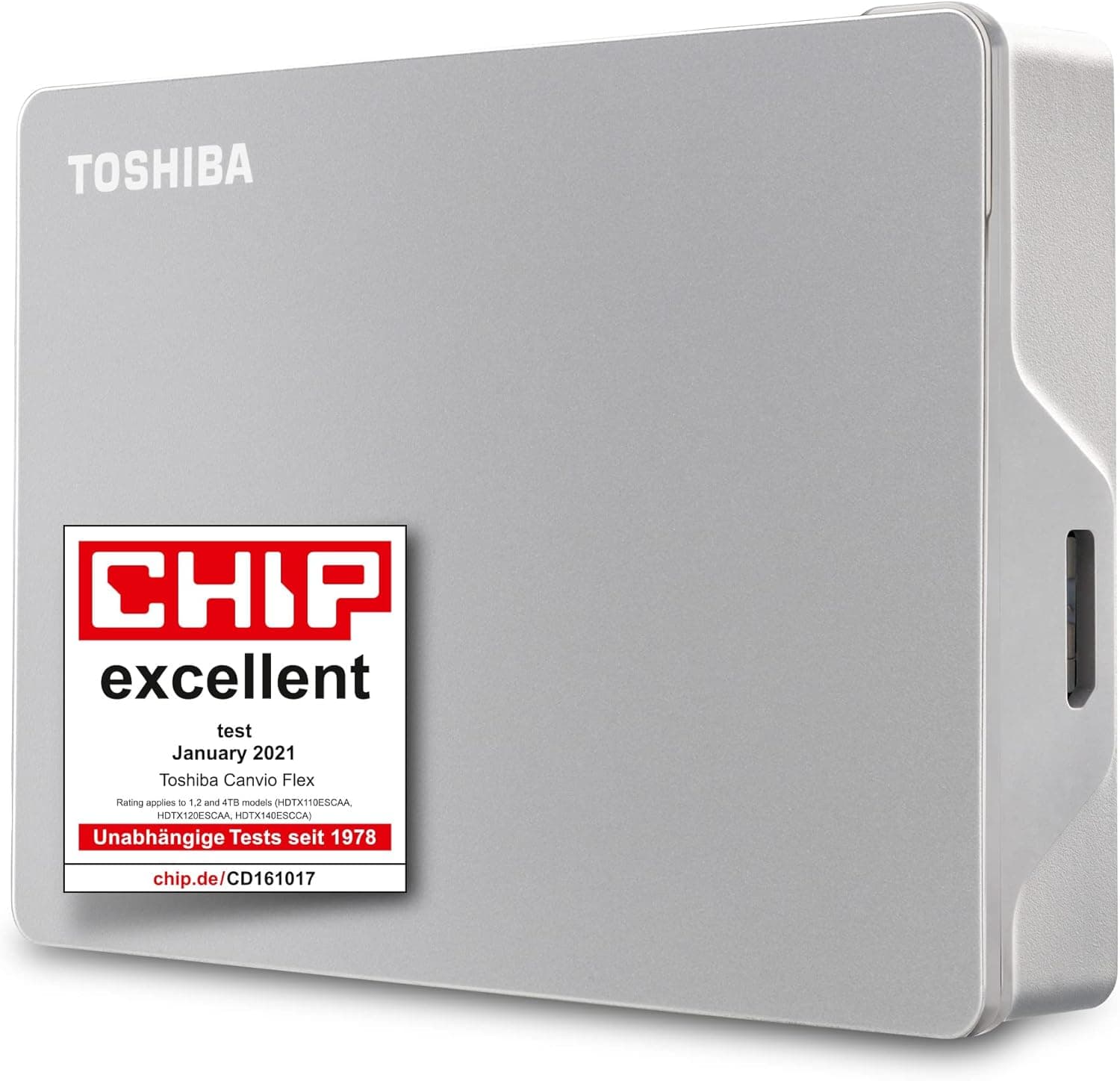
This article covers 東芝 4TB Canvio Flex ポータブル外付けハードドライブ Mac Windows PC タブレット用 ほとんどのUSB-CおよびUSB-Aデバイスに対応 シルバー (HDTX140ESCAA).
Overview
The Toshiba Canvio Flex 4TB (HDTX140ESCAA) is a portable external hard drive designed for users who need a large-capacity backup solution without compatibility headaches. It ships pre-formatted in exFAT, making it instantly usable with Windows, macOS, and most USB-C or USB-A devices including tablets. The drive uses a USB 3.2 Gen 1 (USB 3.0) interface, delivering transfer speeds up to 5 Gbps, though real-world performance is limited by the 5400 RPM HDD to around 120 MB/s sequential. Offering 4TB of storage in a slim silver chassis, the Canvio Flex is ideal for backing up photos, videos, documents, and even game libraries. The bundled USB-C cable and a USB-C to USB-A adapter ensure broad device compatibility without extra purchases. Included backup and security software (Windows only) lets you schedule automatic backups and password-protect the drive. Positioned in the mid-range portable storage segment, the Canvio Flex competes directly with Seagate Backup Plus Slim and WD My Passport. Its key differentiators: a USB-C cable in the box, out-of-the-box exFAT format for cross-platform use, and a slightly more compact form factor. For users prioritizing low cost per terabyte and ease of use over raw speed, this drive is a solid choice.
Compatibility Guide
Operating systems: Windows 10/11, macOS (no driver installation required) Connectivity: USB 3.2 Gen 1 Type-C connector; includes USB-C to USB-A adapter for legacy ports Form factor: 2.5-inch portable HDD, bus-powered (no external power adapter needed) Game console support: Not officially supported for PS4/PS5 or Xbox; designed for PC/Mac/tablet use * Note: When connected to USB 2.0 ports, performance drops to USB 2.0 speeds (480 Mbps).
Product Info
Launch: Late 2021; still widely available as of June 2026. Price tier: Approx. ¥6,800–¥7,500 on Japan; roughly $60–$70 USD in global markets. Warranty: Standard 1-year limited warranty from Toshiba. Market position: Mid-range. Offers great value per terabyte for bulk storage, but not intended for OS or application use due to HDD speed constraints.
Best Use Cases
Creative professionals and photographers: The 4TB capacity can hold tens of thousands of RAW photos or hours of 4K video footage. Use it as an archive/backup drive, not for active editing (HDD speeds will bottleneck large file manipulation). Ideal for on-set backup alongside a laptop. Office workers and remote employees: Keep daily document backups automated via the included software. No need to reformat when switching between a Windows desktop and a MacBook. The bus-powered design means one less AC adapter to carry. * Budget-conscious storage seekers: If you need 4TB of reliable external storage and don't require SSD speeds, this is one of the most cost-effective solutions. Great for game library backups on a PC, or as a media drive for a home server. ## Alternatives
Direct competitors include the Seagate Backup Plus Slim 4TB and WD My Passport 4TB, both priced similarly. The Seagate model offers its own backup software (Toolkit) and often features a slightly shorter warranty (2 years vs 1 year for Toshiba in some regions). WD My Passport has built-in hardware encryption and longer warranty (3 years). If you need faster transfers, consider an external SSD like the Crucial X6 4TB or Samsung T7 4TB, but expect to pay 2–3 times more. For pure backup duty, an HDD remains cost-effective.
Things to Consider
The Canvio Flex is not designed for speed; expect sequential read/write around 120 MB/s due to the 5400 RPM HDD. It is unsuitable as a primary drive for running operating systems or demanding applications. Also, as an HDD, it is physically vulnerable to drops—use a padded case when transporting. The included backup software is Windows-only. Mac users will rely on Time Machine or third-party apps. The warranty (1 year) is shorter than some competitors (WD offers 3 years). Also, the USB-C cable is relatively short (about 30 cm), which may be inconvenient for some desktop setups. Finally, while the drive is labeled for most USB-C and USB-A devices, compatibility with Android tablets or Chromebooks may vary—test before relying on it for critical data. ## FAQ Q: Can I use this drive with a PlayStation 5 or Xbox Series X? A: Not officially. While it may be detected as external storage, game installation is unsupported. It's best considered a PC/Mac accessory. Q: Does the drive work with Time Machine on Mac? A: Yes, but you'll need to reformat it to Mac OS Extended (Journaled) or APFS in Disk Utility first. The default exFAT format is not compatible with Time Machine. Q: Is the included backup software available for macOS? A: No. Toshiba's backup and security utilities are Windows-only. Mac users can use Time Machine or third-party solutions like Carbon Copy Cloner.