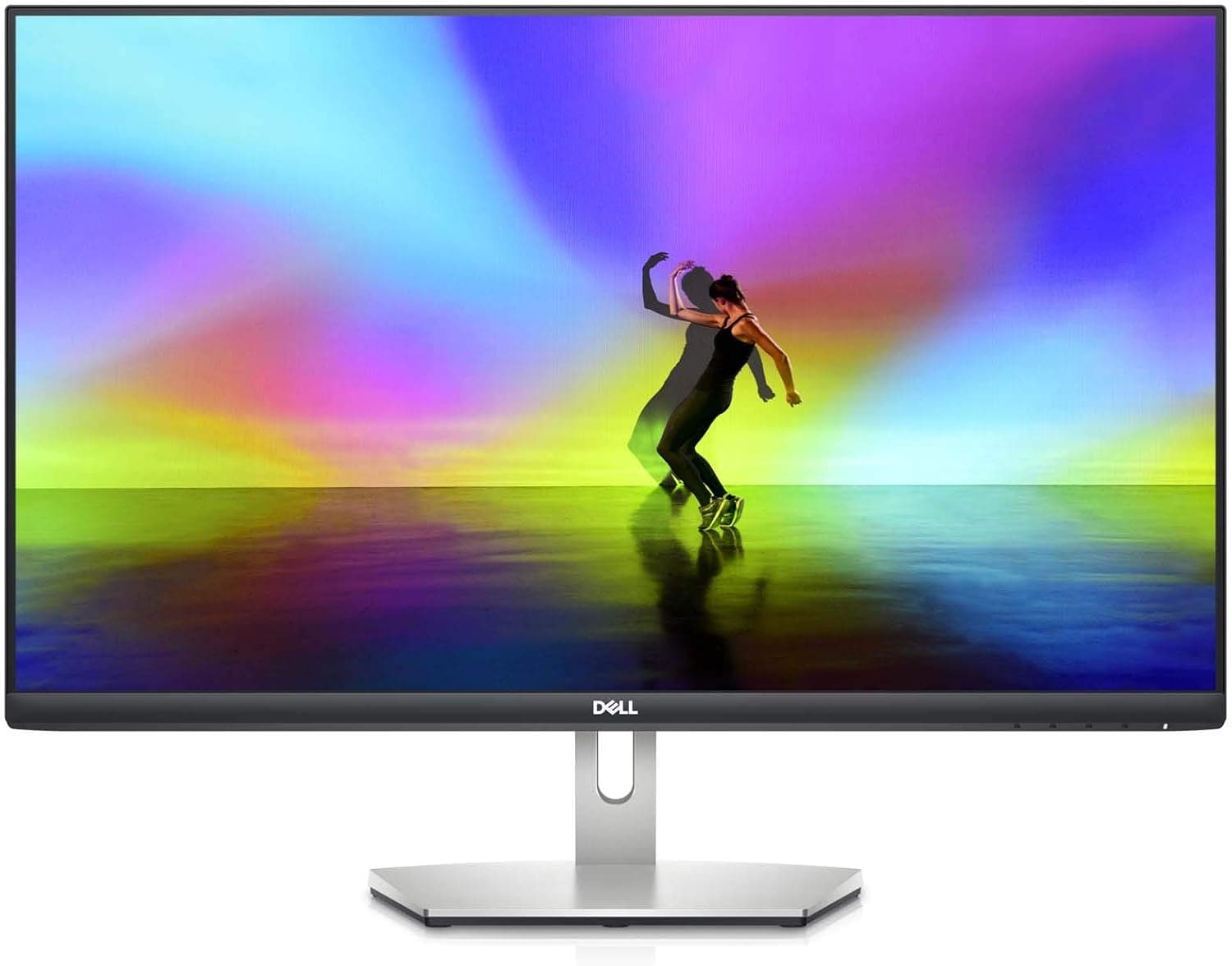
This article covers Yodoit モバイルモニター モバイルディスプレイ 15.6インチ FHD 非光沢IPS液晶 VESA 標準HDMI カバー付属 軽量 スピーカー内蔵 Switch.
Overview
The Yodoit PTM15 is a 15.6-inch portable monitor with a Full HD resolution and a non-glare IPS panel. The 178-degree viewing angle and vivid color reproduction make it a solid choice for anyone who needs a second screen on the go. At just 0.68 kg and 11 mm thick, it slips easily into a laptop bag or suitcase.
Connectivity is flexible: a single USB Type-C cable can carry both video and power, while an HDMI input covers game consoles and other devices. The PTM15 works with laptops, desktop PCs, Macs, smartphones, PS4/PS5, XBOX, and Switch, making it a versatile companion for work and entertainment. Two built-in speakers and a protective cover that doubles as a stand round out the package.
This is an entry-level portable display that focuses on practicality rather than gaming-grade specs. HDR support and low blue light technology add everyday comfort, whether you are reviewing documents in a hotel room or watching videos on a trip.
Compatibility Guide
There are two ways to connect the PTM15. The first is a USB Type-C to USB Type-C cable, which handles both video and power in a single line. The second method uses an HDMI to HDMI cable for video and audio, plus a separate USB-A to USB-C cable for power. Note that the HDMI cable alone cannot supply power, so both cables are required for that setup.
Supported devices include laptops, desktop PCs, Macs, smartphones, PS4/PS5, XBOX, and Switch. For smartphone use, your handset must have a full-featured Type-C port that supports video output. The PTM15 does not currently work with Switch2, so keep that in mind if you own one.
The monitor has a VESA mount and supports portrait mode. Use M4×6mm screws for mounting, but be careful not to overtighten them — excessive force can damage the panel. Avoid using a power drill or electric screwdriver for this task.
Product Info
The PTM15 features a 15.6-inch Full HD (1920×1080) non-glare IPS panel with HDR technology for improved contrast and brightness. Low blue light filtering helps reduce eye strain during long sessions. The unit measures approximately 403 mm long, 264 mm wide, and 53 mm high, weighing just 0.68 kg.
In the portable monitor market, this sits firmly in the entry tier. It offers a practical set of features at an accessible price point, targeting users who need a secondary display without breaking the bank. Plug-and-play operation means no driver installation is required — just connect the included USB Type-C or HDMI cable and start working.
Best Use Cases
- Business travelers who need a second screen for their laptop on the road. The 0.68 kg weight and bundled protective cover make it easy to pack, and the USB-C connection keeps the setup clean. Not ideal for those who want a permanent dual-monitor desk setup.
- Console gamers who want to play PS4/PS5, XBOX, or Switch away from home. The HDMI input lets you display game footage in a hotel room or at a relative's house. Switch2 owners should note that this model is not yet compatible.
- Office workers who want to boost productivity with a laptop at home or in the office. A single USB Type-C cable carries both video and power, keeping the desk tidy. Smartphone users need a full-featured Type-C port on their device to connect.
Things to Consider
When using the HDMI input, you will need a separate USB-A to USB-C cable for power — the HDMI cable alone cannot drive the display. Smartphone compatibility is limited to handsets with full-featured Type-C ports, so check your device's specifications before buying.
VESA mounting requires M4×6mm screws tightened by hand. Using a power drill or overtightening can crack the panel, so proceed with care. The lack of Switch2 support is another limitation to factor into your decision.
As an entry-level product, this monitor does not offer high refresh rates or wide color gamut coverage that gamers might expect. It is best understood as a practical secondary display rather than a gaming-oriented panel.
FAQ
Q: Can I connect this to a laptop with a single USB Type-C cable?
A: Yes, a USB Type-C to USB Type-C cable carries both video and power. However, your laptop's Type-C port must support DisplayPort Alternate Mode for video output.
Q: How do I connect a game console?
A: Use an HDMI to HDMI cable for video and audio, plus a USB-A to USB-C cable for power. The monitor supports PS4/PS5, XBOX, and Switch, but not Switch2 at this time.
Q: Will this work with my smartphone?
A: It works with smartphones that have a full-featured Type-C port supporting video output. Devices without this capability will not display an image, so verify your phone's specs first.
Product Disclosure (Amazon)
- Manufacturer: Yodoit Limited
- Brand: Yodoit
- Model: PTM15
- ASIN: B0G1MDDQ4X
- Note: This article covers a manufacturer-made product based on Amazon listing details.