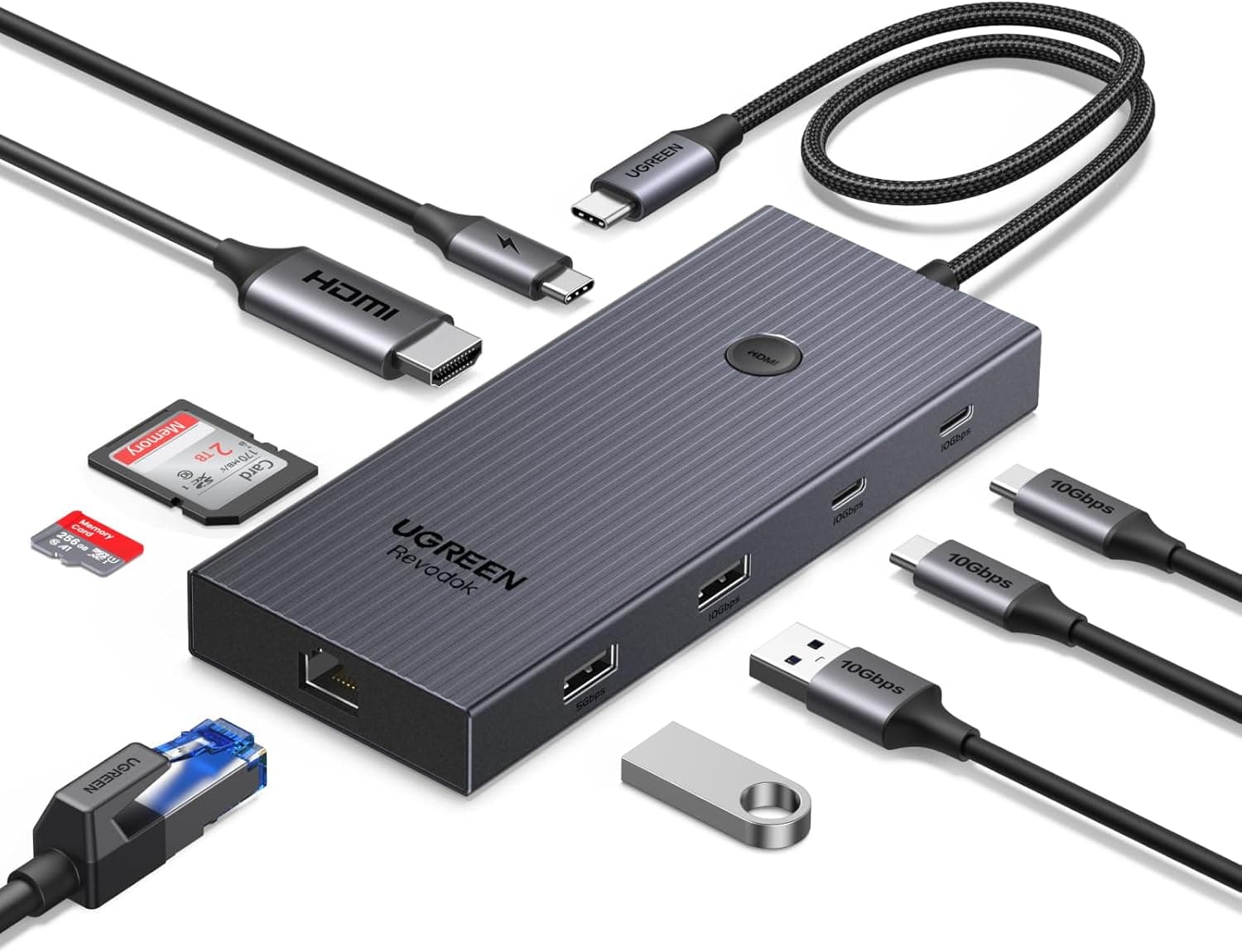
This article covers UGREEN Revodok Pro 9-in-1 USB-Cハブ 10Gbpsデータ転送対応 4K HDMI・ギガビットLAN・PD100W・SD.
Overview
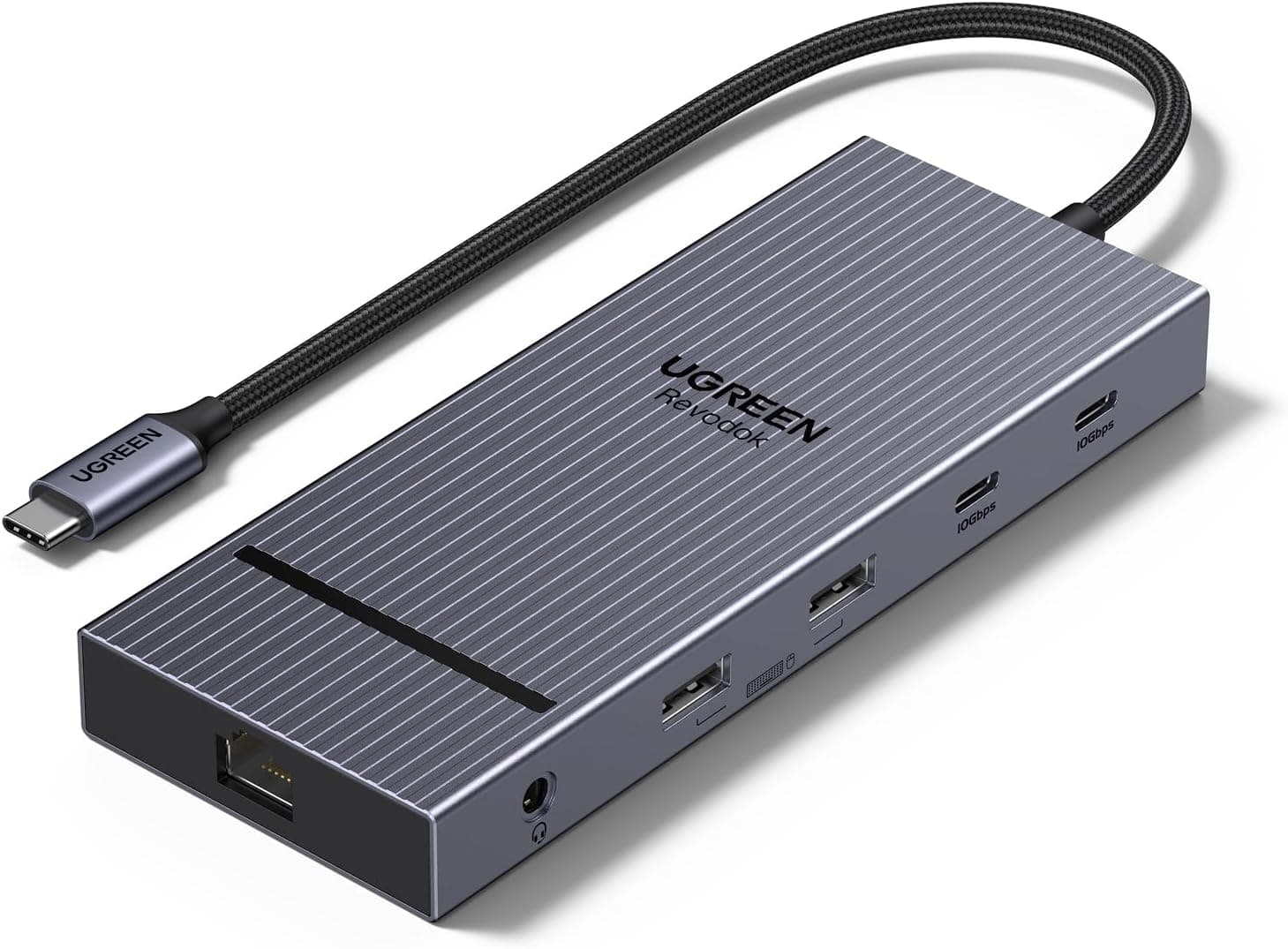
The UGREEN Revodok Pro 9-in-1 USB-C Hub is a versatile docking station designed to expand the connectivity of laptops and tablets with a single USB-C port. It combines 10Gbps data transfer, 4K@60Hz HDMI output, gigabit Ethernet, 100W Power Delivery pass-through, and SD/TF card readers into one compact unit. This hub targets users of thin-and-light notebooks like MacBook Air, Dell XPS, Surface Pro, and iPad Pro who need to connect multiple peripherals simultaneously. Its 9-in-1 design eliminates the need for separate adapters, making it an ideal travel companion or desktop companion.
Connectivity & Compatibility
The UGREEN Revodok Pro connects via a built-in USB-C cable to any host device with a USB-C port supporting USB 3.2 or later. Compatible devices include MacBook (2016+), Dell XPS 13/15, HP ENVY X360, iPad Pro (2018/2020/2022/2024), iPad Air 4, Surface Pro 7/9, Surface Laptop 5, Galaxy S9/S20/S21/S24, and iPhone 15 Pro. Port lineup: HDMI: up to 4K@60Hz, backward compatible with 2K@144Hz and 1080P@240Hz 2× USB-C 3.2 (data only, 10Gbps each) 1× USB-A 3.2 (10Gbps) 1× USB-A 3.0 (5Gbps) Gigabit Ethernet (RJ45, 10/100/1000Mbps) SD card slot (UHS-I) TF/microSD card slot (UHS-I) USB-C PD input: up to 100W input (85W output after internal consumption) A dedicated HDMI ON/OFF button lets you toggle the external display without unplugging cables, useful for privacy or presentation switching.
Product Info
The UGREEN Revodok Pro 9-in-1 USB-C Hub was released in 2025 and sits in the mid-range segment of USB-C hubs. It offers a strong balance of features and price, with 10Gbps data transfer, 4K@60Hz video, and 100W PD charging at a competitive price point around ¥3,400. Warranty is 18 months (standard for UGREEN). The hub comes with an integrated USB-C cable (no separate cable needed). It is widely available on Japan and other online retailers.
Best Use Cases
Single USB-C port laptop users: Ideal for MacBook Air, Surface Pro, or similar devices that lack multiple ports. Connect an external monitor, wired Ethernet, SD card, and charge simultaneously. However, if you need to connect multiple high-power peripherals, using the PD input is recommended to avoid power drops. Content creators and photographers: The SD/TF card slots allow direct import from cameras. 10Gbps USB-C ports speed up file transfers for large RAW or video files. For heavy 4K editing workflows, a Thunderbolt dock might offer better sustained performance. Remote workers and business users: Gigabit Ethernet provides stable internet for video calls, while HDMI enables a second monitor. PD charging keeps the laptop powered throughout the day. Note that only one HDMI output is available; dual-monitor setups require an additional USB-C to HDMI adapter. iPad Pro or tablet desktop users: Transform your tablet into a workstation by connecting a monitor, wired network, and storage simultaneously. Be aware that iPadOS external display support is limited to mirroring in most apps, not extended desktop.