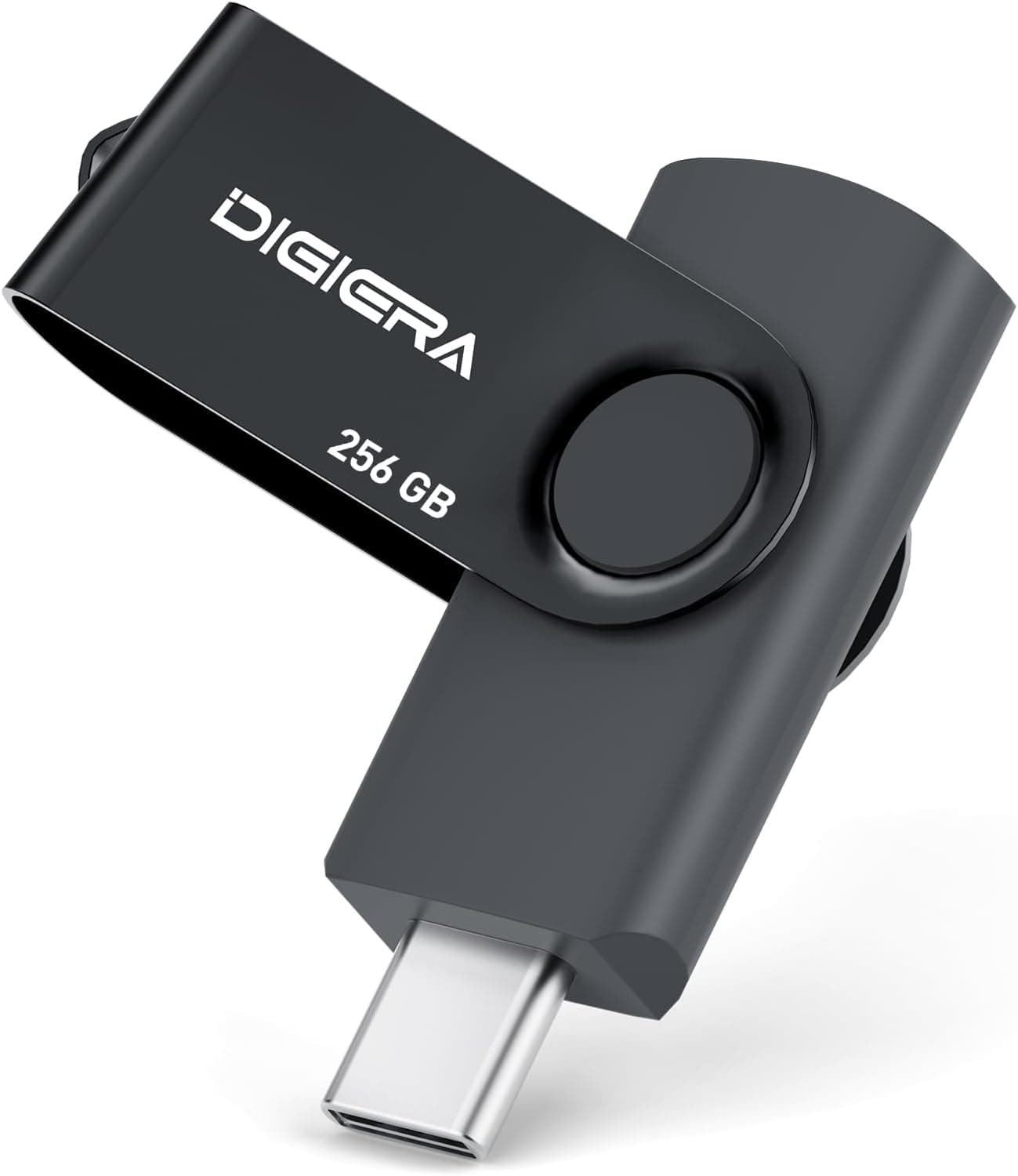
Overview
The Transcend TS256GJF930C is a 256GB flash drive that puts both a USB Type-A and a USB Type-C connector into a single sliding body. You can move between a desktop's Type-A ports and a laptop or phone's Type-C port without hunting for an adapter, which makes it a practical everyday carry drive.
Transcend rates it at up to 420MB/s read and 400MB/s write, which is quick for a USB stick. Moving multi-gigabyte video files, photo backups or game save data feels far less tedious than with a bargain-bin drive, and the 256GB capacity sits comfortably in the middle of the market.
The housing measures roughly 71.3mm long, 20mm wide and 7.8mm tall at 11g, so it disappears into a pocket or a small pouch. It is a mid-tier product rather than a flagship: the appeal is the dual connector and the speed, not exotic extras.
Compatibility Guide
The drive uses a USB 3.2 Gen 1 interface and offers both Type-A and Type-C plugs. That means it fits older desktops with only Type-A ports as well as slim laptops that have dropped Type-A entirely, with no dongle in between.
USB 3.2 Gen 1 is backward compatible, so the drive will still mount in a USB 2.0 port. Speeds drop sharply in that case, though, so plug it into a blue or red USB 3.x port if you want the rated throughput.
Transcend states the drive has been tested for PS4 and PS5 use, which makes it a reasonable candidate for moving console save data or screenshots. Console firmware and system behavior can vary, so keep a second copy of anything important.
Product Info
The TS256GJF930C launched on March 22, 2021. With 256GB of storage and a dual-connector design, it lands in the mid tier: clearly faster than entry-level sticks, but priced and sized below high-capacity portable SSDs.
The rated 420MB/s read and 400MB/s write figures put it close to portable-SSD territory for casual transfers. The sliding cap-free design also removes the usual worry of losing a plastic lid.
Best Use Cases
- People who split time between a Type-C-only laptop and a Type-A desktop: one drive covers both ports, so no adapter is needed. Not ideal if you routinely shuttle enormous video projects that need more than 256GB.
- Console owners who want to offload PS4/PS5 save data and captures: the tested-for-console note makes it a convenient companion. It is not a substitute for a permanently attached external SSD.
- Students and business travelers carrying documents: at 11g it adds no bulk to a bag. Anyone moving tens of gigabytes daily should look at a larger SSD instead.
Things to Consider
The 420MB/s figure is a maximum, and real speed depends on the host port, the PC hardware and the file types involved. Plugging into a USB 2.0 port will slow things down dramatically, so choose a USB 3.x port when speed matters.
256GB is plenty for documents and photos, but it fills up quickly if you treat it as a home for 4K footage or game installs. If capacity is the priority, a larger drive or a portable SSD is the better buy.
Transcend does not guarantee against data loss, so keep critical files mirrored in the cloud or on another drive. Treat the stick as a transport tool, not as your only backup.
FAQ
Q: Can I use it with a phone that only has a Type-C port?
A: Yes, the Type-C connector lets you plug into OTG-capable devices for file transfers. Recognition depends on the device, so check its support before relying on it.
Q: Does it work in a USB 2.0 port?
Check the retailer's page for the latest user reviews. Use a USB 3.x port to get the advertised performance.
Q: Should I buy this or a portable SSD?
A: Pick this drive for light weight, low cost and everyday file shuttling. If you regularly move hundreds of gigabytes or run long sustained transfers, a portable SSD suits you better.
Product Disclosure (Amazon)
- Model: TS256GJF930C
- ASIN: B08Z7K8MB6
- Note: This article covers a manufacturer-made product based on Amazon listing details.