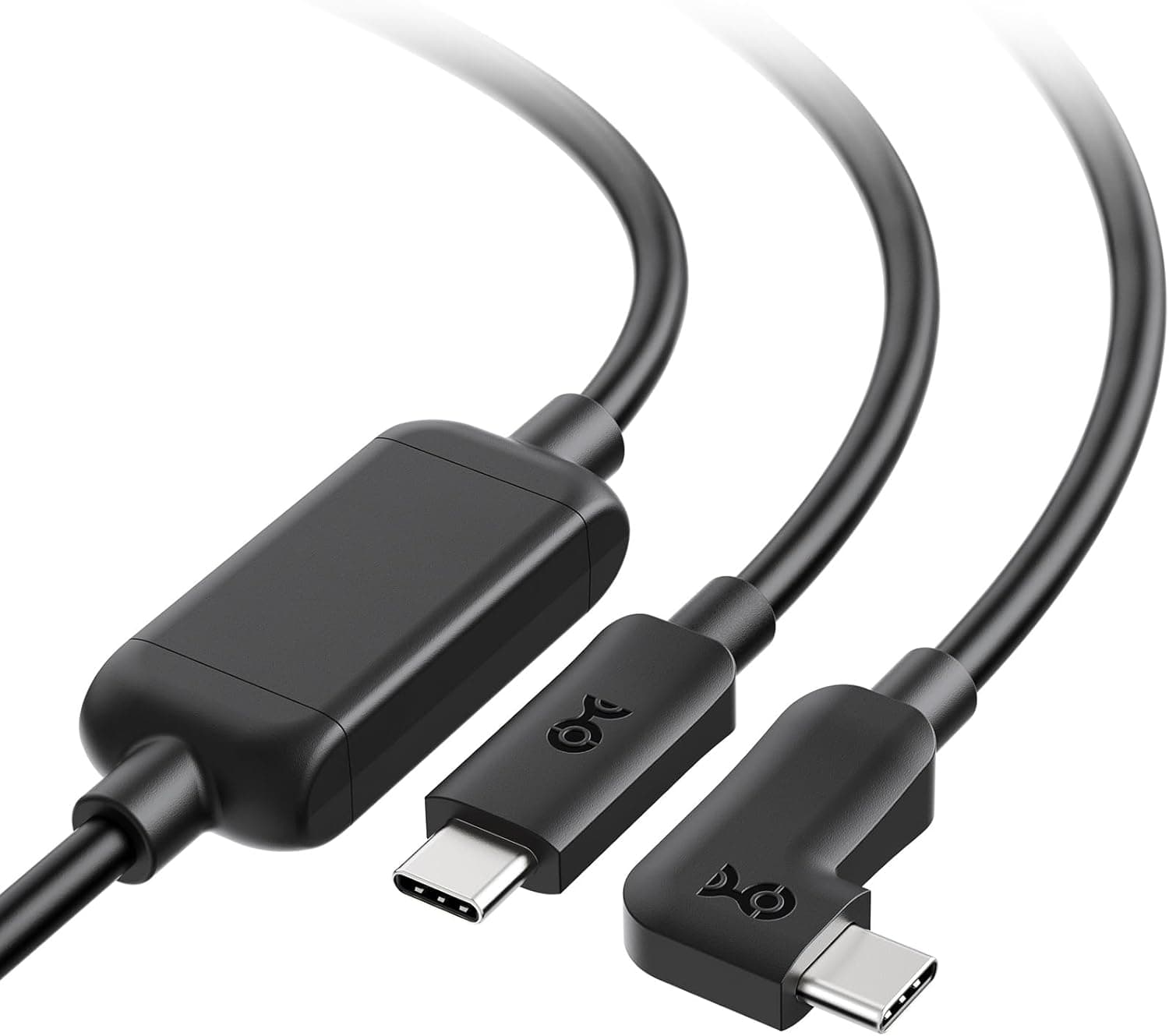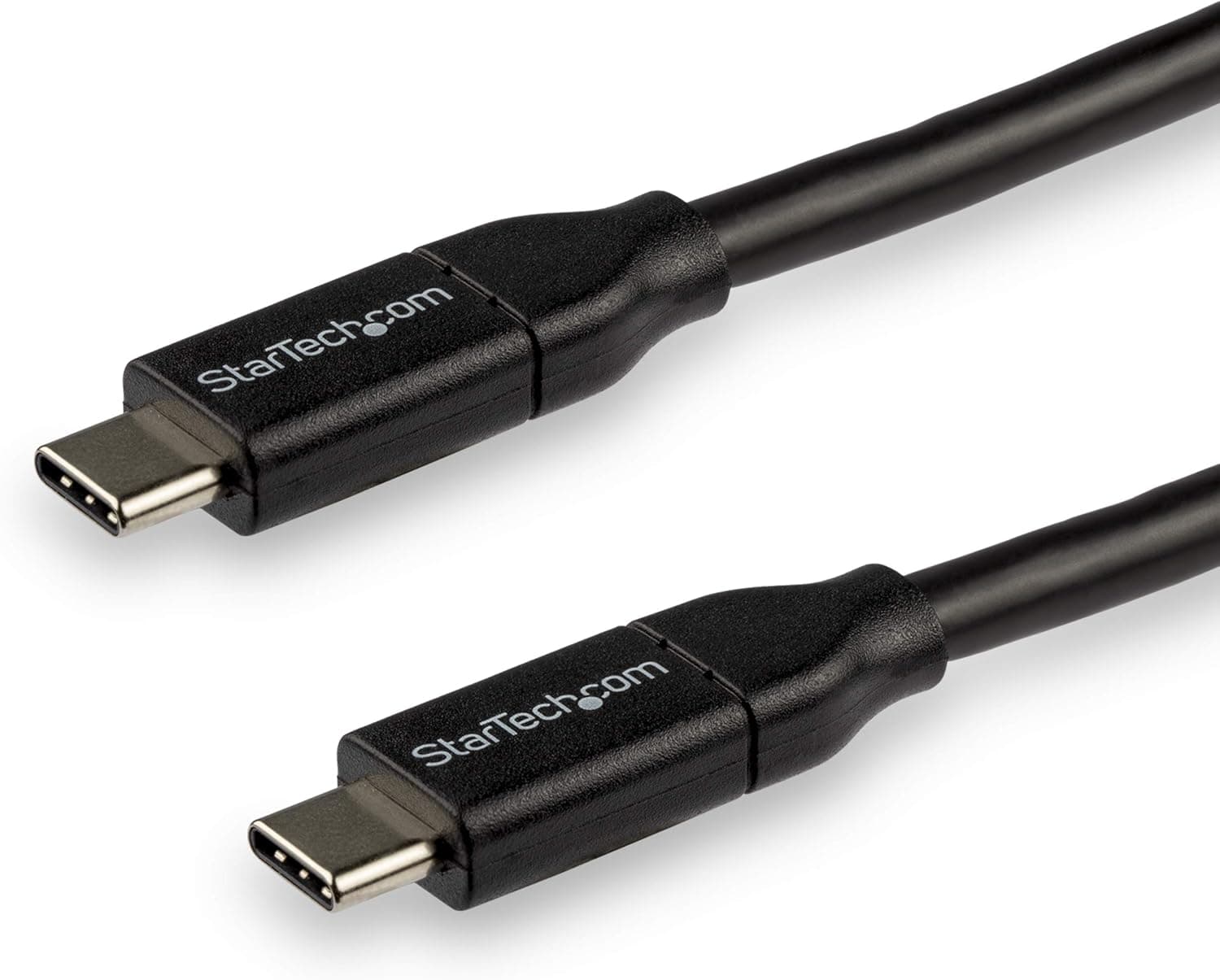
This article covers the StarTech.com USB 2.0 Type-C cable, 3m, with charging support up to 5A (USB-C to USB-C).
Overview
The StarTech.com USB2C5C3M trades data speed for reach and current: it is capped at USB 2.0 (480 Mbps) but carries up to 5A over a 3-meter run.
In short, it is the right cable for charging a laptop or tablet from an outlet across the room, and the wrong cable for anyone hoping to run an external SSD or a display through it. If you can commit the cable to charging duty, the combination of length plus certified high-current support is genuinely hard to find elsewhere.
The spec sheet comes down to six points: USB-C male on both ends, 3 m length, 480 Mbps transfer, 5A maximum current, USB-IF certification, and a 2-year warranty. 5A is the ceiling defined by the USB Type-C current spec; paired with 20V it works out to roughly 100W of delivery.
On Amazon.co.jp the cable holds 4.4 out of 5 stars across 120 reviews (88% positive, captured June 2026) — modest volume, but consistent.
| Item | Value | What it means |
|---|---|---|
| Connectors | USB-C male to USB-C male | No USB-A end; legacy chargers are out |
| Length | 3 m | Reaches across a desk or a room |
| Transfer | 480 Mbps (USB 2.0) | Charging and HID only; no SSD, no video |
| Max current | 5A | Type-C ceiling; supports ~100W class delivery |
| Certification | USB-IF certified | Compliance verified by a third party |
| Warranty | 2 years | Long for a cable |
The 480 Mbps figure looks like a weakness on paper, but for a charging cable it costs you nothing. Staying on USB 2.0 is precisely what lets this cable be 3 m long and high-current at the same time without signal integrity trouble.
Compatibility Guide
With USB-C male on both ends, it connects to phones, tablets, laptops, power banks and docking stations that expose a USB-C port. The vendor's compatibility note also lists Thunderbolt 3 ports.
Read that carefully: it means the cable will charge and carry USB 2.0 data through a Thunderbolt 3 port, not that Thunderbolt's 40 Gbps or video output passes through this cable.
That distinction is the single most common misunderstanding here.
On power: the Type-C spec requires an E-Marker chip inside any cable rated above 3A, and certified cables cover that. Real delivered wattage, though, is set by the lowest of three limits — charger output, device intake, and cable rating.
Plug into a 65W charger and you get 65W; a 45W laptop draws 45W. Swapping to a 5A cable only speeds anything up when both charger and device were already asking for more than 3A.
There are physical trade-offs too. Three meters buys freedom of placement but also slack behind the desk and cable you can roll a chair over.
High-current USB 2.0 cables also tend toward thicker conductors, so routing through very tight cable holes can be stiffer than expected.
Measure the run you actually need before assuming 3 m is required.
When a connection seems slow or dead, the culprit is often the port rather than the cable. Laptop USB-C ports come in charge-only, USB 2.0-only, and full data-plus-video flavors; the icons beside the port (lightning bolt, SS, DisplayPort) tell you which.
Check that first.
Product Info
Captured pricing: ¥4,386 on Amazon.co.jp (captured June 2026), ¥5,080 on Rakuten via TT-Mall (captured August 2026), and $20.64 on eBay US (captured July 2026).
All of these move with sales and stock, so confirm the current figure on the product page. Next to ¥1,000 no-name cables it looks expensive; factoring in USB-IF certification, a 2-year warranty and the 3 m length, it sits where you would expect a StarTech.com business-accessory product to sit.
StarTech.com is a Canadian brand focused on professional peripherals, and the cable ships with a 2-year warranty.
Only the cable is in the box — no strap, no pouch. If you plan to coil 3 m of cable behind a desk, budget for your own ties.
The review picture is 4.4 out of 5 from 120 reviews (88% positive, captured June 2026).
The value of a certified cable shows up less in peak performance than in unit-to-unit consistency, and that is where cheap bulk cables tend to fall down.
How It Compares
USB-C to USB-C cables split into three families. First, USB 2.0 plus high current plus long reach — this cable's category, charging-only but available in long runs.
Second, USB 2.0 with 240W PD 3.1 support, which raises the power ceiling but usually tops out near 2 m.
Third, Thunderbolt or USB4 cables that carry 40 Gbps and video, but are typically limited to 0.8–1 m and cost more.
The decision is simple: will data or video travel over this cable? If no, pick from the first two families by length.
If yes, only the third family works. Because 3 m is essentially unavailable in passive high-speed cables, this product exists for the case where length is the non-negotiable requirement.
Best Use Cases
Remote workers whose only outlet is across the room: 3 m reaches the desk without adding another power strip. People assembling a multi-device charging station with power banks and tablets: the 5A rating leaves headroom when devices ask for it.
Also, anyone wiring shared or business equipment who needs cables that behave identically unit to unit — certification and a 2-year warranty matter more at scale. And finally, anyone stuck with a fixed charger position beside a bed or sofa where shorter cables simply do not reach.
Before You Buy
The biggest trap is overlooking the transfer rate. 480 Mbps is hopeless for an external SSD, and the cable does not support DisplayPort Alt Mode for video.
The "Thunderbolt 3 compatible" line regularly leads buyers to expect high-speed transfer; it does not deliver that. If there is any chance you will move data or drive a monitor, buy a separate USB4/Thunderbolt cable.
Second, 5A does not automatically mean faster charging. Effective wattage is the minimum of charger, device and cable.
A 45W charger stays 45W with this cable attached. If shorter charge times are the goal, look at the charger first.
Third, length cuts both ways. Three meters is bulky in a bag; if you want a travel cable, a 0.9–1.8 m model will make you happier.
Finally, a note on listings. The manufacturer shown on this product page is StarTech.com, matching the product in question, but sellers and fulfillment change over time, and marketplace listing data (model numbers, compatibility claims, prices) does not always match the physical item.
Prices already differ by several hundred yen between stores here. Before ordering, confirm the product image, the title, and especially the 3 m length marking.
FAQ
Q. Can I use it with an external SSD? A.
It will connect, but throughput is capped at USB 2.0 (480 Mbps), which is impractical for storage.
Use a USB 3.2 or USB4 cable instead.
Q. Can it output video to a monitor?
A. No. USB 2.0 cables do not support DisplayPort Alt Mode.
Q. Is it safe to plug into a Thunderbolt 3 port? A.
Yes, for charging and USB 2.0 data.
Thunderbolt speeds are not available over this cable.
Q. Could 5A damage my device? A.
No. USB Power Delivery negotiates the level between charger and device, so a device never receives more than it requests.
Certified cables implement that handshake to spec.
Q. Is 3 m too long? A.
For fixed desk or bedside wiring it is ideal; for carrying around it is not. Many people keep this one at the desk and a ~1 m cable in the bag.
Product Disclosure (Amazon)
- Manufacturer: StarTech.com(スターテック)
- Seller: ECカレント
- Fulfilled by: ECカレント
- ASIN: B07DPKX1N5
- Note: This article covers a manufacturer-made product based on Amazon listing details.