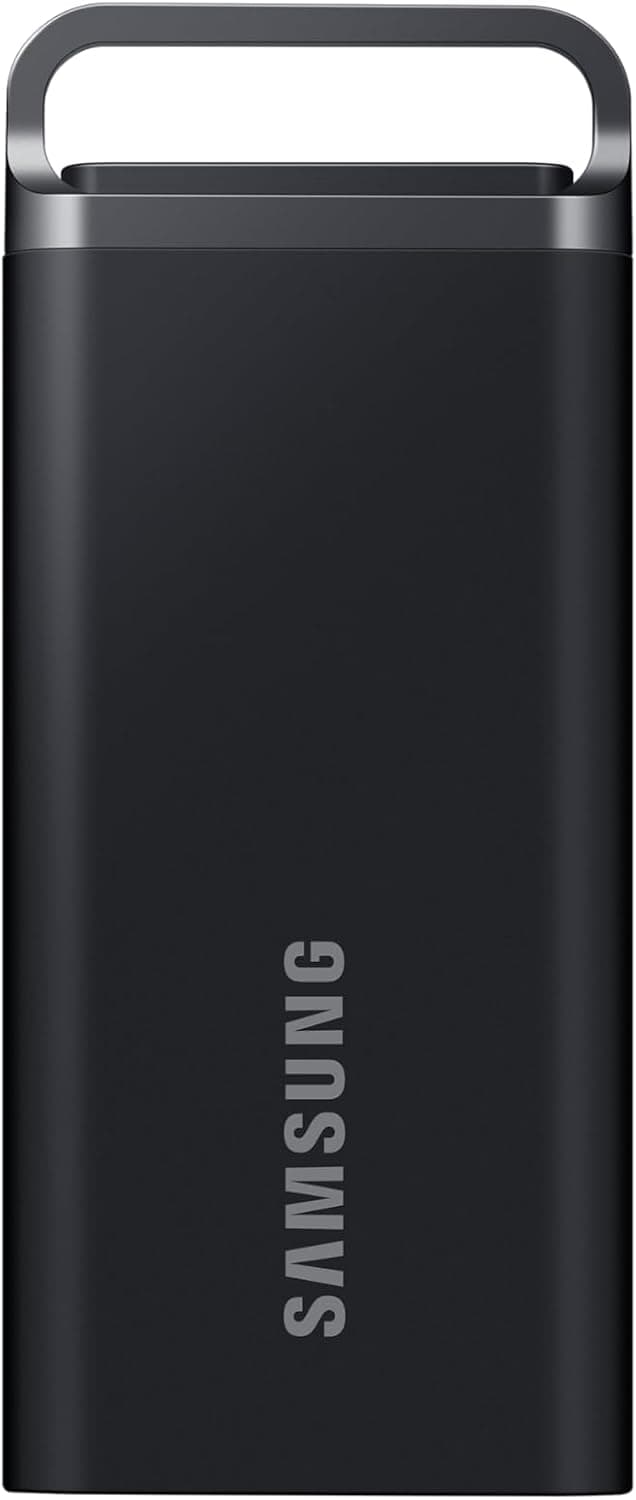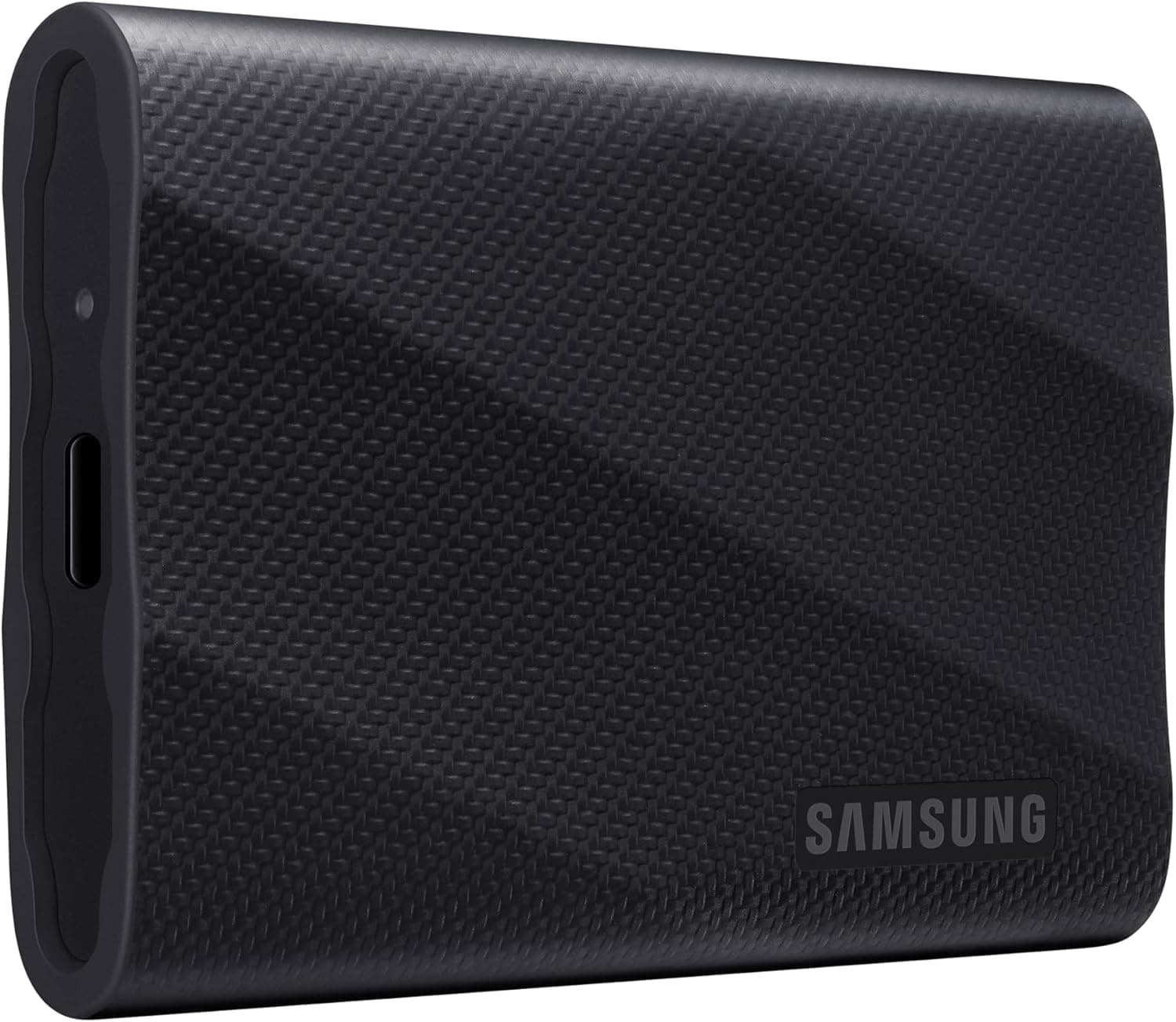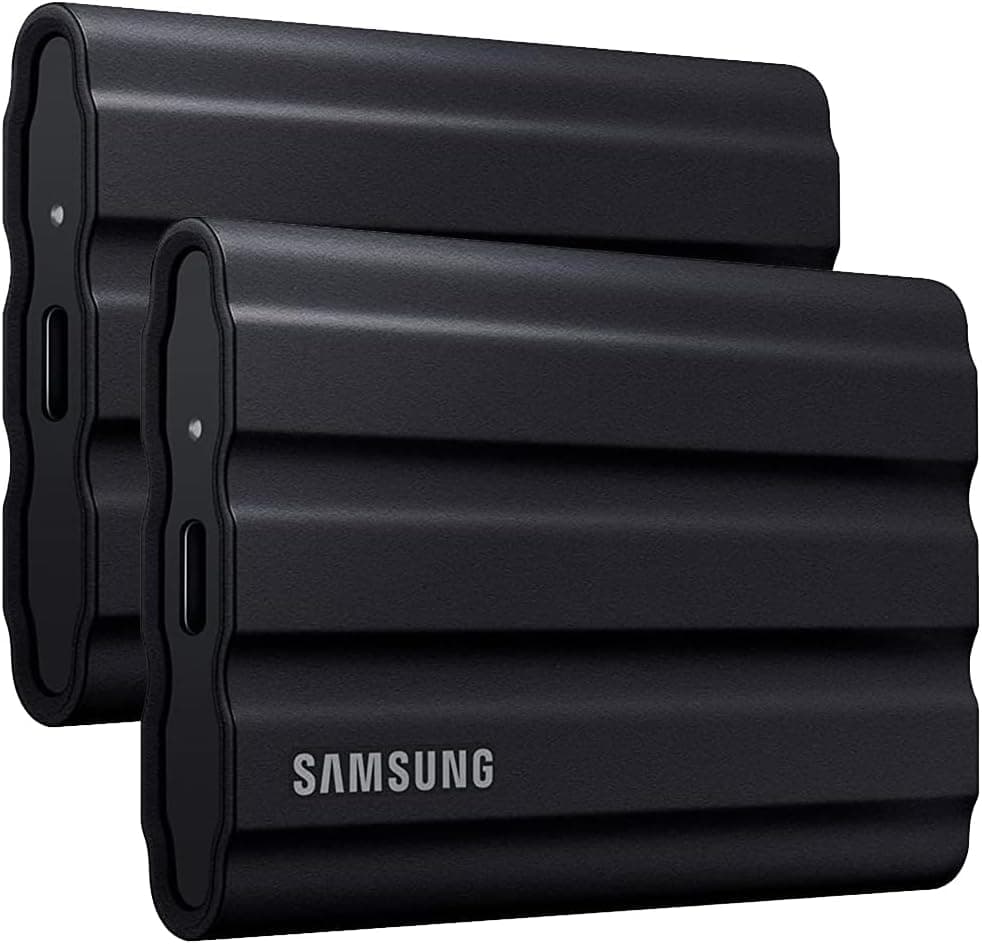
This article covers Samsung Portable T7 SSD シールド USB 3.2 Gen 2TB 読み取り1.
The Samsung Portable T7 Shield 2TB (model MU-PE2T0R/WW) is a rugged external SSD designed for users who need both speed and durability. With IP65 water and dust resistance and 3-meter drop protection, it can withstand harsh environments while delivering sequential read speeds up to 1,050 MB/s and write speeds up to 1,000 MB/s over USB 3.2 Gen 2.
This 2TB model sits in the mid-to-high tier of portable SSDs, offering a strong balance of performance, capacity, and physical resilience. Weighing just 98 grams and wrapped in a rubberized casing, the T7 Shield is easy to carry and resistant to shocks.
It comes with a USB Type-C cable and a Type-A adapter, making it compatible with a wide range of devices including PCs, Macs, Android phones, and gaming consoles. AES 256-bit hardware encryption is supported via Samsung's software, adding a layer of security for sensitive data.
The Samsung Portable T7 Shield 2TB connects via USB 3.2 Gen 2 (10 Gbps) using a USB Type-C port.
It works out of the box with Windows, macOS, Android, iPadOS, and many Linux distributions. For gaming consoles like PS5, PS4, Xbox Series X|S, and Nintendo Switch, it can be used as external storage after formatting to the appropriate file system (exFAT is recommended for cross-platform use).
Since it is bus-powered, no external power adapter is required. However, some older USB ports or certain smartphones may not supply enough power, causing the drive not to be recognized.
In such cases, using a powered USB hub or a dedicated adapter is advisable. Check the retailer's page for the latest price.
It comes with a 3-year limited warranty. The drive features a USB 3.2 Gen 2 interface, sequential read/write speeds of 1,050/1,000 MB/s, IP65 ingress protection, 3-meter drop resistance, and AES 256-bit encryption.
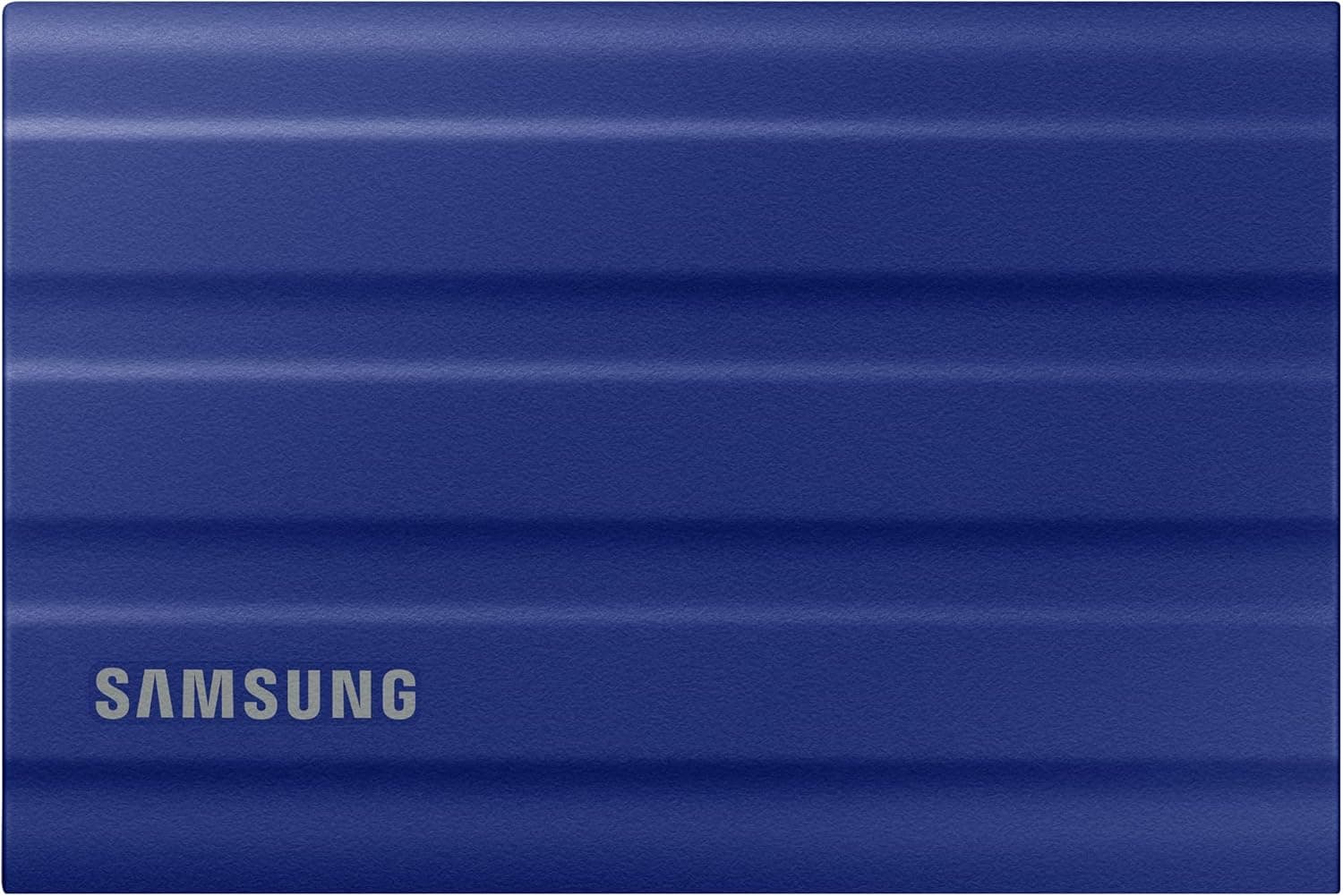
It is available in blue, beige, and black color options. Content Creators (Video Editors, Photographers): Ideal for transferring large RAW photo libraries or 4K video files between workstations.
The fast read/write speeds reduce wait times significantly. However, if you plan to use it as a primary working drive for heavy write workloads, be mindful of the TBW rating (1,200 TB for the 2TB model).
Gamers: Perfect for storing and moving game libraries on PS5, Xbox Series X/S, or PC. While you cannot play PS5 games directly from an external USB drive, you can store them and copy them to internal storage faster than re-downloading.
For PC gamers, it works as a portable game library.Check the retailer's page for the latest user reviews.
Its compact size fits easily in a laptop bag. Secondary Storage for Laptops: If your laptop's internal SSD is full, the T7 Shield provides a fast and portable expansion.
It is not recommended as a boot drive due to USB latency, but it excels as a data vault. While the T7 Shield is rugged, it is not fully waterproof—IP65 means it can withstand low-pressure water jets and dust ingress, but not submersion.
The TBW of 1,200 TB translates to about 3.3 years of daily 1TB writes, which is generous for most users but worth noting for heavy write workloads.
The T7 Shield's advantage lies in its proven reliability and Samsung's software suite for encryption and firmware updates. If you need the absolute fastest transfer speeds, consider a Thunderbolt 3/4 external SSD, but that will cost significantly more.
Q: Can I use this SSD with my PS5? A: Yes, as external storage for PS4 games and for storing PS5 game data.
You cannot play PS5 games directly from the T7 Shield, but you can copy them to internal storage faster than re-downloading. Q: Does it work with iPhone?
A: With a Lightning-to-USB adapter (or USB-C for iPhone 15 series), you can transfer photos and videos using the Files app. However, power draw may be an issue with some adapters.
Q: How do I enable encryption? A: Download Samsung Portable SSD software from the official website.
It allows you to set a password for AES 256-bit hardware encryption. The software is available for Windows and macOS.
Product Disclosure (Amazon)
- Manufacturer: サムスン(SAMSUNG)
- Seller: P-LAB
- Fulfilled by: P-LAB
- ASIN: B09YHPP1R9
- Note: This article covers a manufacturer-made product based on Amazon listing details.