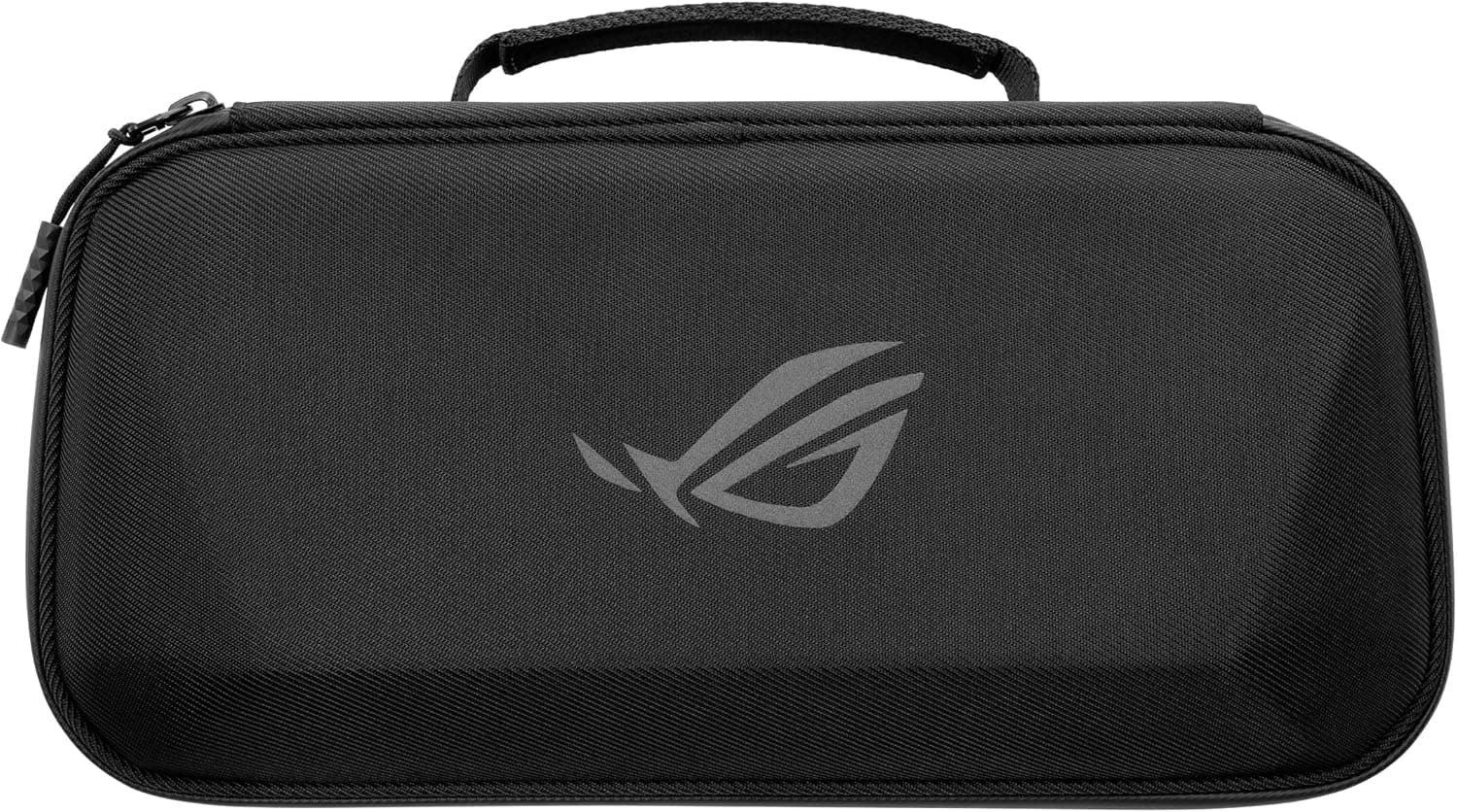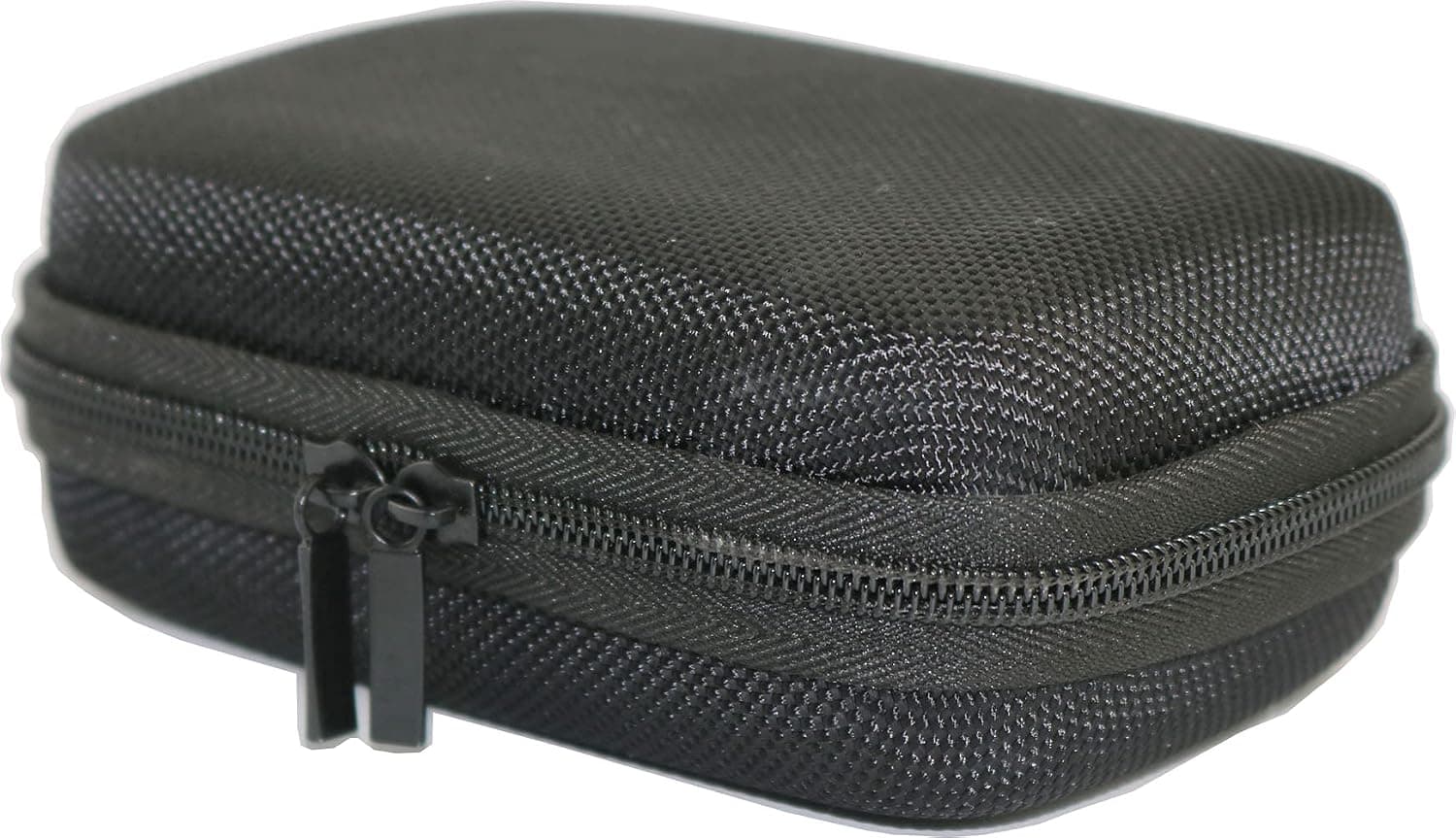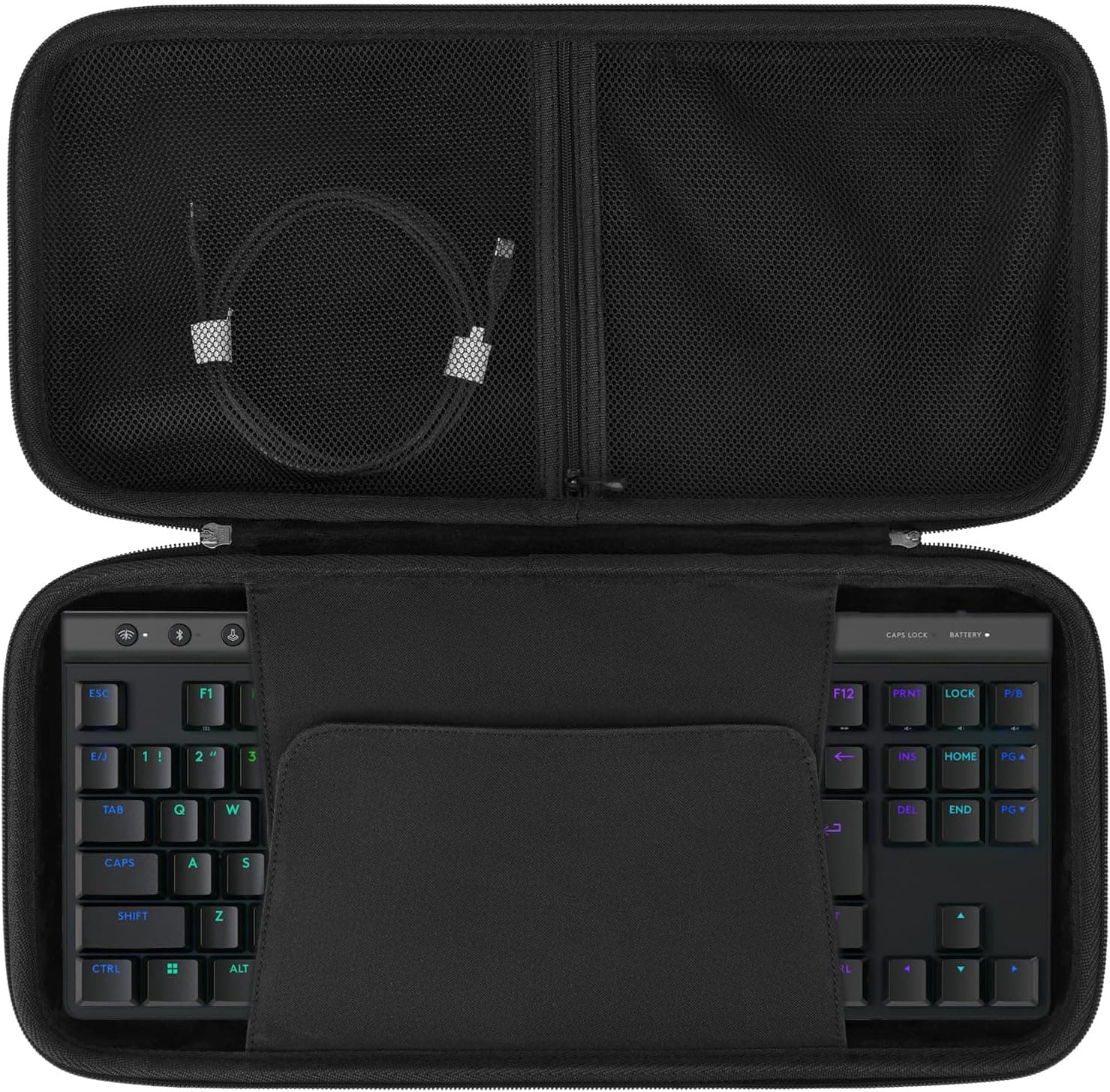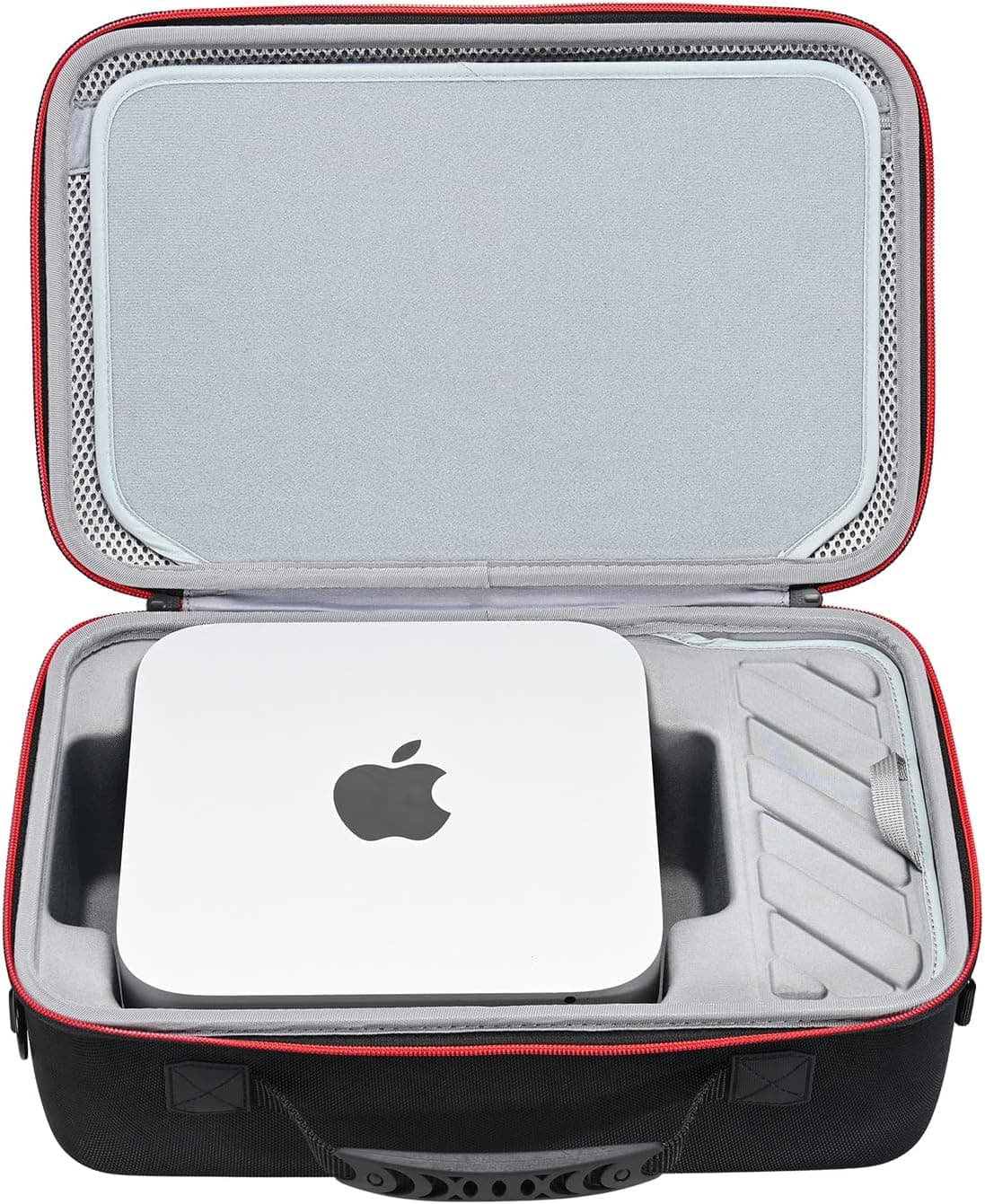
RLSOCO Apple Mac Studio M2(M2 Max/M2 Ultra) hard case is a third-party carrying and storage solution for a machine Apple never made an official case for. This article covers the real fit range, how much the side pocket actually holds, and who should skip it.
Overview
The short version: this case is for people who move their Mac Studio a few times a month to a few times a week. If your machine never leaves the desk, it is overkill.
If you commute with it daily in a backpack, it is too bulky. The sweet spot is home-to-office, or hauling the machine to a shoot or an event.
The shell combines high-density EVA foam with 1680D polyester. 1680D is the heavy denier fabric used in professional tool bags and military gear — substantially more abrasion-resistant than the ~600D fabric typical of laptop sleeves.
The EVA layer spreads point impacts across a surface. It is not a guarantee against a hard drop, but it handles the realistic accidents: corners knocking around inside a bag, a short slide off a desk edge.
| Item | Detail |
|---|---|
| Material | High-density EVA, 1680D polyester |
| Zipper | YKK dual zipper |
| Handle | Silicone handle |
| Compatibility | Mac Studio M4 Max / M3 Ultra / M2 Max / M2 Ultra / M1 Max / M1 Ultra |
| Warranty | 2 years |
The spec sheet leans on named components where it matters. YKK zippers sound like a small detail, but zippers are the number one failure point on cases — sliders that jam, pull tabs that snap.
Pairing a YKK zipper with a two-year warranty is a sensible balance at this price tier.
Compatibility Guide
The case covers the full Mac Studio line: M4 Max, M3 Ultra, M2 Max, M2 Ultra, M1 Max, M1 Ultra. The key fact behind that list is that the Mac Studio chassis footprint has stayed consistent across generations, with Ultra configurations standing taller than Max ones.
The interior is cut for the taller Ultra height, so a Max configuration leaves a little vertical slack. If you carry a Max, slipping a thin cloth or foam pad on top tightens the fit.
It will not fit a Mac mini, Mac Pro, or iMac. The precision cutouts are what hold the machine still; a differently sized computer simply rattles, which defeats the purpose.
The Mac mini is the common mix-up — it looks similar in photos but is clearly thinner.
One more compatibility note: anything attached to the machine breaks the fit. Anti-vibration pads stuck to the base, cables left plugged into the rear ports, or anything stacked on top will stop it seating in the cutout.
Unplugging everything is part of the routine.
The side cover is a separate compartment from the main bay. That separation matters more than it sounds — on cases where accessories share space with the computer, cable connectors scuff the top surface in transit.
Here they cannot reach it.
Product Info
Check the retailer's page for the latest price.co.jp as captured on September 1, 2026.
Amazon pricing moves constantly and drops during sales, so treat that figure as a snapshot and check the product page for the current number. Listings also appear on eBay and other marketplaces, but per-listing prices vary too much to quote a useful range.
It has been on sale since roughly 2022 — early, considering the Mac Studio itself launched in March 2022. You get the case only; no Mac Studio, mouse, or cables are included.
Warranty is two years.
Its market position is clear. Apple sells no first-party Mac Studio case, so this category is third-party only.
Within it, this product sits between cheap padded sleeves and rigid flight cases that run several times the price.
Living With It
The silicone handle exists because rigid EVA cases tend to dig into your fingers. A Mac Studio Ultra weighs roughly 3.6kg on its own; with the case and accessories you are carrying something in the 5kg range.
At that weight a thin nylon strap gets painful fast, and the silicone grip earns its place.
The dual zipper lets you open the case from either side, so you can set it on the floor and crack one end to check the contents. Minor, but noticeable if you open your bag repeatedly on a job.
How It Compares
There are three real alternatives. Generic padded bags are cheap but under-support the Mac Studio's weight, and handles tear out.
Rigid polymer flight cases protect best but balloon in size and weight — not something you casually carry alone. Purpose-cut EVA cases like this one sit in between.
It is worth noting how different this is from a laptop case. Laptop sleeves are built to sandwich something thin and flat.
The Mac Studio is a dense cube roughly 20cm on a side, which needs to be boxed in on all faces so it cannot shift. Putting one in a laptop sleeve is not a workable idea.
Best Use Cases
- Creators and engineers who take the machine on location — shoots, edit suites, event venues. The cutouts stop the machine sliding around in transit.
- Remote workers splitting home and office — a few trips a week is exactly the duty cycle this thickness and weight suit. Mouse and power adapter live in the side pocket, so it is one item to carry.
- Anyone storing the machine long term — during a move, a rebuild, or a dormant stretch, it works as a dust-proof box.
- Anyone planning to resell — keeping the chassis unscratched pays off at trade-in time.
Things to Consider
First, it is wrong for daily backpack commuting. EVA is light but thick, and the thickness itself eats volume.
A Mac Studio is already a ~20cm cube; cased, it is bigger again. Measure your bag's interior before ordering, or you may find it simply does not go in.
Second, do not overestimate the side pocket. Plan on one mouse, an AC adapter, and a few cables.
A large gaming mouse plus multiple thick cables plus an external SSD and a dock will either refuse to zip or strain the fabric. Assume a second pouch for the rest.
Third, M4 Max and M3 Ultra support comes from the product description. The chassis dimensions are understood to be consistent across generations, but hands-on verification with the newest models is thin.
If you own a current-generation machine, confirm the compatibility list on the product page before buying.
Fourth, this is not a drop-rated case. EVA plus 1680D resists abrasion, dust, and knocks.
It does not promise survival of a fall onto concrete. If you are handing the machine to a courier, look at a rigid flight case instead.
Finally, a note about the Amazon listing itself. In the case and accessory categories, registered manufacturer names, model numbers, and compatibility fields sometimes disagree with the actual product.
This article is about the Mac Studio hard case, so when you open the listing, confirm from the product photos and title that you are looking at the right item rather than trusting the registration fields alone.
FAQ
Q: Does it fit the Mac Studio M4 Max? A: The description lists M4 Max, M3 Ultra, M2 Max, M2 Ultra, M1 Max, and M1 Ultra.
Since the chassis size is consistent across generations, that is plausible, but hands-on reports for the newest models are limited. Check the current listing before buying.
Q: Does fit differ between Max and Ultra configurations? A: Ultra models are taller.
The interior is cut for the taller height, so a Max leaves slight vertical slack. A thin foam pad on top takes up the difference.
Q: How heavy is the case? A: The exact weight is not published.
Expect something in line with other EVA and 1680D hard cases — carryable one-handed with the machine inside, though an Ultra alone is around 3.6kg, so the total is not trivial.
Q: How much fits in the side pocket?
A: One mouse, an AC adapter, and a few cables. Anything beyond that needs a separate pouch.
Q: Can I put a Mac mini in it? A: Not recommended.
The cutouts only hold a Mac Studio; a Mac mini would shift around in transit, which defeats the point.
Q: How does the warranty work? A: Coverage is stated as two years.
Terms and claim procedures vary by seller, so check the product page.