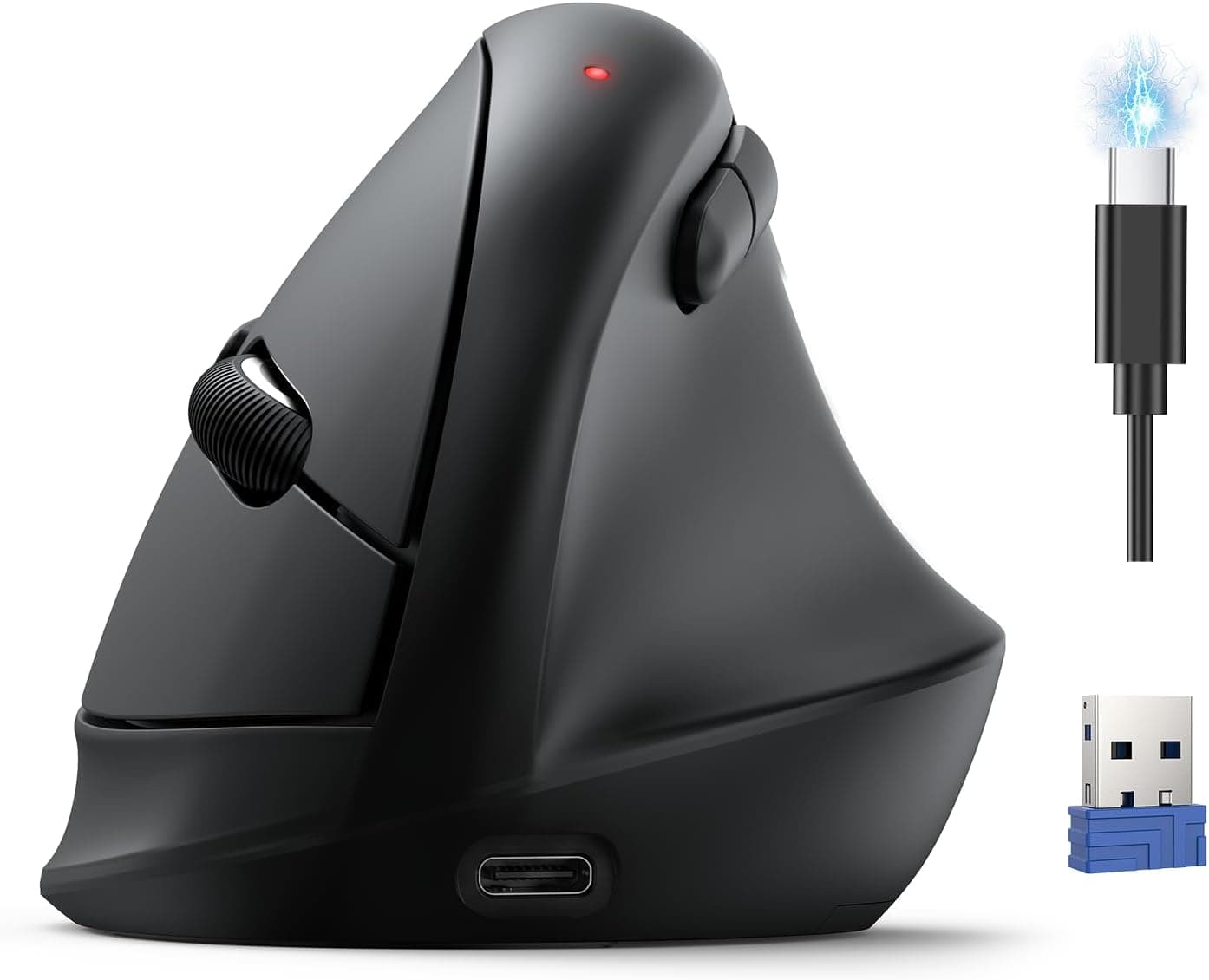
The Philips SPK7858 is a wireless mouse that supports three connection methods: USB-A, USB-C, and Bluetooth 5.0.
It features silent clicks and a built-in rechargeable battery, making it a practical choice for office work and remote use. With up to 100 hours of continuous operation, you won't need to worry about battery swaps during the workday.
Its right-handed ergonomic design provides solid palm support, while the side wheel enables smooth horizontal scrolling in spreadsheets and wide web pages. Five DPI levels (800/1600/2400/3200/4000) let you adjust cursor speed on the fly, from precise editing to fast navigation.
The SPK7858 offers three connection options: a 2.4GHz USB-A receiver, a 2.4GHz USB-C receiver, and Bluetooth 5.0.
This means it works with desktop PCs that have only USB-A ports, as well as modern laptops and MacBooks that rely on USB-C. Bluetooth mode eliminates the need for any receiver, making it compatible with tablets and other devices.
Supported operating systems include Windows 7/8/10/11 and Mac OS X 10.5 or later.
You can pair up to three devices and switch between them using a button on the bottom of the mouse. This is especially handy if you move between a desktop at the office, a laptop at home, and a tablet on the go.
The SPK7858 sits in the mid-range segment of Philips' peripheral lineup. It launched around 2024 and is widely available through Japan and other retailers.Check the retailer's page for the latest price.
The mouse comes with a one-year manufacturer warranty. Included in the box are the USB-A receiver, USB-C receiver, a USB-C charging cable, and a user manual.
Color options are white and black. Office workers and business professionals: Silent clicks keep the noise down during meetings or focused work.
The side wheel is a real productivity booster for horizontal scrolling in Excel and Google Sheets. Multi-device users: If you regularly switch between a desktop PC, a laptop, and a tablet, the SPK7858 lets you pair up to three devices and switch instantly with a bottom button.
Remote workers: The rechargeable battery eliminates the need for disposable batteries, and the auto-sleep feature conserves power when not in use. Up to 100 hours of runtime means fewer charging interruptions.
Not ideal for: Gamers who need high polling rates and low latency. For competitive FPS or fast-paced gaming, a dedicated gaming mouse with a higher report rate is a better fit.
The SPK7858 is a right-handed ergonomic mouse, so left-handed users may find it uncomfortable. A symmetrical ambidextrous model would be a better choice for lefties.
Also, Bluetooth mode introduces slightly more latency than the 2.4GHz receiver mode.
For most office tasks this is negligible, but for real-time applications, stick with the receiver. Charging is done via USB-C but does not support fast charging.
A full charge takes a few hours, so it's best to charge overnight or during breaks. Q: Does this mouse work with a Mac?
A: Yes, it supports Mac OS X 10.5 and later.
You can use the USB-C receiver or pair via Bluetooth. Q: What software supports the side wheel?
A: Any application that supports horizontal scrolling, such as Excel, Google Sheets, web browsers, and video editing timelines. Q: How do I check the battery level?
A: The SPK7858 does not have a battery level indicator. However, the auto-sleep feature helps conserve power when the mouse is idle.
Product Disclosure (Amazon)
- Manufacturer: PHILIPS
- Seller: PHILIPS(フィリップス)認定ストア
- Fulfilled by: Amazon
- ASIN: B0H3ZPN3QT
- Note: This article covers a manufacturer-made product based on Amazon listing details.