This article covers the Toshiba N300 6TB — NAS-Optimized CMR Internal Hard Drive. It focuses on what the specs mean and what to weigh before using it in a NAS.
Overview
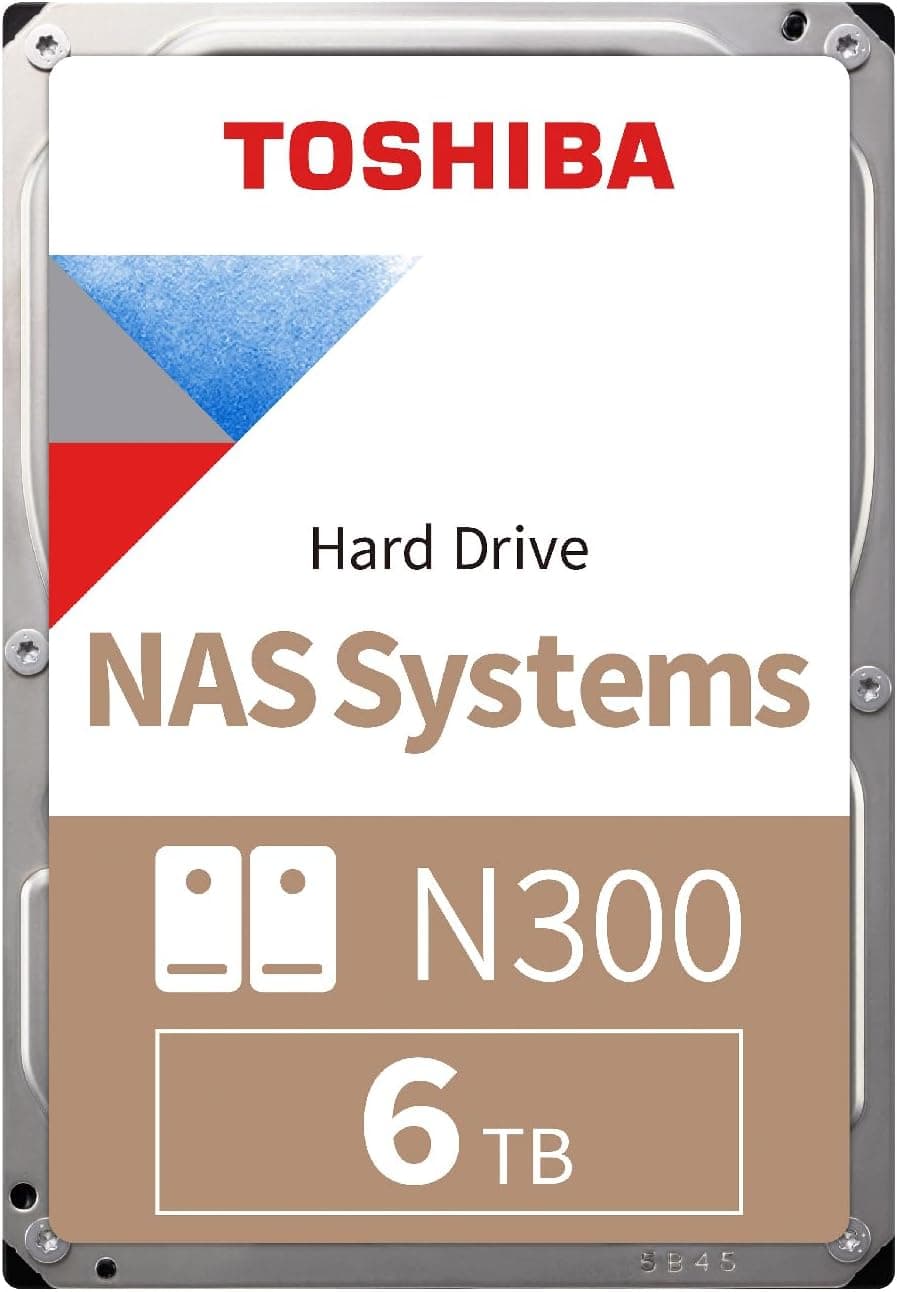
The Toshiba N300 6TB (model HDWG760XZSTA) is a 7,200 RPM hard drive that uses CMR recording. It suits home and small-office NAS owners who want to build a RAID array in a 2–4 bay enclosure.
If you want to avoid the severe slowdowns SMR drives often show during RAID rebuilds, it is an easy drive to shortlist. The trade-off is that a 7,200 RPM drive tends to be louder and warmer than a 5,400 RPM one.
If your NAS sits in a bedroom or next to your desk, you will have to accept that.
The N300 series is Toshiba's line of drives for NAS (Network Attached Storage) in homes and small offices. This model has 6TB of capacity, a 512MB cache and a SATA 6Gb/s interface.
It is built to run 24/7 and has a workload rating of up to 180TB per year. It also has rotational vibration (RV) sensors, which keep performance steady when several drives share one enclosure.
On Amazon.co.Check the retailer's page for the latest user reviews.
A hard drive's quality also depends on the individual unit and on how it was handled in shipping. Don't decide on the rating alone; pair it with the checks on arrival described below.
How to Read the Specs
| Item | Value | What it means |
|---|---|---|
| Capacity | 6 TB | The OS shows about 5.45TB (a difference in units, not a fault) |
| Rotational speed | 7,200 RPM | Faster access, but more noise and heat than 5,400 RPM drives |
| Cache | 512 MB | Helps most with long runs of small-file writes |
| Interface | SATA 6 Gb/s | Plugs into standard NAS and PC SATA ports |
| Recording | CMR | Keeps speed during RAID rebuilds and heavy writes |
| Workload rating | 180 TB/year | About 0.49TB of reads and writes per day on average |
| Continuous operation | 24/7 | Built for NAS units that are always on |
| RV sensor | Yes | Handles vibration in multi-drive enclosures |
| Form factor | 3.5-inch | Does not fit 2.5-inch bays |
The two specs that matter most are the recording method and the workload rating. CMR is the conventional method, where data tracks do not overlap.
Rewriting one track does not disturb its neighbors, so write speed stays steady. SMR (shingled recording) overlaps tracks to fit more data, but it can slow down sharply during long rewrites.
That makes it a poor match for RAID rebuilds, which read and write the entire disk.
The 180TB/year workload rating is a guide to how much data the drive is designed to read and write in a year. That works out to about 0.49TB per day.
Storing family photos and videos or backing up PCs will rarely come close. Round-the-clock camera recording or moving large amounts of video footage every day is where this number becomes worth watching.
Compatibility Guide
This is a 3.5-inch drive with a SATA 6Gb/s interface.
It works in any NAS or desktop PC with a 3.5-inch bay.
It will not physically fit laptops or slim cases that only have 2.5-inch bays.
It also normally works on older SATA 3Gb/s ports, but maximum transfer speed will be lower.
For a NAS, check the NAS maker's list of supported drives before you buy. Some NAS makers have warned about, or limited features for, drives that are not on their list.
Older NAS models may also not recognize drives above a certain size, so confirm that yours supports 6TB.
When you put several drives in one box, power and cooling are where things actually go wrong. A 3.5-inch drive draws a brief surge of current on the 12V line when it spins up.
If you add drives to a desktop PC, make sure the power supply has headroom. Packing 7,200 RPM drives tightly together also lets heat build up, especially in the middle bays.
Check that your case fans actually blow air across the drive cage.
For a USB enclosure, choose one made for 3.5-inch drives that uses an AC adapter.
USB-powered 2.5-inch enclosures cannot supply enough power, and the drive will not run.
| Setup | Works? | Notes |
|---|---|---|
| 3.5-inch NAS (2–4 bays) | Best fit | Its intended use; check the supported-drive list |
| Data drive in a desktop PC | Yes | Not suited as a boot drive |
| 3.5-inch USB enclosure | Yes | Needs one powered by an AC adapter |
| Laptop / 2.5-inch bay | No | Does not physically fit |
Product Info
The Toshiba N300 6TB is a mid-priced model among NAS hard drives. It was released in 2024 and comes with a 3-year manufacturer warranty.
On Amazon.co.Check the retailer's page for the latest price.
Hard drive prices change often with sales, exchange rates and stock, so check the current price on the product page before buying.
Its main rivals are the Seagate IronWolf and WD Red Plus series. Its strengths are steady write speed from CMR, faster access from 7,200 RPM, and a 512MB cache.
Larger models usually cost less per TB. Whether 6TB is right depends on how much space you need and what you can spend now.
Compared with Competitors
| Product | Recording | Positioning | Best for |
|---|---|---|---|
| Toshiba N300 6TB (this drive) | CMR | NAS, 7,200 RPM | 2–4 bay RAID |
| Seagate IronWolf | CMR | NAS | NAS RAID; its own drive-health features on supported NAS units |
| WD Red Plus | CMR | NAS | NAS RAID |
| WD Red (non-Plus, some models) | SMR | NAS, with caveats | Not for use cases with frequent RAID rebuilds |
| Toshiba S300 | CMR | Surveillance recording | Continuous camera recording |
| WD Blue (some models) | SMR | General desktop | Single-drive data storage |
IronWolf drives often sit in a similar price range at the same capacity, and some models add AgileArray technology. They also offer drive-health features when paired with a supported NAS.
If you want those features, IronWolf is worth comparing.
WD Red needs care. Some plain WD Red models (without Plus) use SMR, so if you want CMR from WD you need WD Red Plus.
The names are easy to confuse, and some buyers pick a drive because it says NAS, then struggle with RAID rebuilds. The N300 is clearly labeled CMR, so there is no guesswork.
Toshiba's own S300 is designed for continuous surveillance recording. For file sharing and backups on a NAS, the N300 is the better fit.
Best Use Cases
This drive suits home or small-office NAS owners who want photos, videos and documents in one place. 6TB is plenty for a family or a small team to share.
As a rough guide to usable space, two drives in RAID 1 give 6TB and three drives in RAID 5 give about 12TB (slightly less after space reserved for the file system).
It also suits anyone building redundant arrays such as RAID 1 or RAID 5. CMR and the RV sensors keep performance steady when several drives run together, and they make the time needed to rebuild after swapping a drive more predictable.
It is a good fit, too, for buyers who want a lot of storage without a big bill. Compared with pricey enterprise drives, it covers the basics a NAS needs at a more affordable price.
- People building RAID 1/5/6 in a 2–4 bay NAS
- People who want to avoid rebuild trouble with SMR drives
- People looking for a data or backup drive for a desktop PC
- People who want reasonable durability for an always-on system
Things to Consider
It is not a boot drive. It works as internal storage in a desktop PC, but as a boot drive it is far slower than an SSD, so startup and app loading will drag.
Put the OS on an SSD and use this drive for data only.
It is louder and warmer than 5,400 RPM drives. 7,200 RPM helps access speed, but it also means more spinning noise, clicking from head movement, and heat.
If the NAS will sit in a living room, a bedroom or right next to your desk, compare it with quieter 5,400 RPM drives.
RAID is not a backup. RAID keeps things running when one drive fails.
It does not protect against accidental deletion, ransomware, a dead NAS unit, lightning or fire. Keep another copy of important data somewhere else, such as an external drive or the cloud.
Drives bought together may fail around the same time. If you buy four drives at once for RAID, they share a production period and run for the same hours.
That raises the chance that a second drive fails while you are rebuilding after the first. Rebuilding a 6TB drive reads and writes the whole disk and can take several hours to more than half a day.
If that worries you, buy the drives at different times or consider RAID 6, which survives two failed drives.
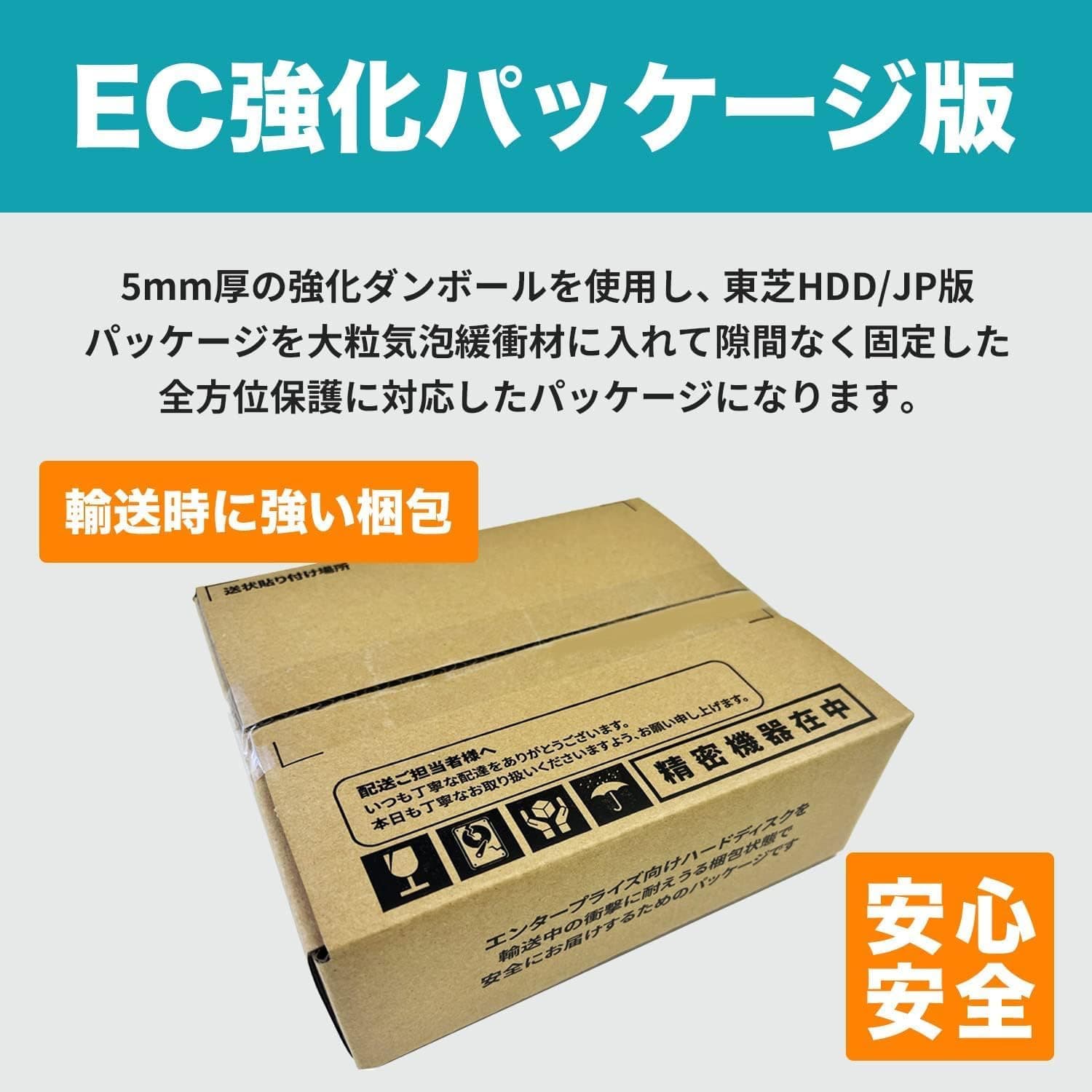
Check the drive as soon as it arrives. Hard drives are easily damaged by shocks in shipping.
After installing it, look at its S.M.A.R.T.
data (such as the reallocated sector count) and run a full-disk scan with your NAS or a test tool before trusting it with real data. Faulty units are easier to exchange right after purchase, so do this early.
Check the seller and the warranty. The manufacturer's warranty is listed as 3 years, but parallel imports and similar listings may be handled differently.
Check the seller and the warranty terms on the product page before buying. It is also worth confirming that the model number HDWG760XZSTA matches the packaging and the listing.
Consider whether 6TB will be enough. If you store a lot of 4K video or high-resolution photos, 6TB may run short.
In a RAID array, replacing just one drive with a bigger one usually doesn't add space. If you expect your data to grow, starting with a larger size such as 8TB or 10TB can make sense.
FAQ
Q. Can I use it in a regular desktop PC instead of a NAS? A.
Yes. With a 3.5-inch bay, a SATA port and a SATA power connector from the power supply, it works fine as a data drive.
Use an SSD for the OS, though.
Q. Which is better, CMR or SMR? A.
For RAID in a NAS, CMR is the safer choice. SMR can slow down sharply during heavy rewrites, which makes RAID rebuilds take longer.
This drive is CMR.
**Q. It shows about 5.45TB instead of 6TB. A. No. Manufacturers count 1TB as 1,000,000,000,000 bytes, while Windows and similar systems count in units of 1,024, so it shows about 5.45.
Q. Will it fail right away if I exceed the 180TB/year workload rating? A.
No. It is a design guide for how much data the drive is expected to read and write in a year.
Home NAS use rarely comes close, but keep it in mind for round-the-clock recording or heavy video-editing work.
Q. Can I mix it with other brands in a RAID array? A.
Most NAS units let you mix brands as long as the capacities match. However, usable space may be limited to the smallest drive, and speed tends to drop to the slowest one.
Matching drives are easier to manage.
Product Disclosure (Amazon)
- Manufacturer: 東芝(TOSHIBA)
- ASIN: B0CYQH562B
- Note: This article covers a manufacturer-made product based on Amazon listing details.