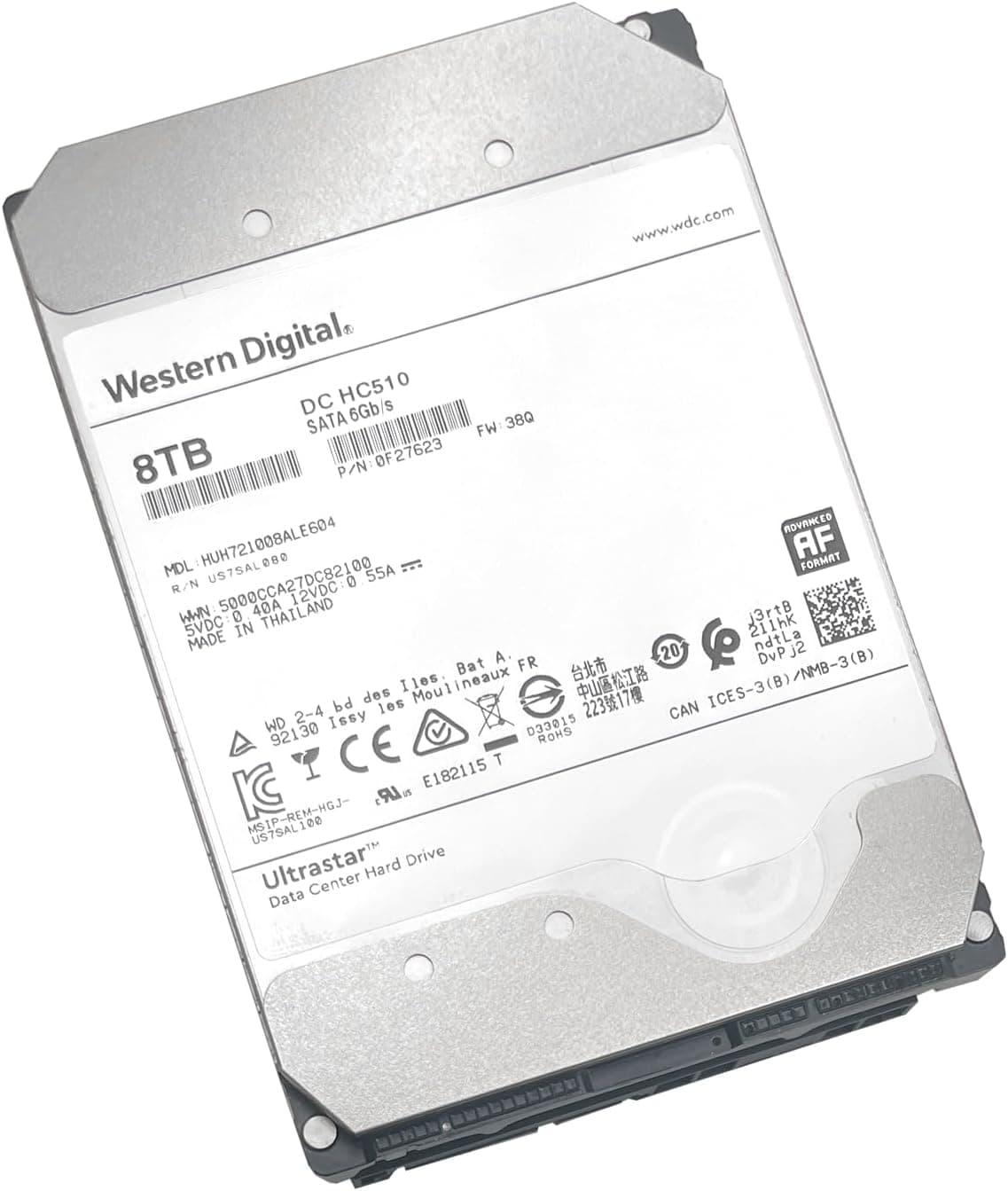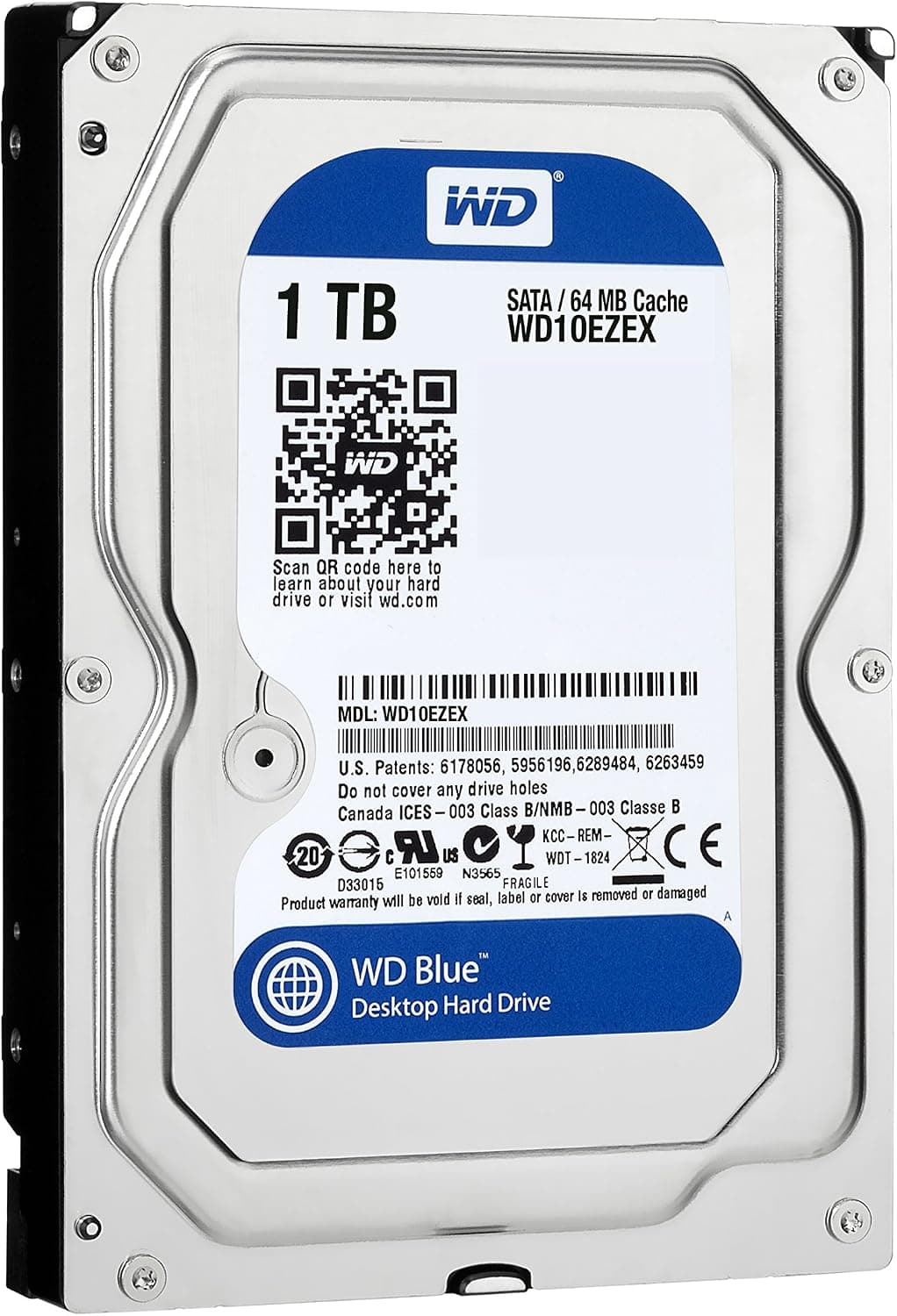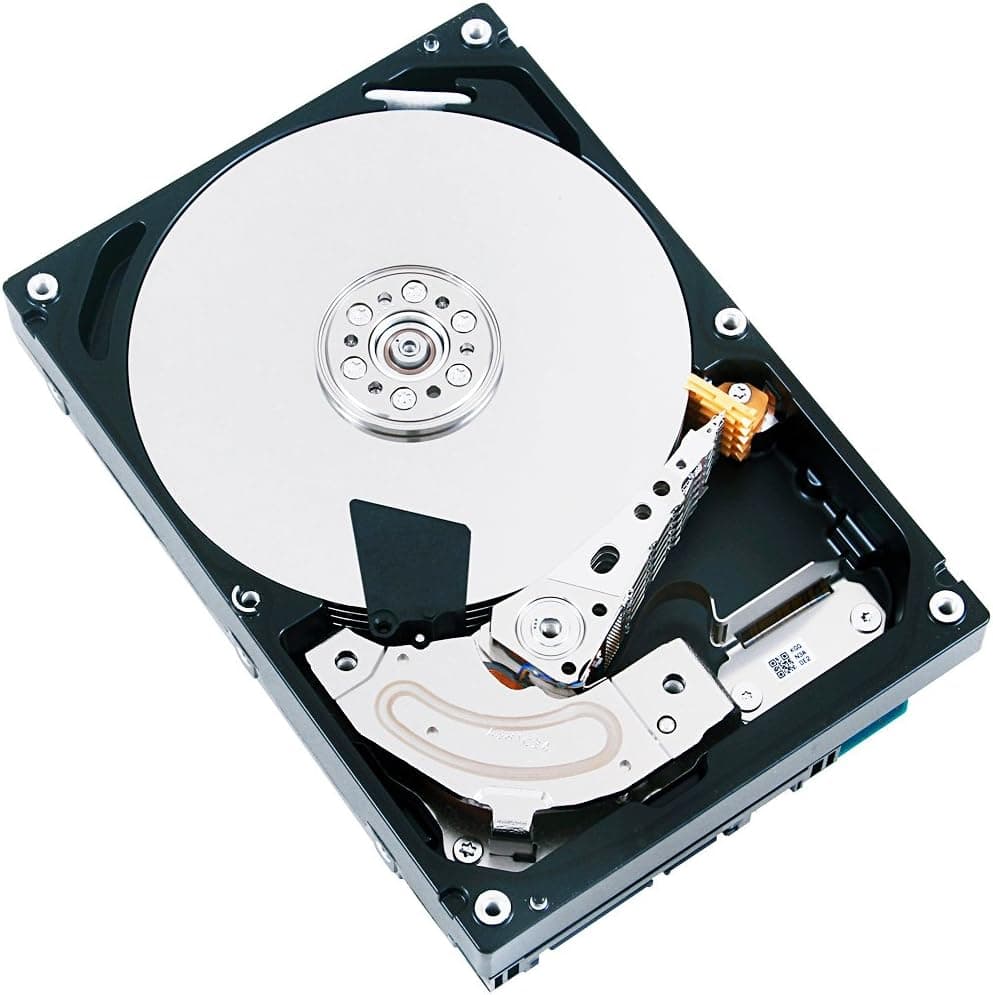
This article covers 東芝 MD03ACAxxxシリーズ (3.5inch.
Overview
The Toshiba MD03ACA400 is a 3.5-inch internal hard drive that has been a reliable choice for budget-conscious builders and small-office storage for years. With 4TB of capacity, a 7200 RPM spindle speed, and a SATA 6Gbps interface, it targets users who need high-density storage at a low cost per gigabyte. Its 64MB cache helps smooth out burst transfers, while the native 512-byte sector format ensures broad compatibility with conventional hardware and operating systems. Positioned as an entry-to-mid-range desktop HDD, the MD03ACA400 is not designed to compete with SSDs or hybrid drives. Instead, it offers a proven, cost-effective way to store large media libraries, backups, and archived data. Because it uses conventional magnetic recording (CMR) rather than shingled magnetic recording (SMR) ??a detail widely reported though not officially confirmed by Toshiba ??it can handle random write workloads better than many modern budget HDDs.
Compatibility Guide
The drive uses a standard 3.5-inch form factor and a SATA 6Gbps interface (SATA III), making it compatible with any desktop motherboard that has at least one SATA port. It also works on SATA II (3Gbps) ports, but sequential throughput will be limited to about 230 MB/s. Physical installation requires a 3.5-inch bay, a SATA data cable, and a SATA power connector from the PSU. There are jumper pins on the rear for features like SSC (spread-spectrum clocking). Most users can leave them in the default position. The drive uses native 512-byte sectors, so some legacy RAID controllers or older operating systems (pre-Windows 7) may fail to detect it. For modern Windows (10/11), macOS, and Linux, detection is plug-and-play.
Product Info
The MD03ACA400 was first released around 2014 as part of Toshiba's MD03ACA series. It is a 3-platter design and includes a 64MB cache buffer. The drive has a typical idle power draw of about 6.5W and an operational shock tolerance of 70G (2ms, non-operating is 250G). Warranty is typically 2 years from the manufacturer, though some retailers offer extended coverage. Market positioning: It is a mid-range capacity HDD with a focus on reliability and cost efficiency. It is not built for extreme workloads but is well suited for daily desktop use and light NAS duties. Unlike newer SMR drives, the MD03ACA400's CMR architecture avoids severe write performance degradation during concurrent random writes.
Best Use Cases
Media storage for home servers: The 4TB capacity and 7200 RPM speed make it ideal for storing movie archives or large backups. Install it in a Synology or QNAP NAS for a cheap but responsive media library. However, for multi-user RAID setups with high write intensity, consider enterprise-rated drives. Budget PC bulk storage: Pair an SSD with this HDD for a fast OS drive and spacious data drive. Gamers can install active titles on the SSD and use the HDD for screenshots, recordings, and old libraries. The 7200 RPM speed is faster than 5400 RPM budget drives, so file transfers feel noticeably snappier. * Offline archive: Use an external USB enclosure to create a portable 4TB backup drive. The drive's CMR nature means restoring many small files won't slow down over time. Recommended for users who need occasional access rather than always-on streaming. ## Alternatives
Two direct competitors are the Seagate BarraCuda 4TB (ST4000DM004) and Western Digital Blue 4TB (WD40EZAZ). The Seagate is typically SMR-based, making random writes slower over time; Toshiba's CMR approach is better for mixed workloads. The WD Blue uses a variable spindle speed (IntelliPower, often ~5400 RPM), which reduces noise but also lowers sequential transfer speeds compared to the Toshiba's fixed 7200 RPM. In terms of price, all three are similar, but the Toshiba offers the best raw sequential performance among them. Availability may vary; the MD03ACA400 is still widely sold in Japan through and other retailers.
Things to Consider
The MD03ACA400 is an older design (2014). While reliable, its sequential read speed tops out around 180-190 MB/s, which is roughly half of what a modern 7200 RPM HDD can achieve (e.g., Seagate Exos or WD Gold). It is not suitable as a boot drive or for applications that demand fast random I/O; an SSD is mandatory for those roles. The drive produces audible seek noise and mechanical hum, especially in a thin case. Rubber grommets or a dampened mounting bracket can help. Another limitation: the native 512-byte sector format may cause issues with some older enterprise controllers or special software expecting 512e (512-byte emulation on 4K sectors). Check your system's storage controller before purchasing for legacy builds. Finally, because the CMR nature is not officially certified by Toshiba, RAID users should test write consistency before relying on it in a parity-based array. ## FAQ Q: Can I use this drive in a NAS? A: It can work in a basic home NAS, but
Product Disclosure (Amazon)
- Manufacturer: 東芝(TOSHIBA)
- ASIN: B00K09MCE8
- Note: This article covers a manufacturer-made product based on Amazon listing details.
![ST2000DX002 [FireCuda(2TB SSHD 3.5インチ SATA 6G 7200rpm 64MB)]](/_next/image?url=https%3A%2F%2Fm.media-amazon.com%2Fimages%2FI%2F71lWfuDR-uL._AC_SL1500_.jpg&w=1920&q=75)