This article covers MAXVELTH 15.6インチノートパソコン.
Overview
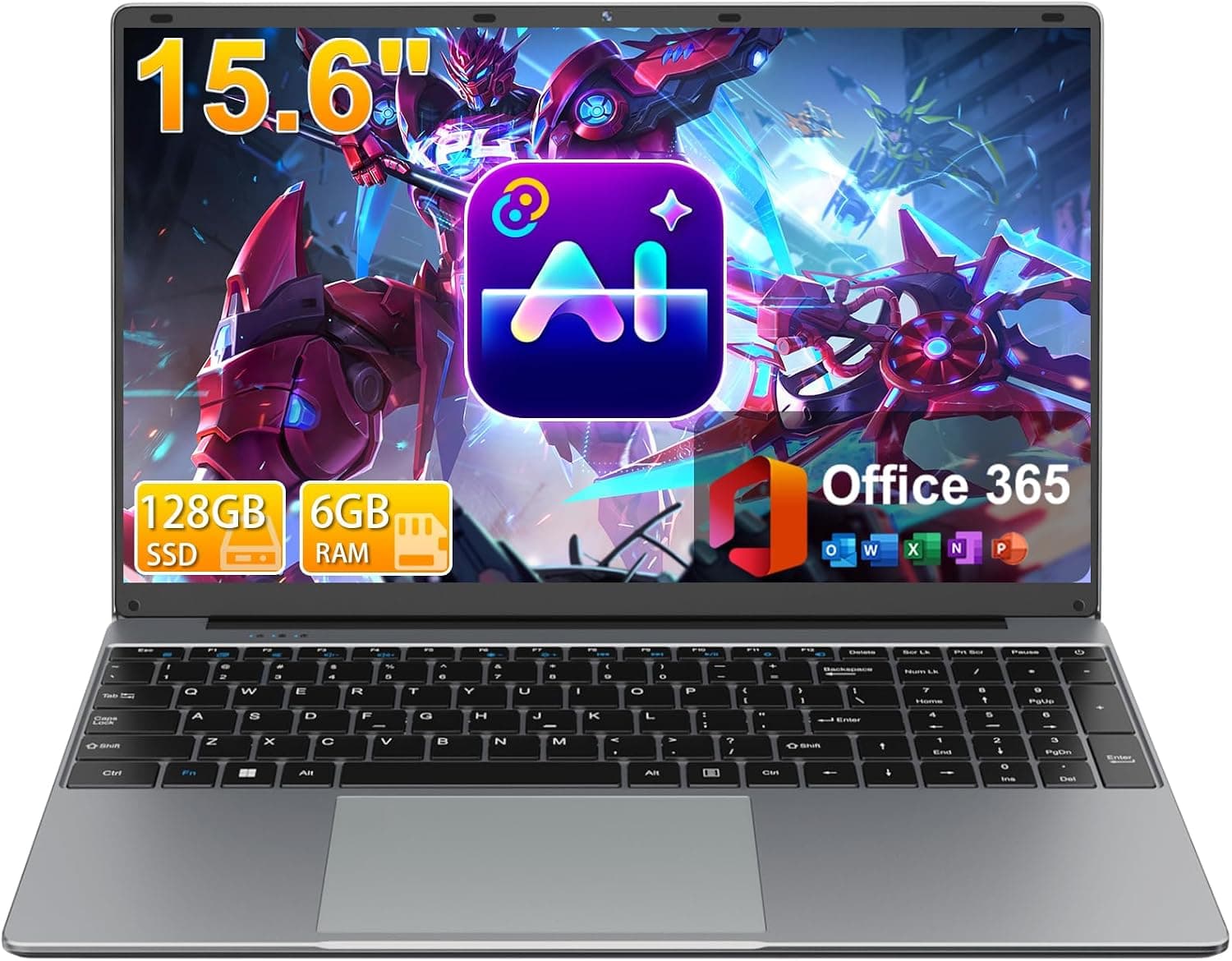
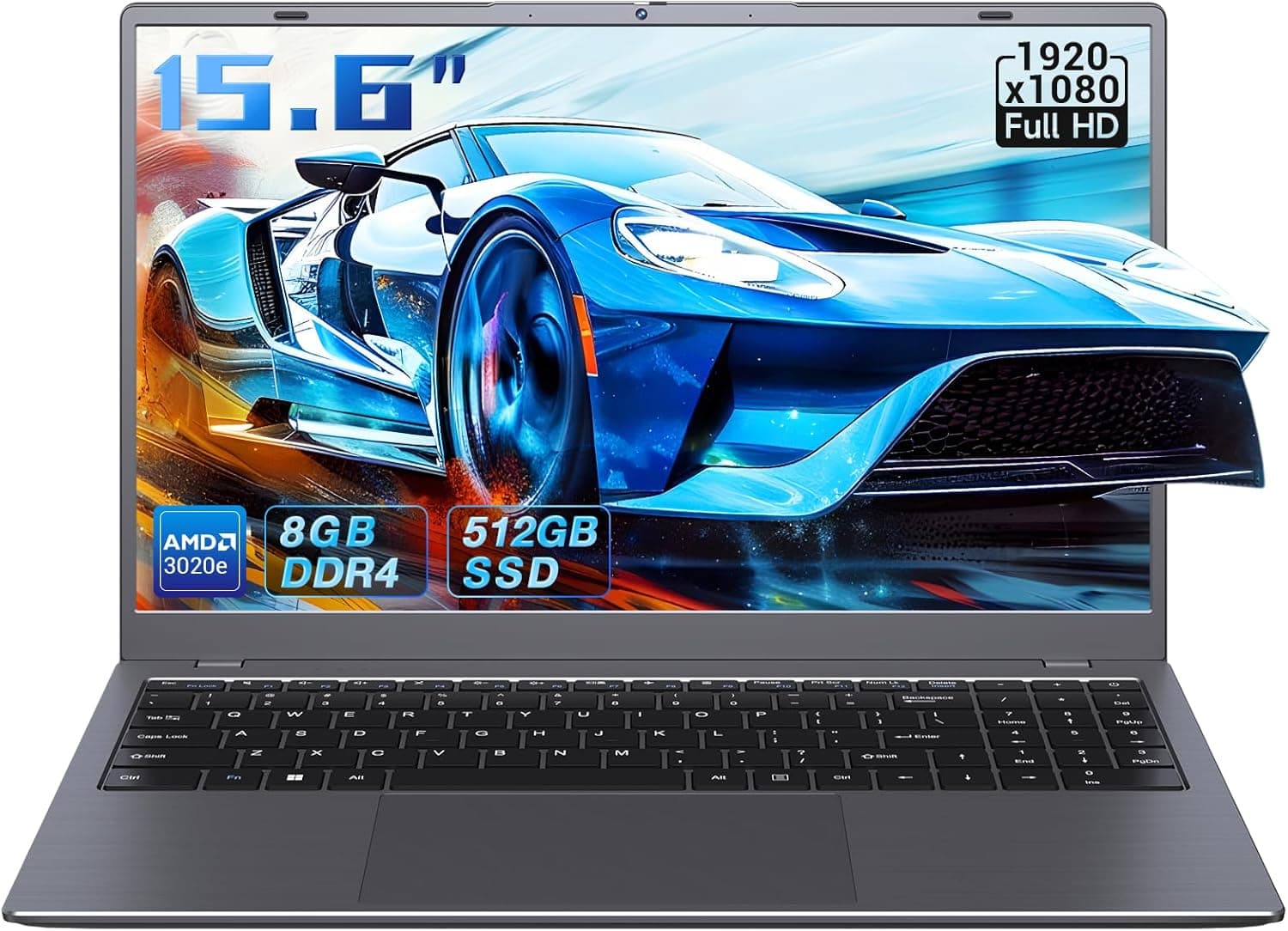
The MAXVELTH MaxBook is an entry-level 15.6-inch laptop built around the AMD 3020e processor (2 cores, 4 threads, up to 2.6 GHz). It targets users who need a basic machine for web browsing, office work, and media consumption without breaking the bank. The configuration includes 8GB of DDR4 RAM and a 512GB M.2 SSD, providing ample storage for documents and light applications. The display is a 1920×1080 IPS panel with wide viewing angles, making it pleasant for watching videos or reading. The chassis is a simple gray design that fits well in both professional and academic settings. Windows 11 comes pre-installed, so you can start working right out of the box.
Connectivity & Compatibility
Port selection covers the essentials: two USB 3.2 Gen1 Type-A ports, one USB 2.0 port, one full-featured USB Type-C (data and video output), and one charging-only Type-C. There's also a standard HDMI output, a headphone jack, and a TF card slot. The USB-C port supports external displays, so you can connect a monitor for a dual-screen setup. Wireless connectivity includes Wi-Fi 5 (802.11ac) and Bluetooth. There is no built-in Ethernet port, but you can add a USB-to-LAN adapter if needed. A Kensington lock slot is present for physical security in public spaces.
Product Info
The MAXVELTH MaxBook launched in late 2024 as a budget-oriented notebook. Its street price hovers around ¥74,000, offering good value for the specs. The warranty is the standard one year, and the laptop is available through Japan. In the box you'll find the AC adapter and a quick-start guide; no extra peripherals are included. Market positioning is firmly entry-level: it's not meant for demanding tasks but rather for users who prioritize affordability over performance. It competes with other low-cost Windows laptops from brands like Lenovo IdeaPad and HP's budget lines.
Best Use Cases
Students and office workers: Perfect for writing papers, checking email, attending Zoom meetings, and browsing. The 15.6-inch screen is large enough for split-window multitasking, and the weight is manageable for daily commuting. Media consumers: The full HD IPS display is great for Netflix, YouTube, and other streaming services. Battery life is decent for a few hours of video playback. * First-time PC buyers: If you need a simple Windows machine for basic tasks and have a tight budget, this laptop is a solid choice. Setup is straightforward, and the included Windows 11 provides a familiar experience. However, this laptop is not suitable for gaming (even light titles may struggle), video editing, or software development with heavy compilation. For those workloads, look for a model with a faster CPU and dedicated graphics.