This article covers Logitech G X56 Hotas RGB フライト.
Overview
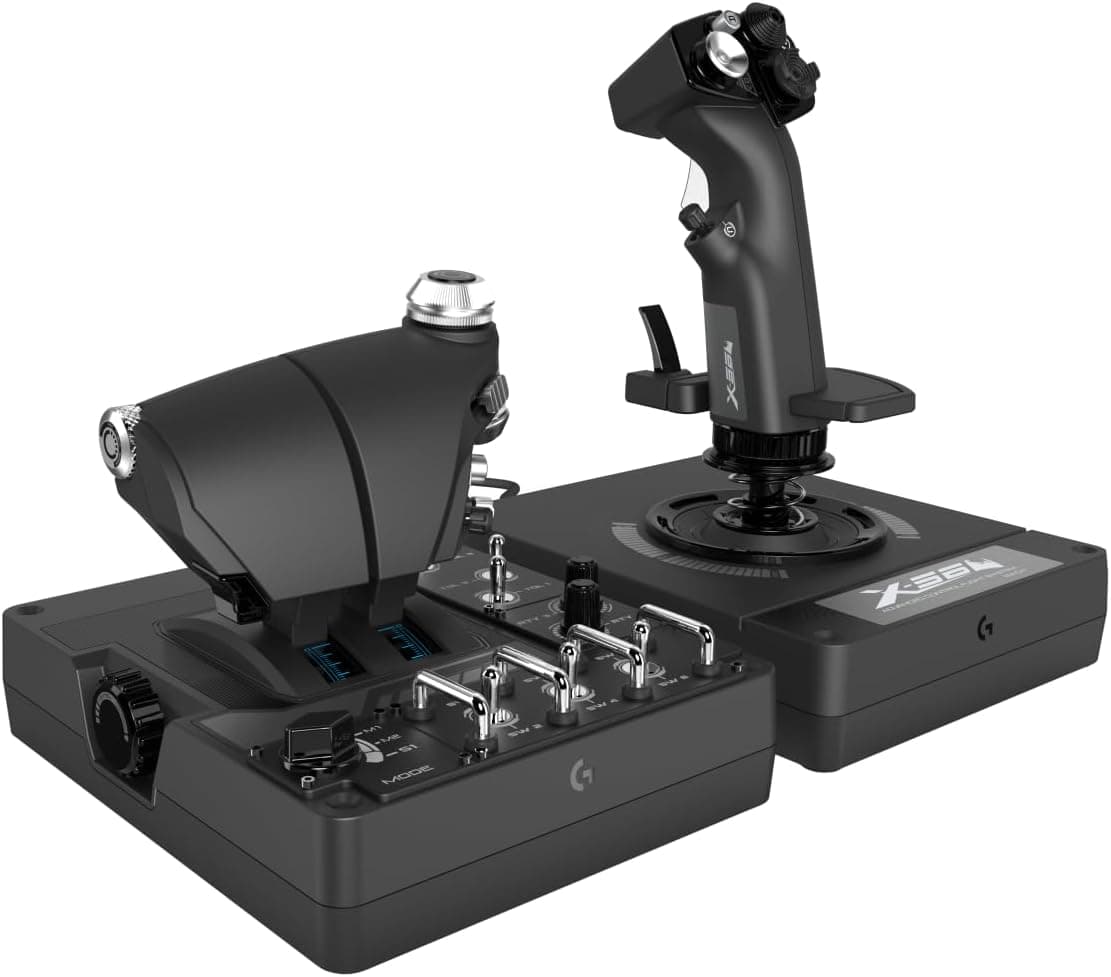
The Logitech G X56 Hotas RGB is a high-end HOTAS (Hands On Throttle And Stick) controller designed for flight and space simulation enthusiasts. It combines a precision joystick with an independent twin throttle, offering an immersive experience for both aircraft and spacecraft pilots. Key features include 16-bit Hall-effect sensors on the aileron and elevator axes for contactless, high-accuracy input, and a customizable spring tension system. The controller also features full-spectrum RGB lighting that can be customized via Logitech G HUB software.
Connectivity & Compatibility
The X56 connects to a Windows PC via two separate USB cables — one for the joystick and one for the throttle. It requires USB 2.0 or higher ports and is compatible with Windows 7, 8, 10, and 11. It is not compatible with game consoles such as PlayStation or Xbox. The controller is also VR-ready, meaning its physical button layout allows intuitive operation even when wearing a head-mounted display. The twin throttle design is particularly well-suited for dual-engine aircraft and spacecraft in simulators like Microsoft Flight Simulator, Star Citizen, and Elite Dangerous.
Product Info
Released in August 2018, the Logitech G X56 Hotas RGB sits in the mid-to-high-end segment of the flight controller market. It is positioned as a serious tool for simulation enthusiasts who demand precise control and extensive button mapping options. The package includes the joystick base, throttle unit, two USB cables, interchangeable springs (hard and soft), and documentation. The standard warranty is two years. It remains available through major retailers like Japan, with a typical price around ¥58,000.
Best Use Cases
Flight Sim Enthusiasts: Ideal for Microsoft Flight Simulator, X-Plane, and DCS World. The independent twin throttles allow realistic management of multi-engine aircraft, from propeller planes to modern jets. Space Sim Gamers: Perfect for Star Citizen and Elite Dangerous, where 6DoF (six degrees of freedom) control is essential. The joystick twist handles yaw, while the throttle's mini-stick enables lateral and vertical translation. * VR Simmers: The abundance of physical buttons and switches means you can operate everything by touch without removing your VR headset. The layout is designed for blind operation, enhancing immersion in virtual cockpits.
Things to Consider
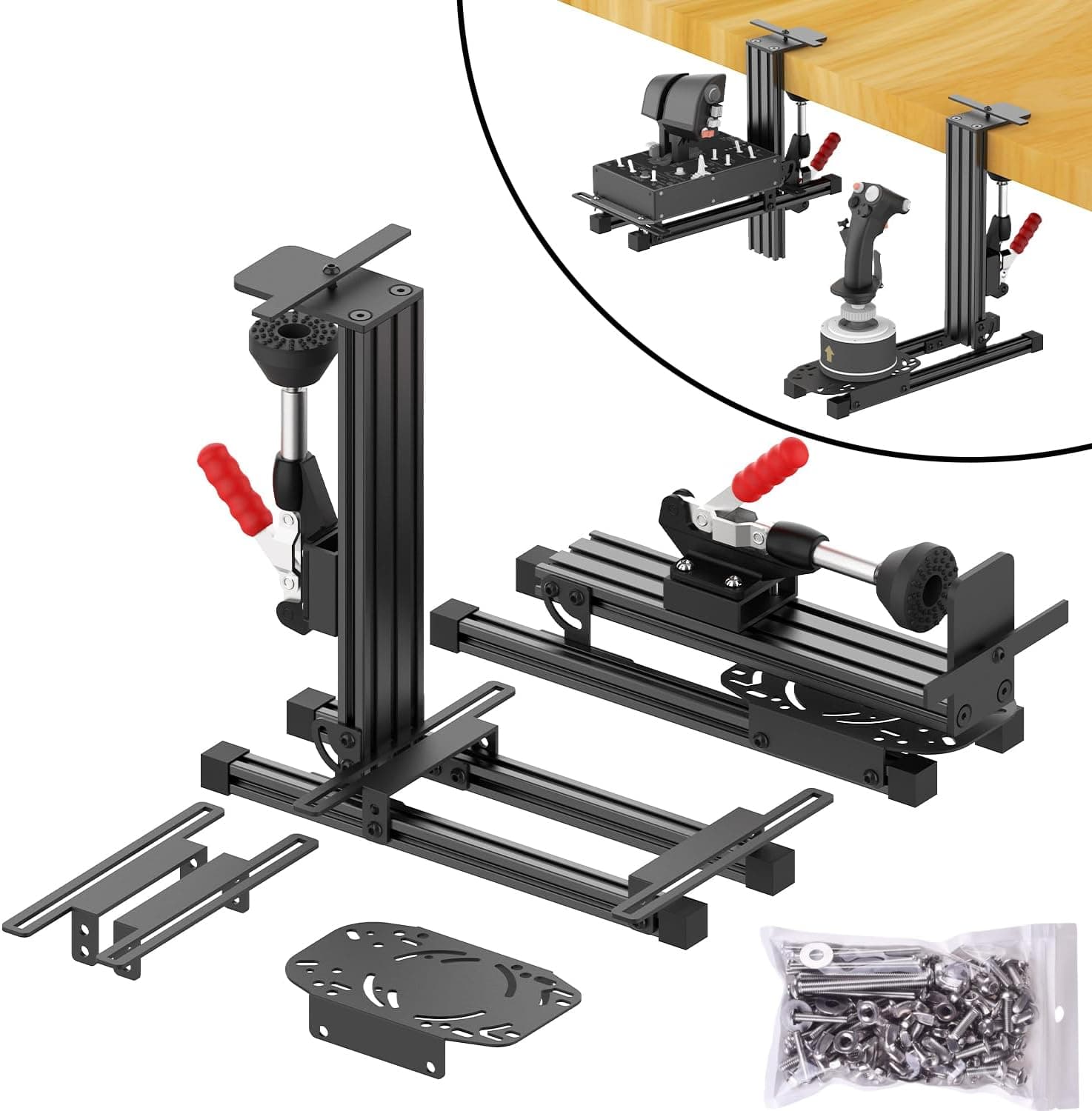
The X56 is a large controller — the joystick base measures approximately 22.5×18.5 cm, and the throttle unit requires similar desk space. If your desk is cluttered or small, consider using a mounting arm or clamp to secure the units. It is a PC-only device; it will not work with PlayStation or Xbox consoles. Additionally, setting up the controller for specific games can be time-consuming, as many simulators require manual key binding. Using Logitech G HUB to create per-game profiles can streamline this process. The default spring tension may feel stiff for some users, but the included alternative springs allow you to adjust the resistance to your preference.