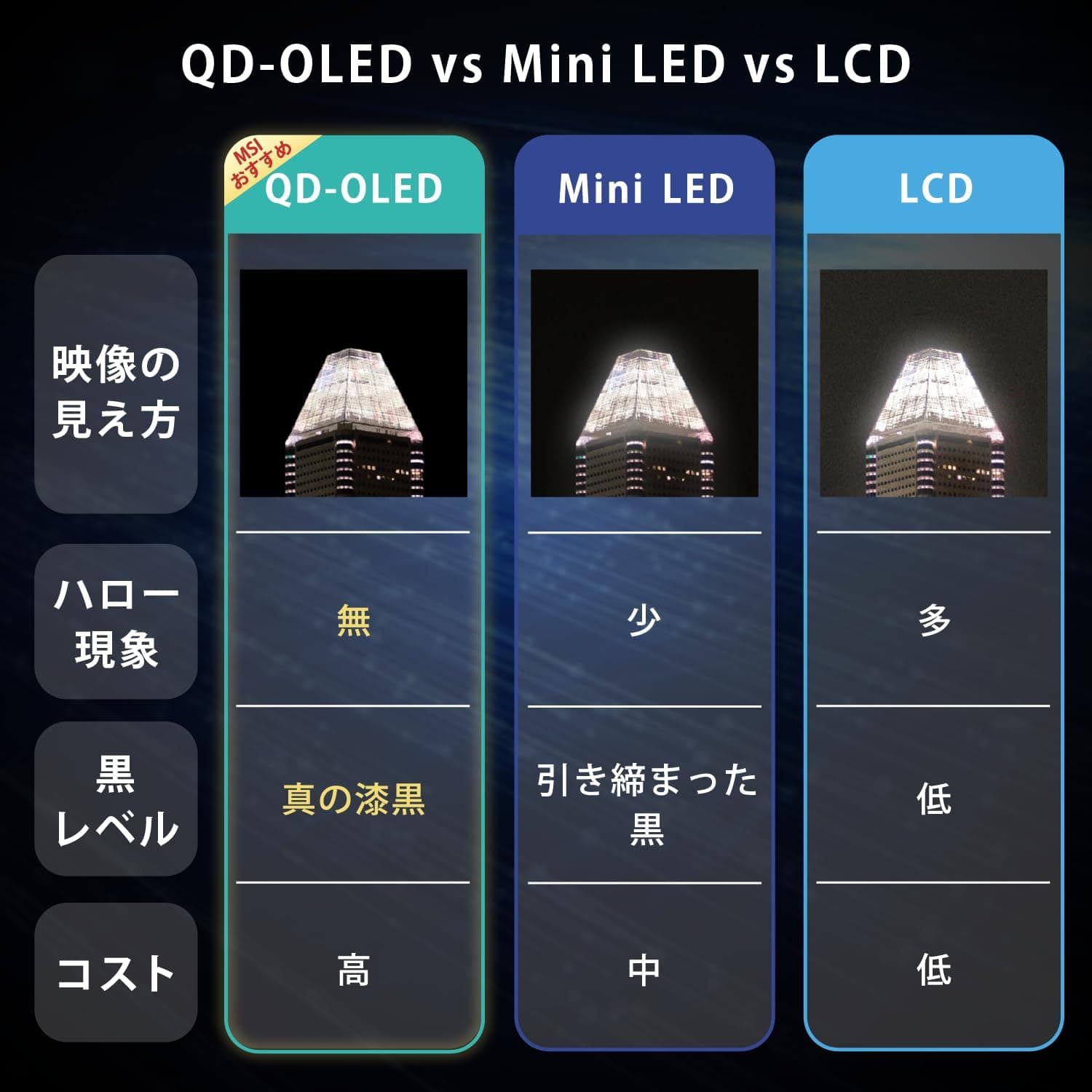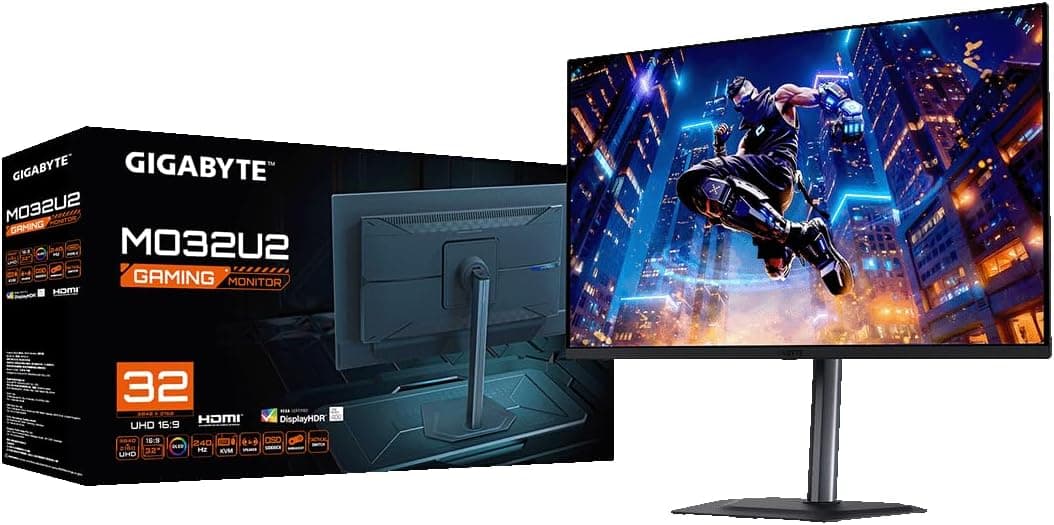
The GIGABYTE MO32U2 is a 31.5-inch gaming monitor built around a QD-OLED panel, offering 4K resolution, a 240Hz refresh rate, and a 0.03ms GTG response time.
It covers 99% of the DCI-P3 color gamut and carries VESA DisplayHDR True Black 400 certification, making it an excellent choice for both competitive gaming and content consumption. With built-in KVM functionality, this monitor also serves users who want to control multiple PCs with a single keyboard and mouse.
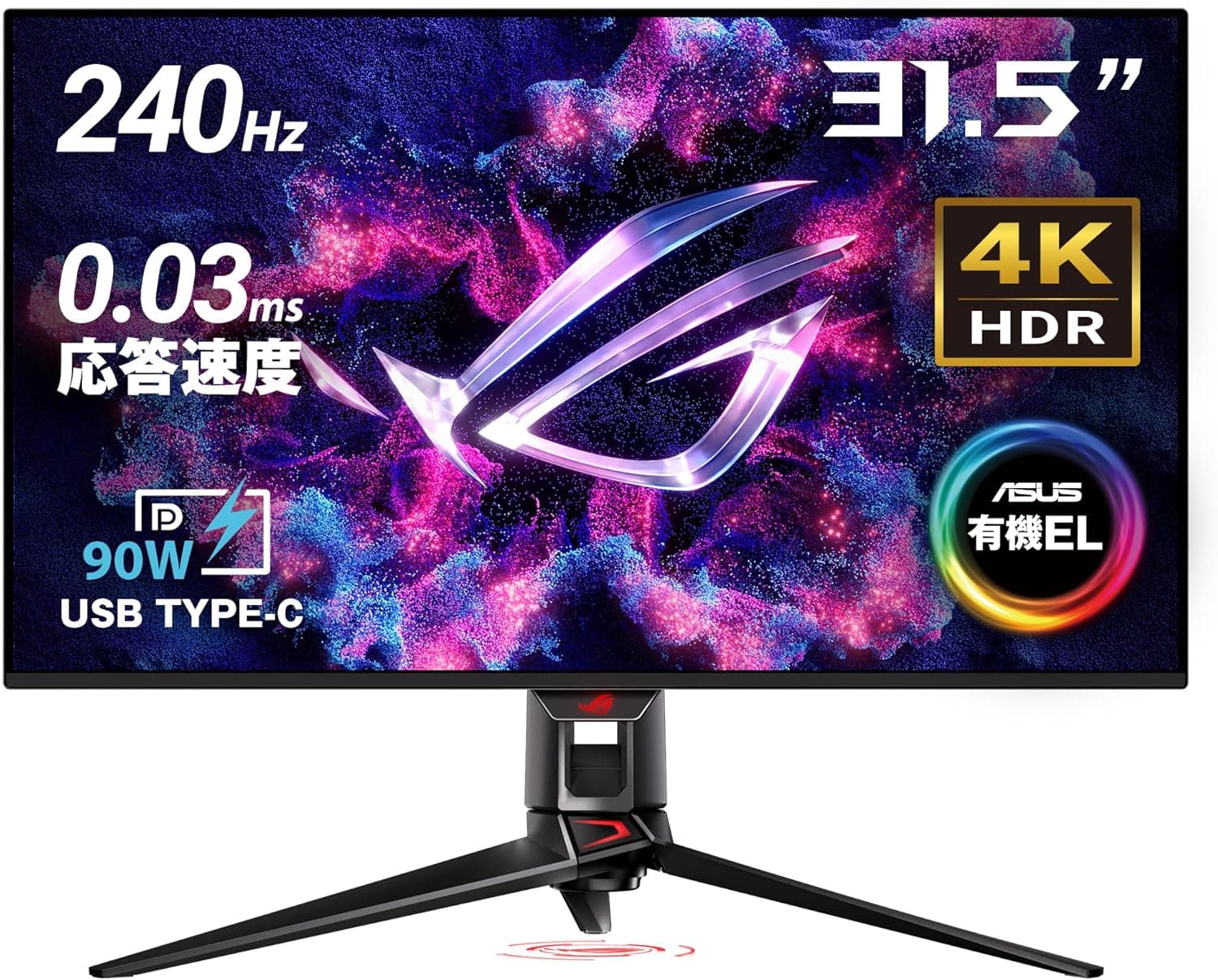
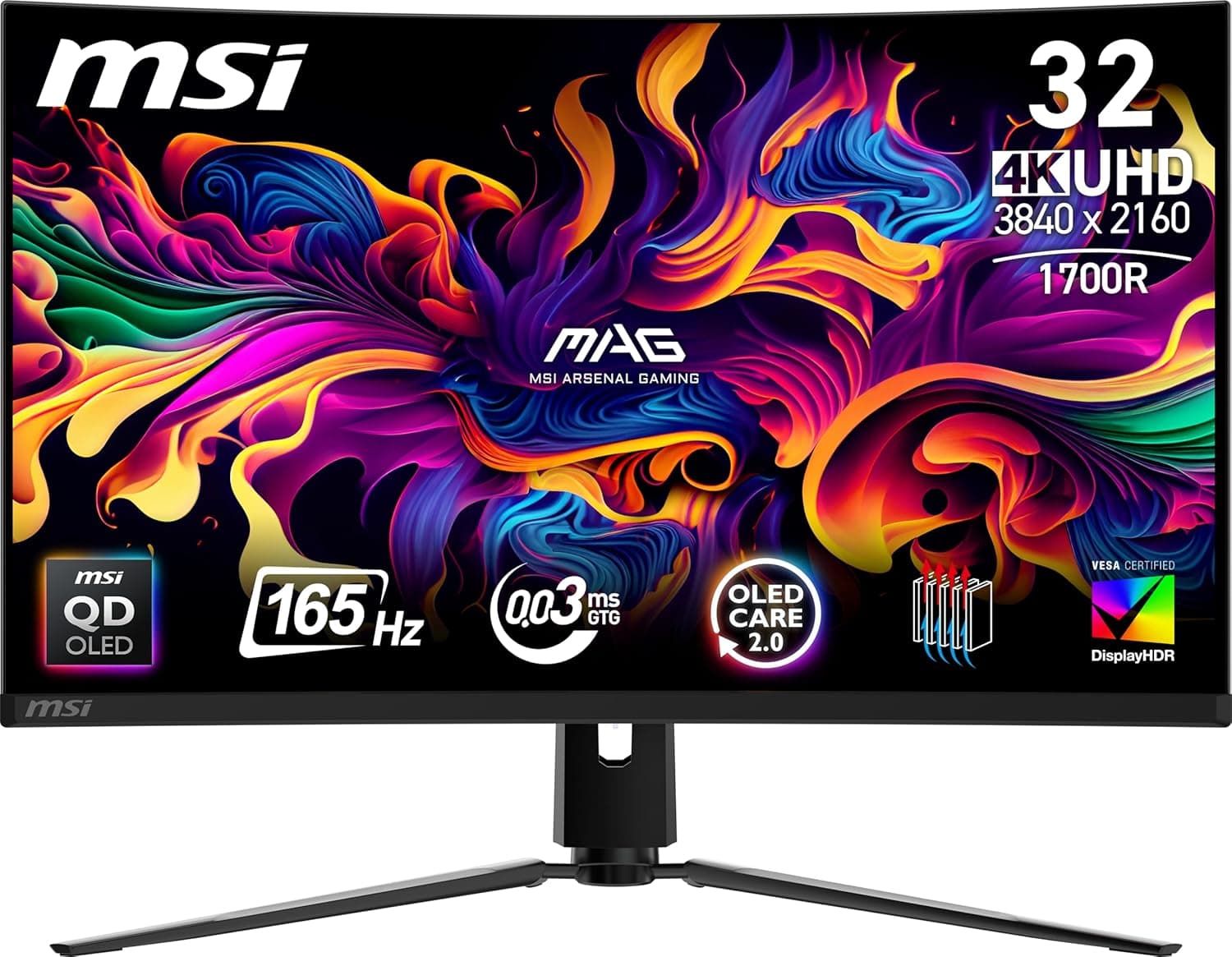
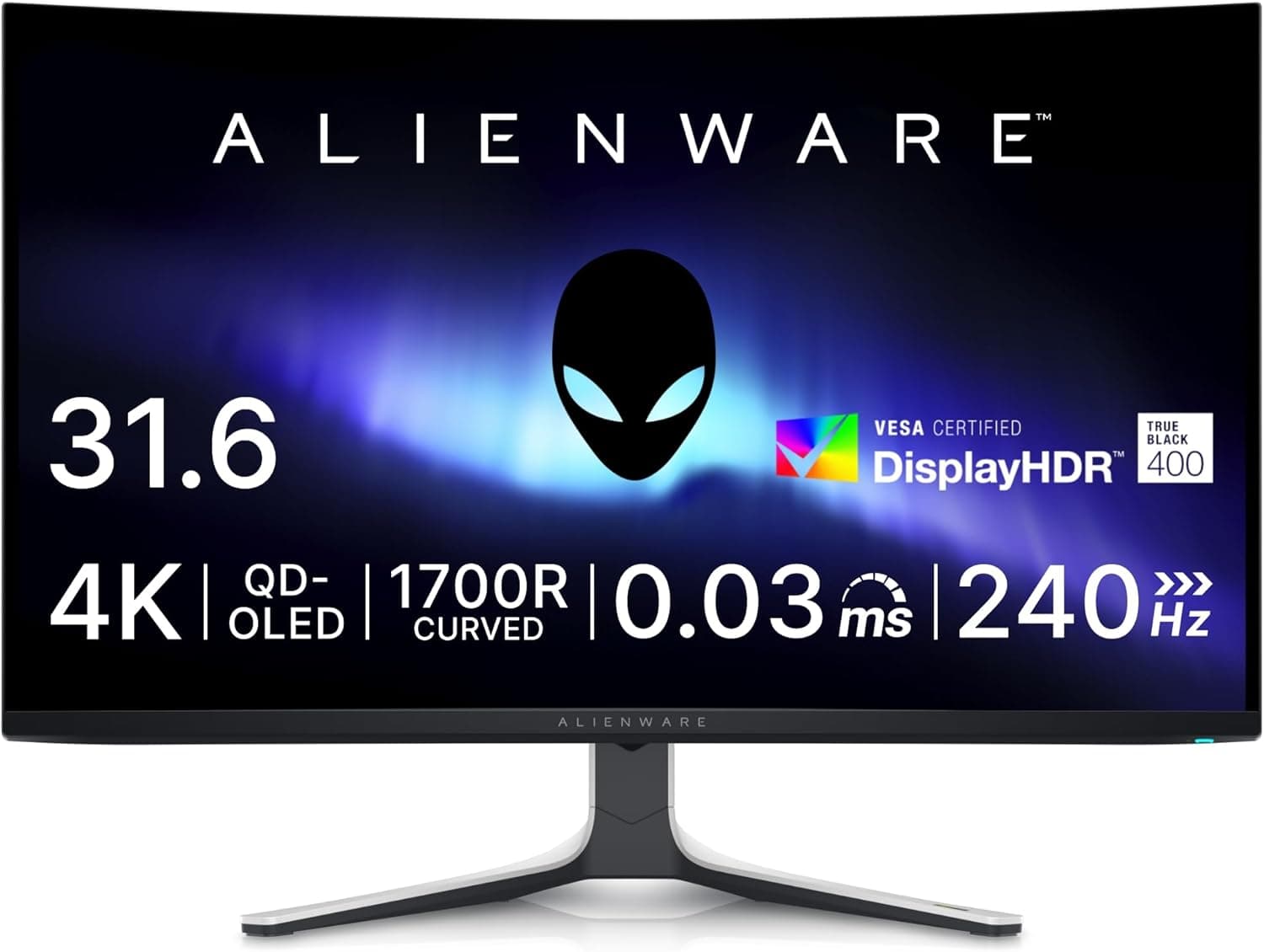
This monitor targets the high-end segment, directly competing with other 4K 240Hz OLED solutions from ASUS, MSI, and Dell. The combination of HDMI 2.1 (48Gbps) and DisplayPort 1.4 with DSC ensures that both PC and console gamers can take full advantage of the panel's capabilities.
The three-year warranty, covering burn-in, adds peace of mind for those worried about OLED longevity. The USB-C port also handles KVM duty: connect the included USB-B upstream cable to your PC, then plug a keyboard and mouse into the monitor's downstream ports to switch between two systems.
Adaptive sync is supported via AMD FreeSync Premium Pro and NVIDIA G-Sync Compatible (tested). The VRR range spans 48–240Hz.
VESA 100×100 mount compatible. Released in late 2025, the MO32U2 sits at the high end of the gaming monitor market.
The QD-OLED panel is sourced from Samsung Display, featuring an anti-reflection coating that works well in bright rooms. Warranty is three years, including burn-in coverage—a rarity even among OLED monitors.
The package includes power cable, DisplayPort cable, HDMI cable, USB-B to USB-A cable, and quick-start guide.Check the retailer's page for the latest price.
Compared to rivals like the ASUS ROG Swift PG32UCDM or MSI MPG 321URX, the GIGABYTE unit pulls ahead with its integrated KVM and more generous warranty terms. The 0.03ms response eliminates motion blur for competitive play.
Content creators needing color accuracy: Factory-calibrated to Delta E <2 with 99% DCI-P3 coverage, this monitor handles photo and video editing confidently. However, the OLED subpixel layout can cause minor color fringing on white text, especially small fonts, so text-centric workers should evaluate first.
Switch between systems without moving peripherals, and charge your laptop via the same cable. Who should skip: If you primarily play fast-paced FPS games in well-lit rooms and prioritize peak brightness over black levels, a high-end IPS panel (e.g., Asus PG27AQDM) might be a better fit.
Also, users uneasy about OLED burn-in should weigh the three-year coverage carefully.