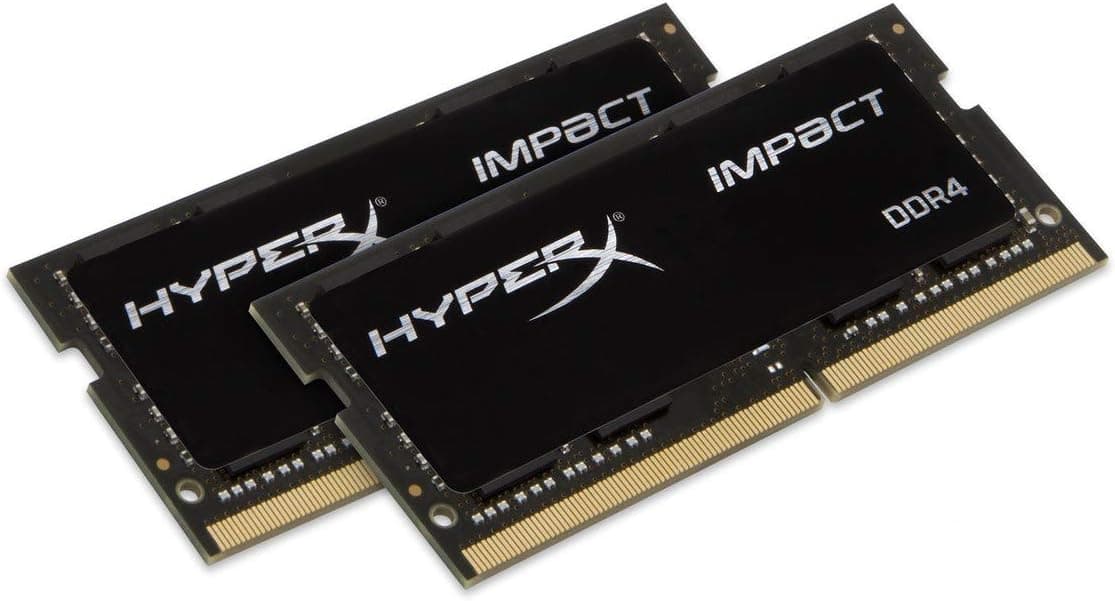
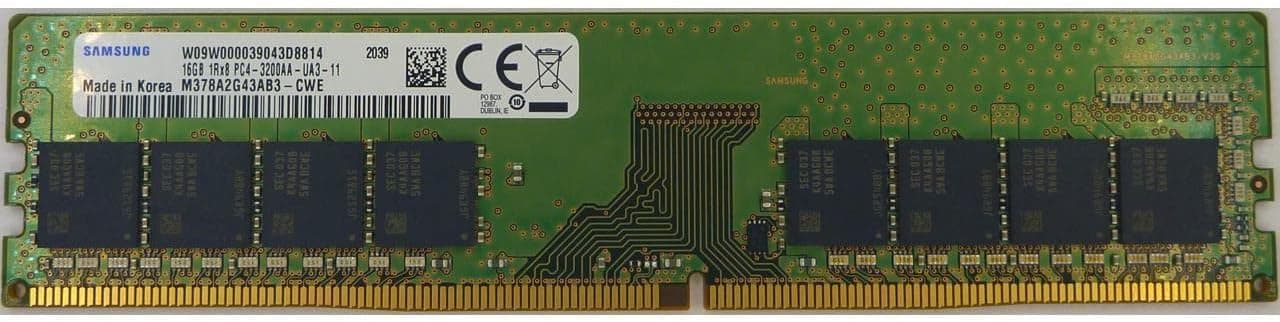
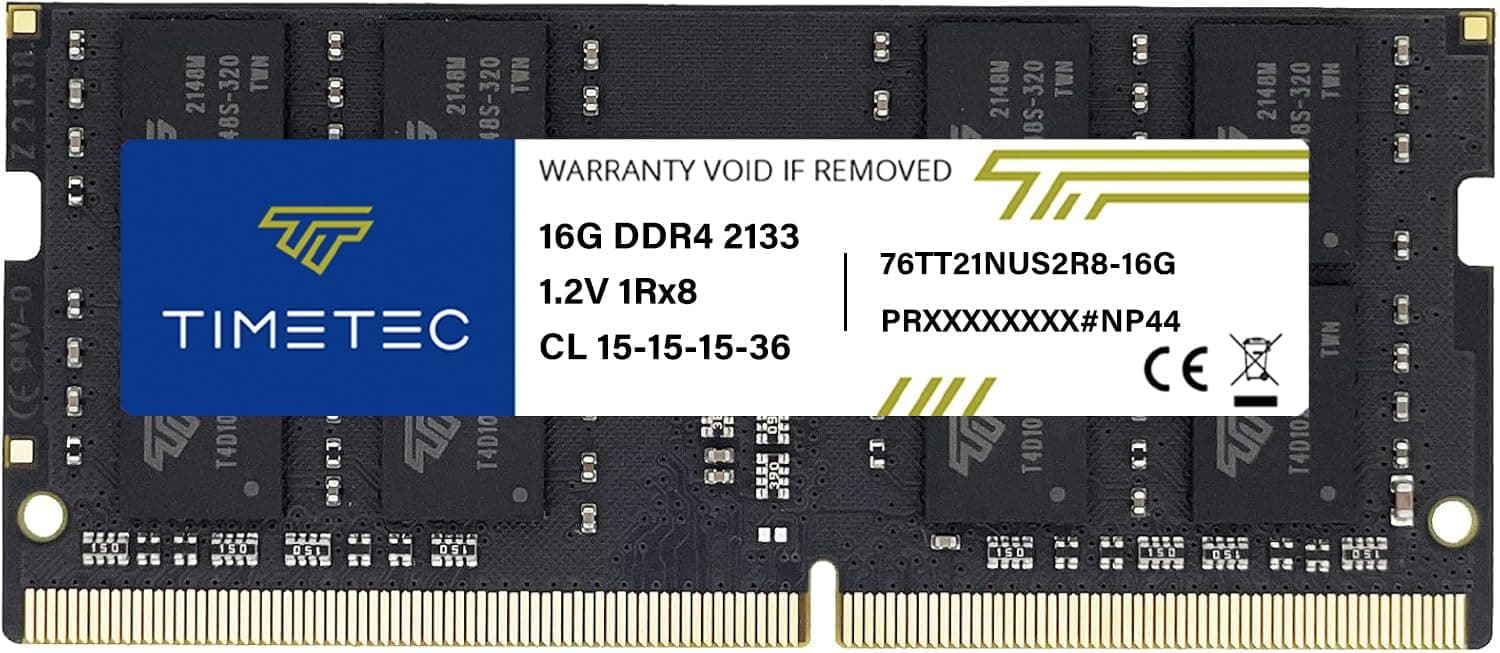
This article covers Crucial CT2K4G4DFS824A 8 GB.
Overview
Crucial, a brand owned by Micron, is known for producing reliable memory modules with broad compatibility. The CT2K4G4DFS824A 8 GB kit consists of two 4GB DDR4-2400 DIMMs running at JEDEC standard timings without XMP profiles. It's a no-frills, plug-and-play solution for users who need a basic memory upgrade.
This RAM targets budget-conscious builders, office PC users, and anyone looking to revive an older DDR4 system. 8GB is enough for light workloads like web browsing, document editing, and media consumption. In the current memory market, this kit sits firmly in the entry-level segment, offering stability over speed.
Compatibility Guide
The kit uses the standard 288-pin DIMM form factor, compatible with any motherboard that has DDR4 slots. It operates at 1.2V and does not require special power connections.
- Socket support: Works with Intel LGA 1151, 1200, 2066 (DDR4 models) and AMD AM4, TR4 (DDR4-based) sockets.
- Motherboard chipset: All DDR4 chipsets from Intel 100-series onward and AMD A320/B350/X370/B450/X470/B550/X570/A520.
- Dual-channel: Use two matched modules in correct slots (typically A2/B2). This kit is a matched pair for dual-channel operation.
- Not compatible with: DDR3 or DDR5 slots, Intel 600-series (LGA 1700) or AMD AM5 (LGA 1718) motherboards.
Product Info
Crucial's CT2K4G4DFS824A has been a staple in the DDR4 market since around 2018. As of this writing, it costs around ¥17,187 (~$120 USD) at Japanese retail, though prices fluctuate. Crucial backs it with a limited lifetime warranty (subject to terms).
Market positioning is firmly entry-level. The 2400MT/s speed is the slowest among standard DDR4, but the kit's JEDEC compliance ensures rock-solid stability with nearly any motherboard. It's not meant for overclocking or high-bandwidth tasks.
Best Use Cases
- Budget Office Build
Perfect for a low-cost PC used for email, spreadsheets, and video conferencing. 8GB is adequate for these tasks, and 2400MT/s won't be a bottleneck. - Legacy PC Upgrade
If you have an older DDR4 system (e.g., Intel 6th-9th Gen, Ryzen 1000-3000) that's struggling with multitasking, adding this kit (or replacing existing RAM) can breathe new life into it. - Home Server / HTPC
Media streaming, file serving, or lightweight virtualization don't benefit from higher memory speeds. This kit's low power draw and heat output are ideal. - Not recommended for:
- Gamers targeting high frame rates in modern titles (need 16GB+ and DDR4-3200 or faster).
- Content creators using Adobe Premiere, DaVinci Resolve, or 3D rendering (8GB is insufficient).
- Users building a new high-performance PC today (DDR4 is outdated; consider DDR5).
Things to Consider
At ¥17,187 for an 8GB DDR4-2400 kit, the value proposition is weak compared to current market options. For a similar price, you can often find a 16GB DDR4-3200 kit from brands like TeamGroup or Silicon Power, which offers double the capacity and higher bandwidth. Unless you specifically need a JEDEC-only kit for maximum compatibility with a very old motherboard, this kit is hard to recommend on price alone.
Also, 8GB is becoming the bare minimum for Windows 11. Running multiple browser tabs, a chat app, and a video call can easily consume 6-7GB, leaving little headroom. Consider whether 8GB will truly meet your needs for the next few years.
FAQ
Q: Will this memory work with a Ryzen 5 5600X?
A: Yes, any AM4 motherboard with DDR4 slots supports this kit. However, Ryzen CPUs benefit from higher memory speeds; you might lose some performance compared to DDR4-3600. It will work, but it's not optimal.
Q: Can I mix this kit with other Crucial modules of different speeds?
A: Mixing different speed modules is possible but all modules will run at the lowest common speed (e.g., if paired with DDR4-3200, all may drop to 2400). For best stability, use identical modules.
Q: Does this kit support Intel XMP?
A: No, it does not have XMP profiles. It runs at JEDEC 2400MT/s with standard timings (e.g., 17-17-17-39). If your motherboard defaults to a lower speed, manually set the memory frequency to 2400MHz in BIOS.