Overview
The Corsair RM750e is a fully modular ATX power supply rated at 750W with 80 PLUS Gold certification. On Amazon it is listed as "Corsair RM750e Fully Modular Low-Noise ATX Power Supply - Dual EPS12V Connectors - 105°C-Rated Capacitors - 80 Plus Gold Efficiency - Modern Standby Support - B".
For mid-range builds that pair a Core i5 / Ryzen 5–7 CPU with an RTX 4060 Ti to RTX 4070 class GPU, it has the right capacity and enough connectors. However, this generation has no native 12VHPWR (12V-2x6) connector.
If you are about to buy a new GPU, compare it with the ATX 3.0 successor before deciding.
The RM750e belongs to Corsair's RMe series and aims to combine quiet operation with good efficiency. It uses 105°C-rated capacitors, which age more slowly inside a hot PSU.
Dual 8-pin EPS12V connectors and four PCIe 8-pin connectors let it power high-core-count CPU motherboards and upper-mid-range graphics cards directly. It also supports Modern Standby, the Windows sleep mode in which the PC stays connected to the network.
That mode requires a PSU that runs stably at very low loads.
At 140mm long, the chassis is compact for an ATX unit and fits most mid-tower and full-tower cases without interference. Because it is fully modular, you only attach the cables you need, so unused cables do not pile up inside the case.
The good airflow and easy cable routing make it approachable even for first-time builders.
How Far Does 750W Go?
The most common PSU mistake is choosing a wattage without knowing how much headroom your build actually needs. The table below is a rough guide based on NVIDIA's recommended PSU wattages for each GPU and typical CPU power behavior.
Real consumption varies with the motherboard, the number of fans and drives, and your CPU power-limit settings.
| Example build | Headroom at 750W |
|---|---|
| Core i5 / Ryzen 5 + RTX 4060 Ti | Large. Often runs near half load, which also helps noise |
| Core i7 / Ryzen 7 + RTX 4070 / RX 7800 XT | Comfortable. This unit's sweet spot |
| Core i7 / Ryzen 7 + RTX 4070 Ti SUPER | Enough, but tighter. Needs a 12VHPWR adapter |
| Core i9 / Ryzen 9 + RTX 4080 SUPER | Borderline. Not ideal for long sustained loads |
| RTX 4090 class | Not recommended. Choose 850W or more |
When reading the table, keep in mind that PSUs tend to be most efficient and quietest at around 50% load. A 750W unit held at 600W all the time will still work, but the fan will run constantly and you lose the "Low-Noise" benefit.
Builds that draw roughly 300–450W while gaming are the range where this PSU performs best.
Be especially careful with CPUs such as high-end Core i9 models, which can draw around 250W once power limits are lifted. Pair one with a GPU drawing more than 300W and, once you account for transient spikes, 750W leaves very little margin.
If you are planning such a build, starting with an 850W–1000W unit usually costs less than replacing the PSU later.
Compatibility Guide
- Form factor: ATX (PS/2 size). Fits the vast majority of mid-tower and full-tower cases. It will not fit SFX-only small cases.
- CPU power: Two 8-pin EPS12V connectors. Supports Intel LGA1700 / LGA1200 / LGA115x and AMD AM5 / AM4 boards that need one 8-pin or two 8-pin (4+4) CPU power connections.
- GPU power: Four PCIe 8-pin connectors. That covers two cards with dual 8-pin inputs, or one card with triple 8-pin inputs.
- Storage and peripherals: Nine SATA and four peripheral (4-pin) connectors, enough for many SSDs and HDDs plus fan hubs or LED controllers.
- 12VHPWR (12V-2x6): Not included. RTX 40-series and later GPUs that use this connector need an 8-pin adapter.
Do not judge case fit on the 140mm length alone. On a modular PSU the cables plug into the back of the unit, so you need a few extra centimeters of space to bend them.
Compare the result with your case's maximum PSU length. If it is tight, also check for clashes with 3.5-inch drive bays or the cable storage area under the shroud.
There are two EPS12V cables because some high-end motherboards need two CPU power inputs. Mid-range boards often need only one 8-pin, and in that case you can leave the second cable unplugged.
If your board has an 8-pin plus a 4-pin header, check the motherboard manual to see whether connecting both is recommended.
For 12VHPWR graphics cards, the adapter usually comes in the GPU box. Check the listing to see whether the PSU itself includes a dedicated cable.
When using an adapter, push the connector all the way in and avoid sharp bends right at the plug. Running a partly inserted connector under heavy load can make the contacts overheat.
Product Info
The Corsair RM750e came out in late 2022 as a mid-range PSU. It is rated at 750W and uses a single +12V rail that can deliver up to 62.5A (750W).
That means nearly all of its rated output is available on +12V. This suits modern gaming PCs, where the CPU and GPU draw most of their power from that rail.
Cooling comes from a fan listed at 135mm with a Zero RPM mode that stops the fan under light load. During browsing or video playback the fan stays off, so the PSU makes essentially no noise.
The warranty is a relatively long 7 years. That fits the common DIY habit of upgrading the GPU every few years while keeping the same PSU.
As of May 31, 2026, the Amazon.co.Check the retailer's page for the latest user reviews.
PSUs draw complaints quickly when they fail, so that rating over that many reviews is a solid result. However, Amazon sometimes pools reviews across other wattages or model years on the same product page.
Treat the numbers as a reference only.
The Amazon.co.jp offer comes from a marketplace seller (Ko-Shop handles both sales and shipping).
When prices were captured in May 2026, it was much higher than typical for a 750W Gold unit, so this article does not quote it. On eBay, a listing at $89.80 was seen when captured on July 16, 2026.
Condition (new or used), shipping, import duties and warranty handling differ from listing to listing. Prices change often, so check the product page for the current price.
Competitor Comparison
| Model | Key traits | Best for |
|---|---|---|
| Corsair RM750e (this unit) | 80 PLUS Gold, fully modular, 140mm, 7-year warranty | Owners of 8-pin GPUs |
| Corsair RM750e (2023) | ATX 3.0 / PCIe 5.0 compliant | Anyone wanting a direct 12V-2x6 cable |
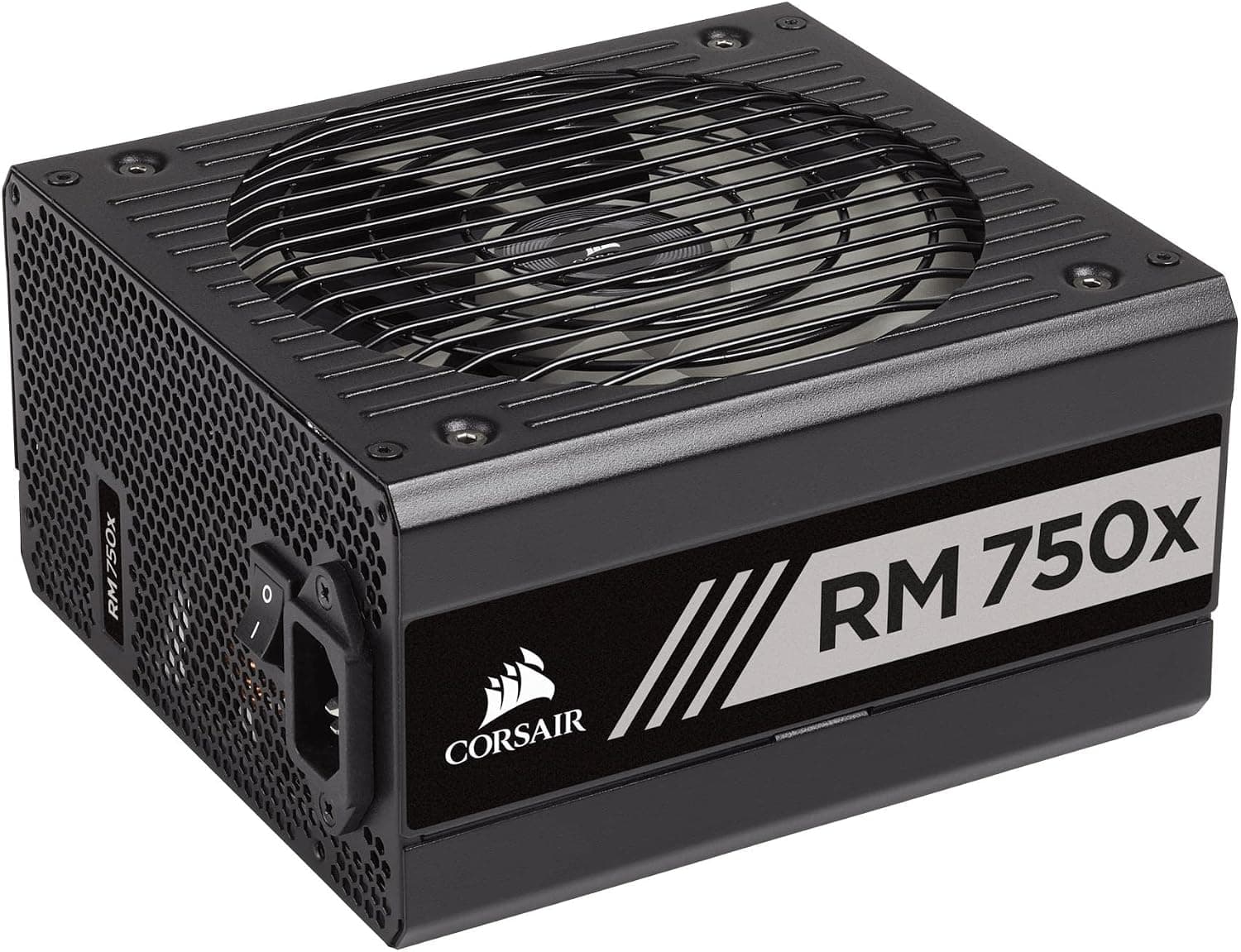
| CORSAIR RM750x Shift | ATX 3.0 unit with side-mounted connectors | Cases with generous rear cable space |
| Seasonic Focus GX-750 / be quiet! Straight Power 11 750W | Well-known Gold, fully modular rivals | Buyers choosing by brand or fan character |
The case for the RM750e is its compact body, long warranty and easy fit with existing 8-pin GPUs. If you want a single-cable 12V-2x6 connection instead, the almost identically named 2023 model is the simpler choice.
Fan noise character is hard to judge from spec sheets, so deciding by brand trust or how easy the warranty service is to use is perfectly reasonable.
Best Use Cases
- Mid-range gaming PC builders: A great match for a Core i5 / Ryzen 5 CPU with a GeForce RTX 4060 Ti or Radeon RX 7700 XT. 750W gives stable headroom under gaming loads.
- Noise-conscious users: Zero RPM mode stops the fan at light loads, so the PSU stays silent during office work or video playback.
- First-time modular PSU users: You attach only the cables you need, which makes routing simple and keeps the build tidy.
- People keeping 8-pin GPUs: If you use an RX 7000-series card or an 8-pin RTX 30/40-series model, the missing 12VHPWR connector barely matters.
- Long-term owners: The 7-year warranty makes it easier to plan on keeping this PSU through the next GPU generation.
Things to Consider
No native 12VHPWR (12V-2x6) connector. GPUs such as the RTX 4070 Ti SUPER, RTX 4080 and RTX 4090 that ship with 12VHPWR need an adapter.
Adapters are bulky around the plug, and in cases with little side-panel clearance you may end up bending them too hard. If you are buying a new GPU, we strongly suggest comparing this unit with the ATX 3.0 RM750e (2023).
Do not mix up the model years. The "RM750e" name is used for both the 2022 and 2023 versions, and the listings look very similar.
If you need a direct 12V-2x6 connection, check that the listing title and photos say "ATX 3.0" or "PCIe 5.0".
This article covers the version without ATX 3.0 in its name.
Know the 750W ceiling. A flagship Core i9 / Ryzen 9 paired with an RTX 4080 SUPER or faster GPU leaves little headroom under full load.
Even if you run an RTX 4070 today, size the PSU for the GPU you expect to upgrade to later. For such builds, choose an 850W or larger unit.
Never reuse modular cables from another PSU. The plugs on the PSU side can look identical while the pinouts differ between brands and generations.
Using an old PSU's cables can damage components. Whenever you swap a PSU, swap the cables too.
A stopped fan is not a fault. In Zero RPM mode the fan stops completely under light load, and some new builders worry that their PSU fan is dead.
It spins up as load rises, so run a game or benchmark to check. If your case has a filtered bottom intake, mounting the fan facing down is the usual approach.
Check the seller and warranty terms. The Amazon.co.jp offer comes from a marketplace seller rather than Amazon itself, and its price was high when captured.
Before buying, confirm with the listing or the seller whether the unit is covered by the official domestic distributor's warranty and what proof of purchase is needed. Listing details such as title, model year and price can also get mixed up with other versions.
Use the photos and product name to confirm you are buying the right unit.
FAQ
Q. Can it run an RTX 4070? A.
Yes. NVIDIA recommends a 650W PSU for the RTX 4070, so 750W leaves headroom.
Cards with a 12VHPWR connector will need an adapter.
Q. Can it run an RTX 4090? A.
Not recommended. The RTX 4090 calls for an 850W PSU and also needs a 12VHPWR adapter.
Choose an ATX 3.0 / 3.1 unit of 850W or more.
Q. Do I have to connect the second EPS12V cable? A.
If your motherboard has only one 8-pin CPU header, one cable is enough. If it has two headers, follow the motherboard manual.
**Q. The fan is not spinning. A. Usually this is normal Zero RPM behavior. If the fan still does not spin under heavy load and the PSU gets unusually hot, contact Corsair support.
Q. How does it differ from the 2023 model? A.
The 2023 model complies with ATX 3.0 / PCIe 5.0 and supports the newer GPU power standard.
This unit is fine for 8-pin GPUs, but for 12V-2x6 cards the 2023 model makes cabling simpler.
Product Disclosure (Amazon)
- Manufacturer: CORSAIR
- Seller: Ko-Shop
- Fulfilled by: Ko-Shop
- ASIN: B0BN234QRZ
- Note: This article covers a manufacturer-made product based on Amazon listing details.