This article takes a close look at the Corsair K65 RAPIDFIRE CH-9110014-JP — Compact Tenkeyless RGB Gaming Keyboard, covering how its switches behave, what the Japanese JIS layout means in practice, and how its price has moved.
Overview
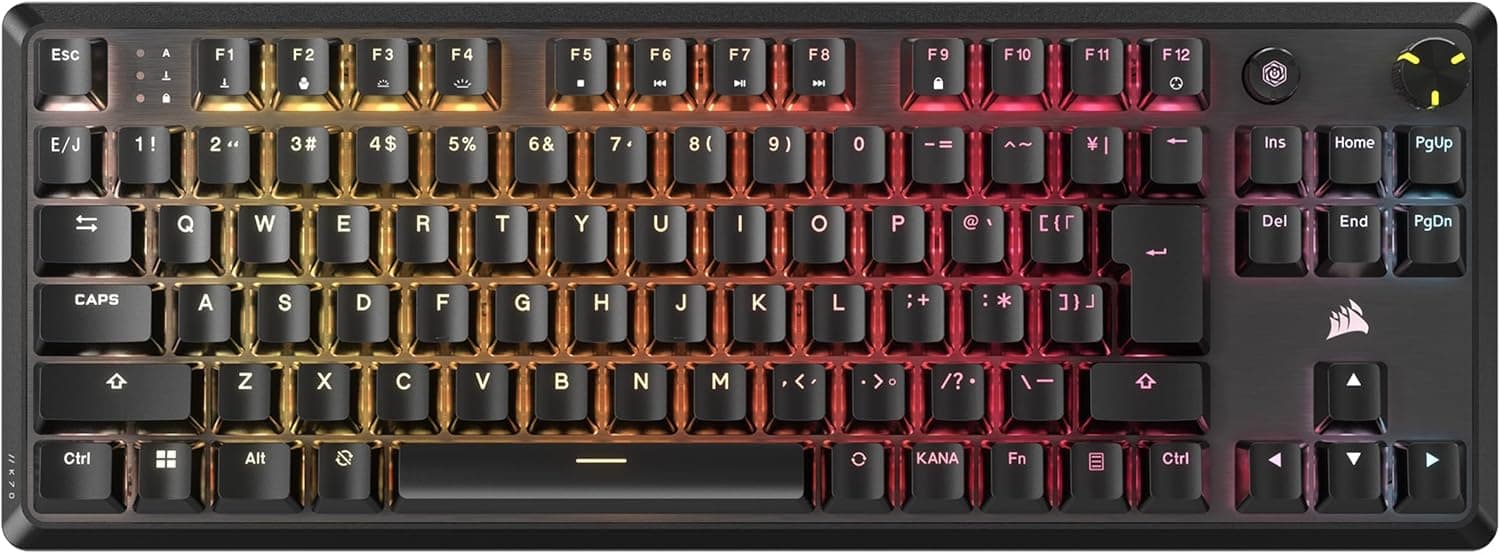
The Corsair K65 RAPIDFIRE CH-9110014-JP is a wired, tenkeyless mechanical gaming keyboard with Cherry MX Speed RGB switches and a Japanese (JIS) layout. In short, it still makes sense for FPS and TPS players who care most about input speed, and for anyone who wants more desk room for wide mouse movements.
It is a weaker fit for people who mostly type long text, or who rest their fingers on the keys.
The RGB backlighting covers 16.8 million colors and can be set per key.
N-key rollover and anti-ghosting are supported, so holding movement keys while pressing ability keys will not drop inputs. On Amazon.co.Check the retailer's page for the latest user reviews.
Cherry MX Speed by the Numbers
The switch defines this keyboard's personality. The table compares it with the Cherry MX Red, the usual gaming-keyboard switch.
The figures are Cherry's standard published values and vary slightly between units.
| Item | Cherry MX Speed (this model) | Cherry MX Red (reference) |
|---|---|---|
| Actuation point | 1.2mm | 2.0mm |
| Total travel | 3.4mm | 4.0mm |
| Actuation force | about 45g | about 45g |
| Feel | Linear (no bump) | Linear |
The press weight is almost identical to a Red switch. The difference is where the key registers.
Input registers 0.8mm earlier, which helps with the first frames of movement and with fast repeated presses.
Since the finger motion is unchanged, Red switch users will not find the weight unfamiliar.
The flip side is that a light brush is enough to trigger a key. When typing long passages, accidental presses on neighboring keys are more common than with Red switches.
Newer magnetic (Hall effect) keyboards also let you adjust the actuation point, while the MX Speed is fixed at 1.2mm.
If you want to tune the depth yourself, this is not the right board.
Compatibility Guide
Connection is USB wired only, with no wireless or Bluetooth. Official OS support lists Windows Vista/7/8/8.1/10, and the keyboard is designed for Windows PCs.
Some features may be limited on other operating systems.
| Environment | Works? | Notes |
|---|---|---|
| Windows 10 | Officially supported | Lighting is configured with Corsair's software (iCUE) |
| Windows 11 | Not on the official list | Basic typing usually works as a standard USB keyboard; check Corsair's site for software support |
| Mac | Not officially supported | May be recognized, but JIS keys like Eisu and Kana and lighting control may not behave as expected |
| Consoles | Not officially supported | May work in games that accept USB keyboards, but with no guarantee |
Physically, dropping the numpad narrows the board, which helps most if you play at low sensitivity and sweep the mouse. At about 0.86kg it stays put while you type, but it is heavy to carry with a laptop every day.
Treat it as a desk-bound keyboard.
The JIS layout adds Henkan, Muhenkan and Kana keys, a tall Enter key and a short right Shift. Most aftermarket keycap sets are made for US layouts, so they will not fully cover this board.
Product Info
Key specs: Cherry MX Speed RGB switches, Japanese (JIS) tenkeyless layout, wired USB, RGB backlighting with 16.8 million colors, N-key rollover and anti-ghosting, and a weight of about 0.86kg.
The RGB in the switch name refers to a clear housing that lets the LED light through.
On Amazon.co.Check the retailer's page for the latest price.
These figures are only snapshots from those dates and change with sales and stock, so check the product page for the current price. There are also listings on eBay, but no price was available when the data was captured.
The warranty is two years, with support through the contact listed on the distributor sticker. The package includes the keyboard and a USB cable, and is described as including a wrist rest, but contents may differ by production period, so check the packaging or product page.
Compared with Alternatives
Here are the models people most often weigh against it, and what separates them.
- Keychron C1 (wired TKL, hot-swappable) — Also a wired tenkeyless board, but its switches can be swapped without soldering. It is easier for people who want to change the feel later or who also use a Mac.
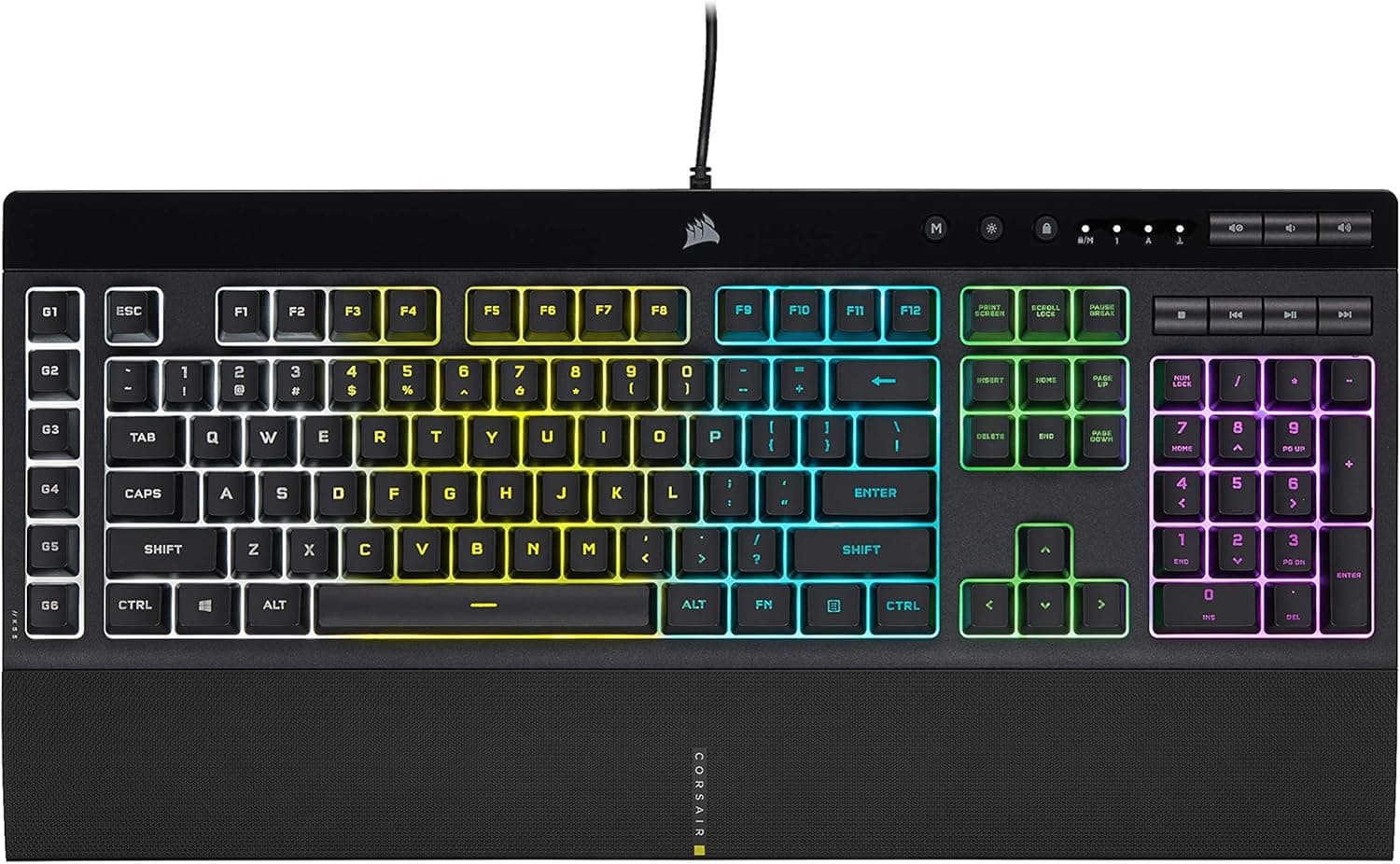
- CORSAIR K70 RGB MK.2 SE — Same maker, full size with a numpad. Better for heavy number entry if your desk is wide enough.
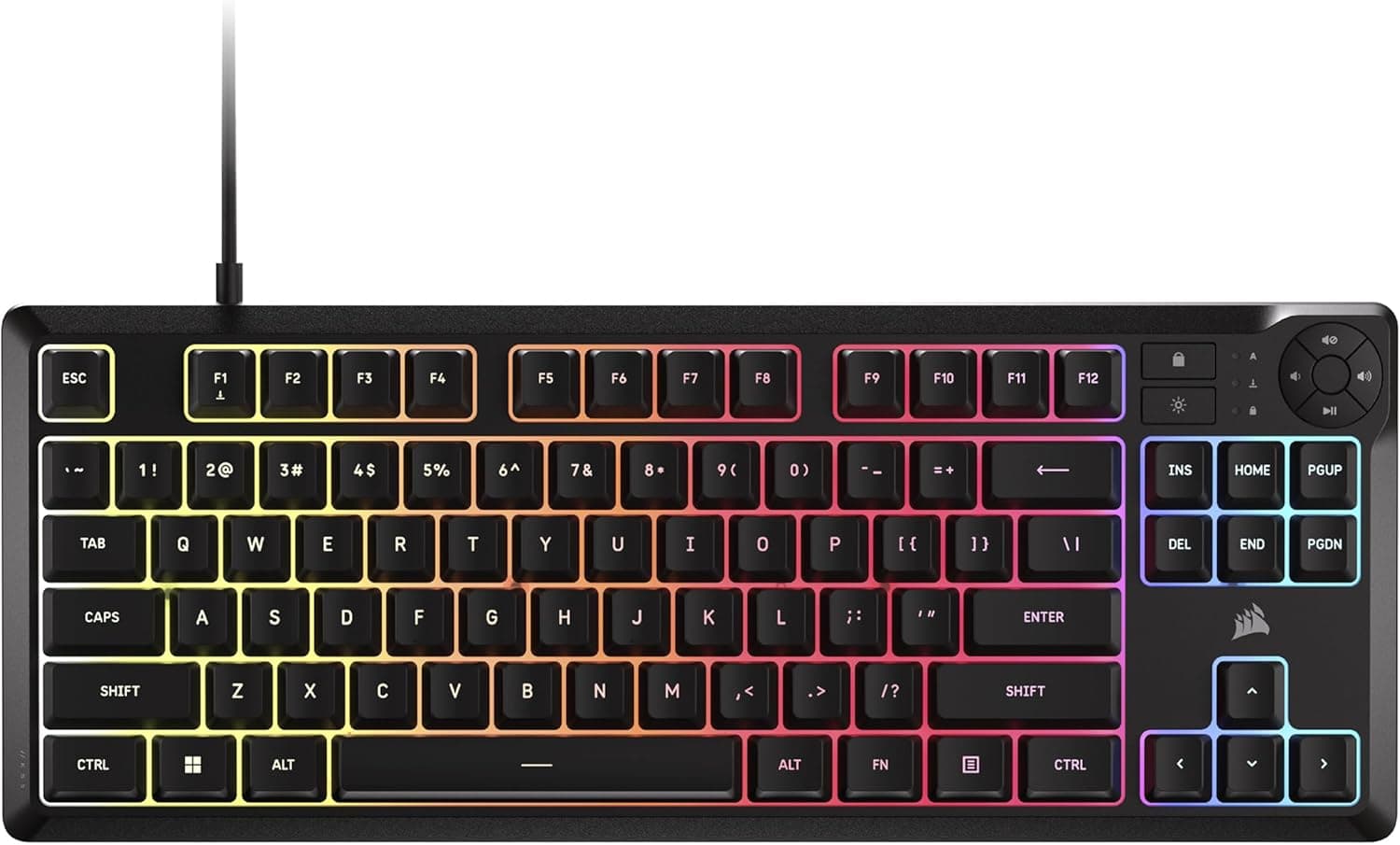
- Corsair K70 PRO MINI WIRELESS — A 60% wireless board. It is even smaller than the K65 RAPIDFIRE, but the function row and arrow keys move to secondary layers.
- Magnetic-switch boards such as the AULA Hero 68 HE — These let you set the actuation point yourself, shallower or deeper than the fixed 1.2mm of MX Speed. Worth a look if you want to push response speed further.
The K65 RAPIDFIRE's strength is combining genuine Cherry switches, a JIS layout, a tenkeyless body and Corsair RGB control in one package. If you want to push any one of those further, a more specialized model will satisfy you more.
Who Should Buy
- FPS and TPS players who want faster movement starts and peeks. This is where the 1.2mm actuation pays off most.
- People with a small desk, or who want more room for the mouse. The tenkeyless benefit is obvious.
- Users comfortable with JIS who want one keyboard for both gaming and Japanese input.
- Red switch fans who like the light weight but want a slightly faster response.
Before You Buy
It registers at the lightest touch. If you rest your fingers on the keys, expect stray inputs.
If you also chat or type long text, plan on a few days of extra typos while you adjust. For mostly office work, a deeper-actuating Red or Brown switch model may be less tiring.
No numpad. Spreadsheet number entry and numpad-bound shortcuts become awkward.
You can add a separate numpad later, but a board with a numpad built in is the simpler choice.
The official OS list is dated. It stops at Windows 10.
That does not mean typing fails on Windows 11, but if you plan detailed lighting or macro setups, confirm that the current software supports this model first.
Do not mix up the layouts. This model exists in JIS and US versions, and some listings mix images or descriptions.
Before ordering, confirm on the product page images and title that the model number is CH-9110014-JP and that it is the Japanese layout. As stock thins out, used and parallel-import units may also appear.
Wired only, and heavy to carry. At about 0.86kg with a cable always required, it is not a travel keyboard.
If you need one to carry with a laptop, a small wireless model is a better fit.
FAQ
Q. Is the difference from Red switches noticeable? A.
Press weight is nearly the same, so you may not notice at first. Because it actuates at 1.2mm instead of 2.0mm, the difference shows up in rapid presses and movement starts, and in typing as more accidental inputs.
Q. Does it work on Windows 11? A.
Windows 11 is not on the official support list. Typing usually works as a USB keyboard, but check Corsair's site for current lighting software support.
Q. Can I replace the keycaps? A.
The stems are Cherry MX compatible, so aftermarket keycaps fit physically. However, the JIS Enter and Shift keys differ from US layouts, so a typical US set will not cover every key.
Q. Does it work on a Mac? A.
Official support is Windows only. It may be recognized as a USB keyboard, but Eisu and Kana switching and lighting control are not guaranteed.
Q. How much does it cost? A.
On Amazon.co.jp it was ¥14,230 as of June 2026 and ¥12,800 as of August 2026.
Prices change, so check the product page for the latest figure.
Product Disclosure (Amazon)
- Manufacturer: CORSAIR
- ASIN: B01J3G3GR0
- Note: This article covers a manufacturer-made product based on Amazon listing details.