Overview
The BenQ ZOWIE EC2 is a right-handed ergonomic gaming mouse with a long track record in esports. The short version: it suits FPS players with average-sized hands who use a palm or claw grip, and it is not the right pick if you are chasing the ultralight trend or need ambidextrous support.
It uses a PixArt PMW3360 optical sensor, weighs about 90g, connects over wired USB (roughly 2m cable), has 5 buttons, and supports Windows.
Its defining trait is that all configuration lives on the device. It is plug-and-play with no driver or software install; DPI steps of 400 / 800 / 1600 / 3200 and the report rate are set with buttons on the underside.
Nothing is stored in the cloud and nothing runs in the background, so the mouse behaves identically on every PC. That matters at tournaments, LAN events, or internet cafés where you cannot bring your own machine.
On Amazon.co.jp the listing showed 118 reviews at 4.5 out of 5 stars (90% positive) as of June 2026.
That is not a huge sample, but holding 4.5 years after launch suggests consistent unit-to-unit quality.
Shape and Grip Fit
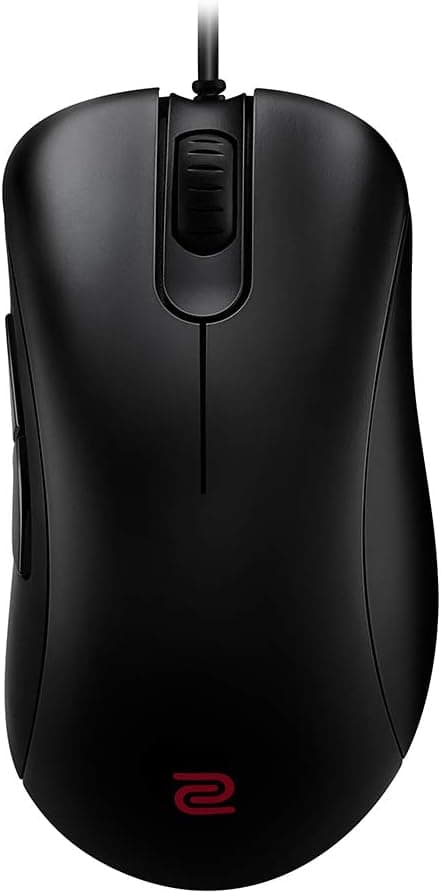
The EC2 is the medium size in ZOWIE's EC line. The series uses a tall, asymmetric body that slopes toward the right side and supports the palm from the center through to the base of the thumb.
That shape pairs well with low-sensitivity play driven by the wrist and arm: the mouse settles back into place even when your hand is relaxed.
It is a poor match for a fingertip grip. The tall body is hard to lift with fingertips alone, and 90g feels heavy for fine finger movements.
This is a shape built around feeling supported rather than feeling light.
If you are unsure about sizing, measure from your wrist crease to the tip of your middle finger. Average hands generally land on the EC2; noticeably large hands that feel unsupported in a palm grip should look at the larger EC1 family.
Check the manufacturer's sizing chart for exact guidance.
Compatibility Guide
Connection is wired USB only, with a cable of roughly 2m. That is plenty on a desk, but routing from the back of a tower under the desk leaves little slack.
If you use a mouse bungee, factor that distance in as well.
Supported OS is listed as Windows only. The manufacturer notes that macOS and game consoles may not work correctly, so do not buy this as a Mac or console mouse.
Even if it physically enumerates over USB, DPI switching and report-rate settings may not behave as intended.
Being driverless is actually a compatibility advantage. With no resident software, there is structurally less risk of conflict with anti-cheat systems in competitive titles, and the mouse works straight after a clean OS install.
On locked-down work or school machines where you cannot install software, your settings still apply.
The flip side is that deep customization is not available. There is no arbitrary key remapping, no macro recording, no single-step DPI tuning, and no profile switching.
You are expected to handle those needs through in-game key configuration or OS settings.
Product Info
The EC2 launched in December 2019. Key specifications:
| Item | Detail |
|---|---|
| Sensor | PixArt PMW3360 optical |
| DPI | 400 / 800 / 1600 / 3200 (4 steps) |
| Buttons | 5 |
| Connection | Wired USB (approx. 2m cable) |
| Weight | Approx. 90g |
| Size | Medium (EC2) |
| Supported OS | Windows |
| Driver | Not required (plug-and-play) |
The PMW3360 is not the newest sensor generation, but in practice you will rarely find its tracking lacking. Generational differences mostly surface at extreme swipe speeds or very high DPI settings, neither of which applies to the 400–1600 DPI range typical in FPS play.
The four DPI steps are similarly less limiting than they look, since most players pick one sensitivity and leave it alone.
Pricing varied noticeably across capture points. Amazon.co.jp showed ¥12,800 as captured in June 2026 and ¥19,800 on the same listing as captured in August 2026.
An overseas marketplace (eBay US) showed $49.98 as captured in July 2026.
All are point-in-time values that move with stock and seller. Given a multi-thousand-yen swing in two months domestically, always check the current price on the product page before buying.
The manufacturer warranty is stated as 2 years. Only the mouse itself is included — no spare feet and no extra cable.
When the feet wear down you will need to source replacement skates separately.
Product Disclosure (Amazon)
- Manufacturer: ベンキュージャパン
- Seller: 【インボイス非対応】KJストア
- Fulfilled by: Amazon
- ASIN: B082S9C36G
- Note: This article covers a manufacturer-made product based on Amazon listing details.
Comparison with Alternatives
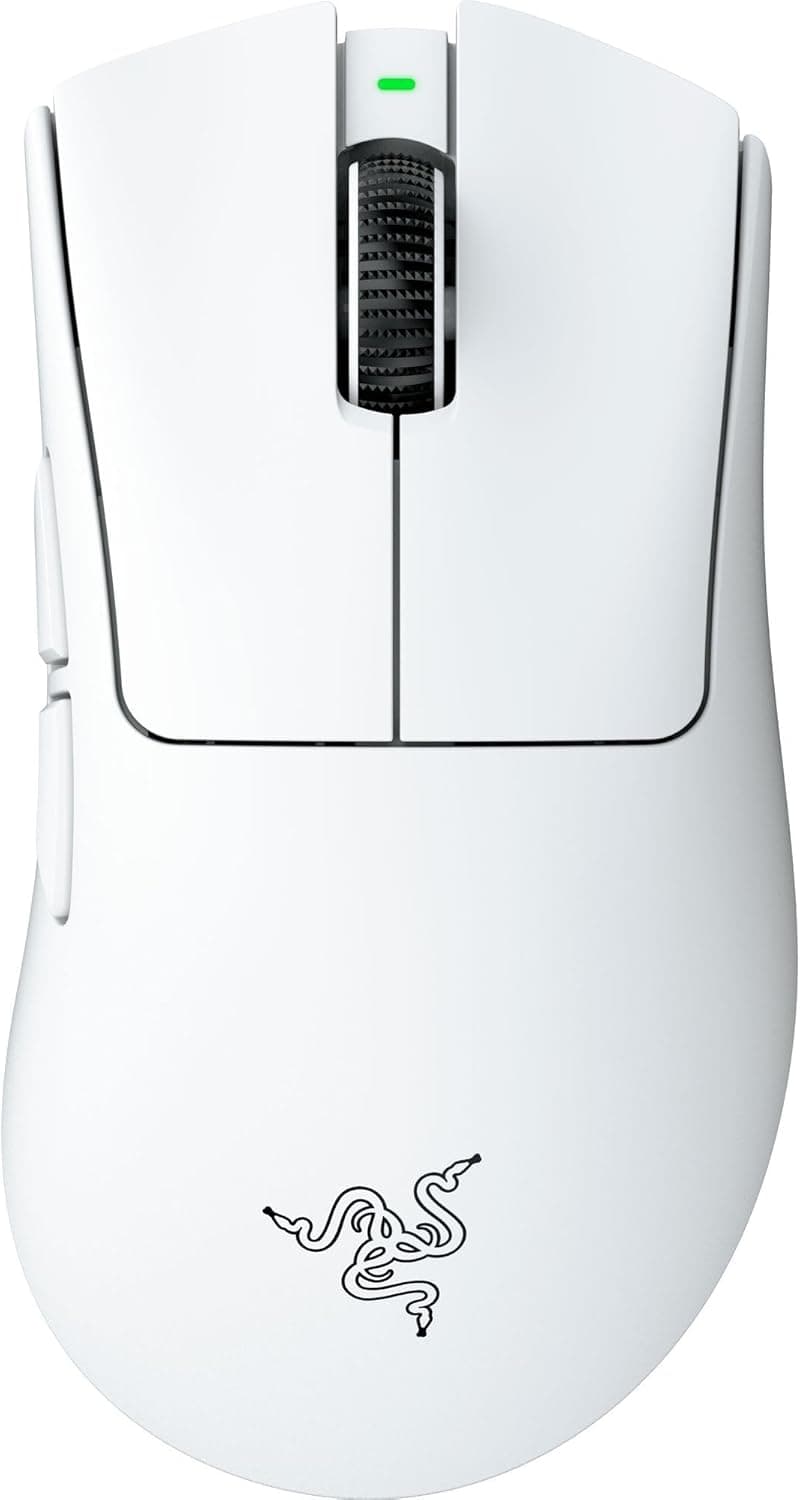
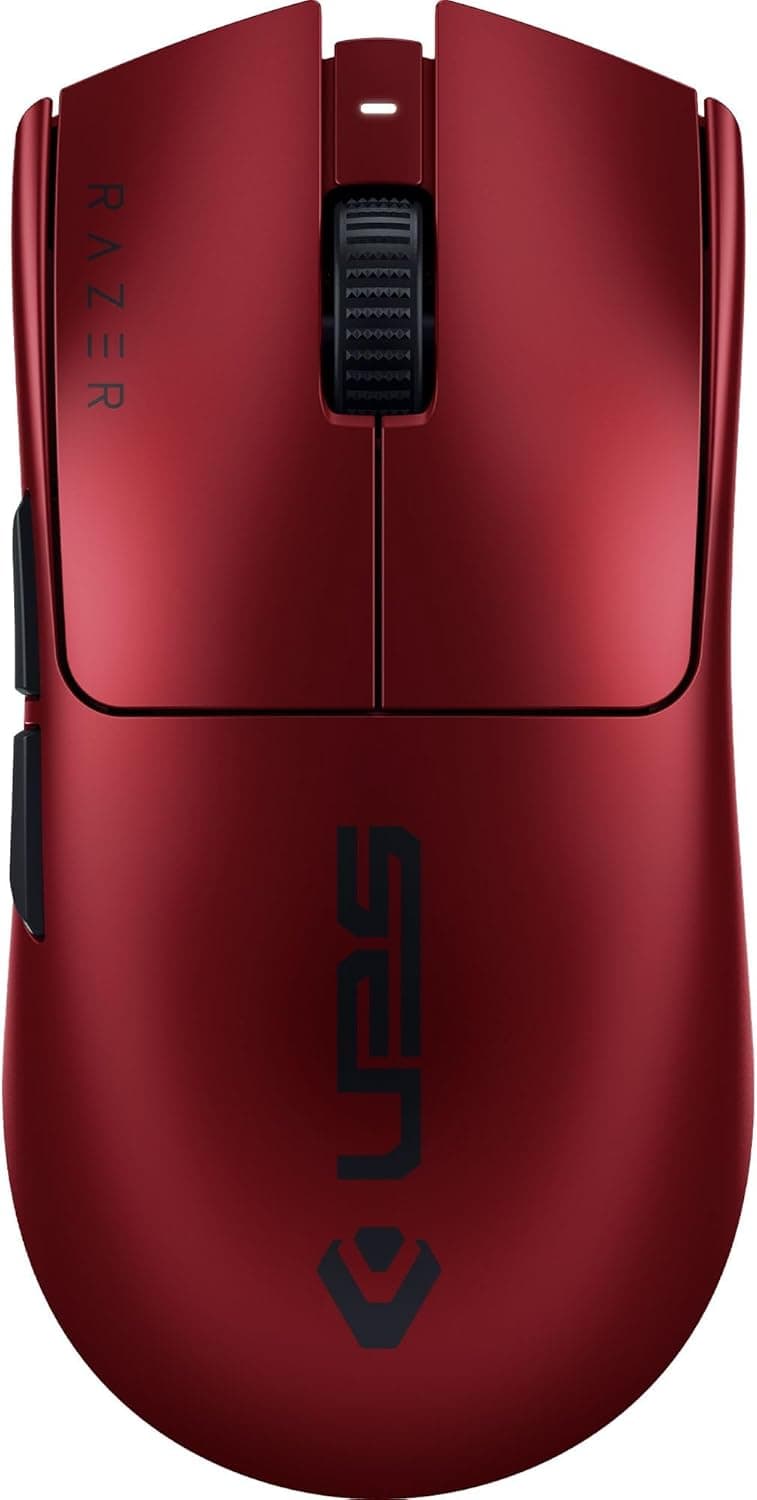
Within the right-handed ergonomic wired category, the Razer DeathAdder family is the obvious comparison. The DeathAdder is somewhat lower in height with more vertical sides, and its software supports button remapping and fine DPI adjustment.
Choose a DeathAdder-class mouse for customization, or the EC2 when you want identical behavior everywhere with nothing to configure.
Against today's ultralight mice in the 50–70g range, 90g is clearly on the heavy side. But weight also means the mouse is less likely to drift unintentionally, which stabilizes large arm movements.
If you switched to an ultralight and lost your aim consistency, the EC2's mass may work in your favor.
If you are torn between EC models, compare sizes rather than performance. EC1-class and EC2 share the same sensor and control philosophy; the housing size is the real difference, and hand fit is what you actually feel.
Setup and Day-to-Day Use
There are only three things to do after unboxing. Turn off "Enhance pointer precision" (mouse acceleration) in Windows.
Set the Windows pointer speed to the middle notch. Pick a DPI step with the underside button and then leave it alone.
With those three settled, all tuning happens through in-game sensitivity, and your feel carries over to any PC.
Report rate is switchable on the device. Start at the highest setting and leave it there unless something feels off.
If you see stuttering on an older PC or a busy USB controller, stepping it down one level is the practical next move.
The cable is not braided and may hold some coil memory out of the box. A mouse bungee, or simply a few days of use to straighten it, reduces drag.
This is standard housekeeping for any wired mouse.
Best Use Cases
Strong fits for this mouse:
- Right-handed FPS/TPS players — the asymmetric shape supports the palm through long aim-training sessions and suits low-sensitivity play.
- Anyone competing on machines they do not own — tournaments, LAN parties, and cafés all work because nothing needs installing.
- Players who avoid resident software — no peripheral management app, and structurally lower anti-cheat conflict risk.
- Average-sized hands using palm or claw grip — the medium EC2 is aimed squarely at this group.
- Players who lost stability after moving to an ultralight — 90g helps reproduce big arm swings consistently.
Before You Buy
Left-handed users should look elsewhere. The EC series is right-hand-only, with side buttons on the left flank alone.
It is physically usable in the left hand, but none of the shape's benefits apply.
It is not a lightweight mouse. About 90g is heavy by current standards.
If "as light as possible" is your criterion, you will be disappointed. Whether you accept the weight is the first real decision point.
Customization is essentially absent. No macros, no arbitrary remapping, no RGB, no fine DPI steps, no saved profiles.
That is a design stance rather than a defect, but it is a genuine feature downgrade if you are coming from a multi-button mouse. MMO and MOBA players who lean on side buttons should be especially careful.
Windows only. macOS and console operation is not guaranteed and may not work correctly.
This is a poor choice for one mouse shared across platforms.
Price volatility deserves attention. Even within the captured data, the same Amazon.co.jp listing showed ¥12,800 in June 2026 and ¥19,800 in August 2026.
One pricing entry was also labeled "Amazon US" while pointing at a Japanese listing, meaning the stated storefront did not match the actual sales region. Confirm the seller, fulfiller, and currency on the page yourself before ordering.
Relatedly, manufacturer names and model numbers in Amazon listing metadata occasionally belong to a different product. For this item the listing and product agree, but it is worth building the habit of confirming the target product (ZOWIE EC2, black) from the product images and title.
Size variants (EC1 family) and color options often share a page, which is where selection mistakes happen.
Finally, remember that only the mouse is in the box. No replacement feet, no spare cable.
If you plan to use it for years, check availability of replacement skates as part of your decision.
FAQ
Q. Is software installation really unnecessary? A.
Yes. It is plug-and-play and is recognized as soon as you connect it.
DPI and report rate are switched with buttons on the underside, so settings are held on the mouse itself.
Q. Can I use it on a Mac or a console? A.
Supported OS is Windows only, and macOS or consoles may not work correctly. Do not buy it specifically for those platforms.
Q. Are four DPI steps limiting? A.
The steps are 400 / 800 / 1600 / 3200. Most FPS players lock one sensitivity, so the practical impact is small — but it will frustrate anyone who wants single-increment tuning.
Q. Should I get the EC1 or the EC2? A.
The main difference is housing size. Average hands generally suit the EC2; large hands that feel unsupported in a palm grip should consider the EC1 family.
Check the manufacturer's sizing chart to be sure.
Q. What is the warranty? A.
A 2-year manufacturer warranty is stated. Coverage assumes purchase through authorized channels, so verify the seller before ordering.
Q. Is 90g heavy? A.
Heavier than current 50–70g ultralights, yes. But mass also stabilizes large arm movements, so weight is not automatically a drawback.
If lightness is your top priority, look at other options.