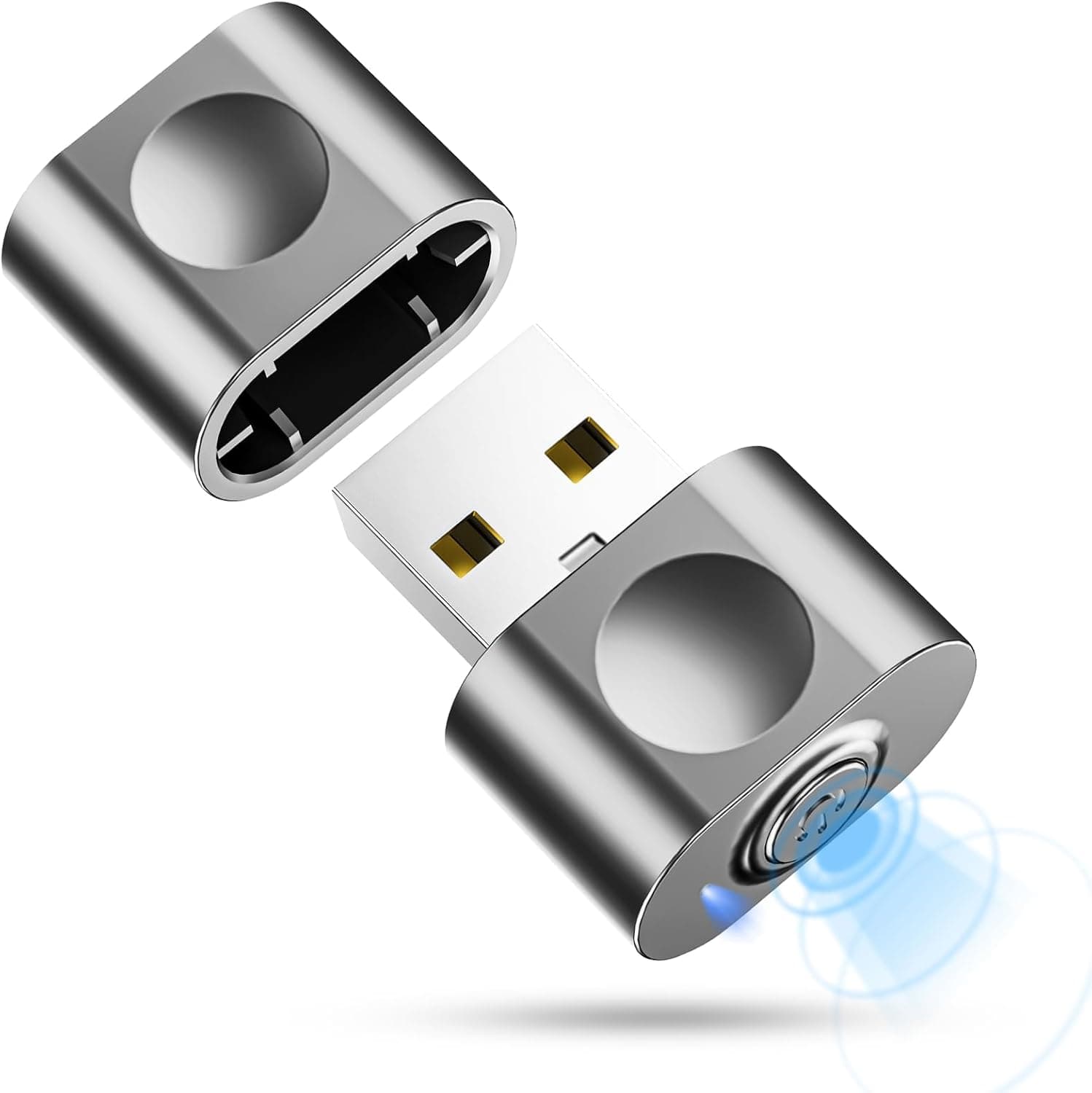
This article covers the aMZCaSE Mouse Jiggler (aMZCaSE マウスジグラー 検出不能).
Overview
The aMZCaSE Mouse Jiggler is a hardware USB mouse mover: plug it into a USB-A port and it nudges the cursor so the PC never reaches its idle timeout for sleep, screensaver, or auto-lock. The honest summary is that it does exactly one job, and it is worth buying only if you cannot install software or change power settings yourself.
For that narrow case it works well, because it needs no driver, no configuration app, and leaves no software running in the OS.
Three modes are provided: left-right jitter, up-down jitter, and random jitter. The first two are simple repeating sweeps; random varies direction and timing, and that mode is what the "undetectable" name refers to.
On Amazon.co.Check the retailer's page for the latest user reviews.
The key property of a hardware jiggler is that the OS sees a genuine USB HID mouse. Software jigglers appear as a running process in Task Manager or an asset-management inventory; a hardware one simply adds one more mouse in Device Manager.
That difference is the whole reason people buy these.
Compatibility Guide
The only real requirement is one free USB-A port. Listed OS support covers Windows XP/7/8/10/11, Linux, Mac OS, and Android — meaning it is recognized as a standard HID mouse anywhere a mouse works.
The flip side: there is no software to tune movement distance or interval.
| Check | Problem | Fix |
|---|---|---|
| USB-A availability | Many thin laptops and MacBooks are USB-C only | Add a USB-C to USB-A adapter or hub |
| Physical clearance | May foul adjacent ports or vents | Use a short extension or hub |
| OS power plan | Display/sleep timers can fire regardless of input | Review Windows Power & Sleep or macOS Energy settings first |
| Power during sleep | Many systems cut USB power once asleep | Treat wake-from-sleep as impossible |
| MDM / asset tools | New USB devices get logged or blocked | Check company policy before using on a work PC |
Android use requires a phone or tablet with USB OTG host support; behaviour varies by model, so "listed as supported" is not a guarantee for your specific device. On Linux, standard distributions include HID drivers, but locked-down thin clients may behave differently.
One more trap: lock timers and sleep timers are separate. If corporate policy forces a lock after N minutes regardless of input, no jiggler of any kind will change the outcome.
Product Info
The configuration is minimal: three jitter modes (left-right, up-down, random), USB-A connection, no driver required, light grey finish, unit only in simple packaging. There is no companion app and no elaborate status display.
Check the retailer's page for the latest price.co.jp as of 10 September 2026**, and ¥3,841 in a 19 July 2026 capture. Both are point-in-time values that move with sales and stock, so confirm the current price on the listing. Note that the source labels differ ("Amazon US" versus "Amazon") while the ASIN (B0DM256W1S) and URL point to the same Amazon.co.jp page.
At roughly ¥3,500–3,900 this sits mid-pack. Basic single-mode dongles sell for far less; the price premium here buys switchable modes, not extra build quality you can verify from the listing.
Alternatives Compared
| Approach | Cost | How it looks to IT tooling | Main weakness |
|---|---|---|---|
| USB jiggler (this product) | ¥3,000–4,000 | One extra USB HID device | Cannot wake from sleep; occupies a port |
| Software jiggler | Usually free | Visible running process | Needs install rights |
| OS power settings | Free | A recorded settings change | Needs admin rights; often policy-locked |
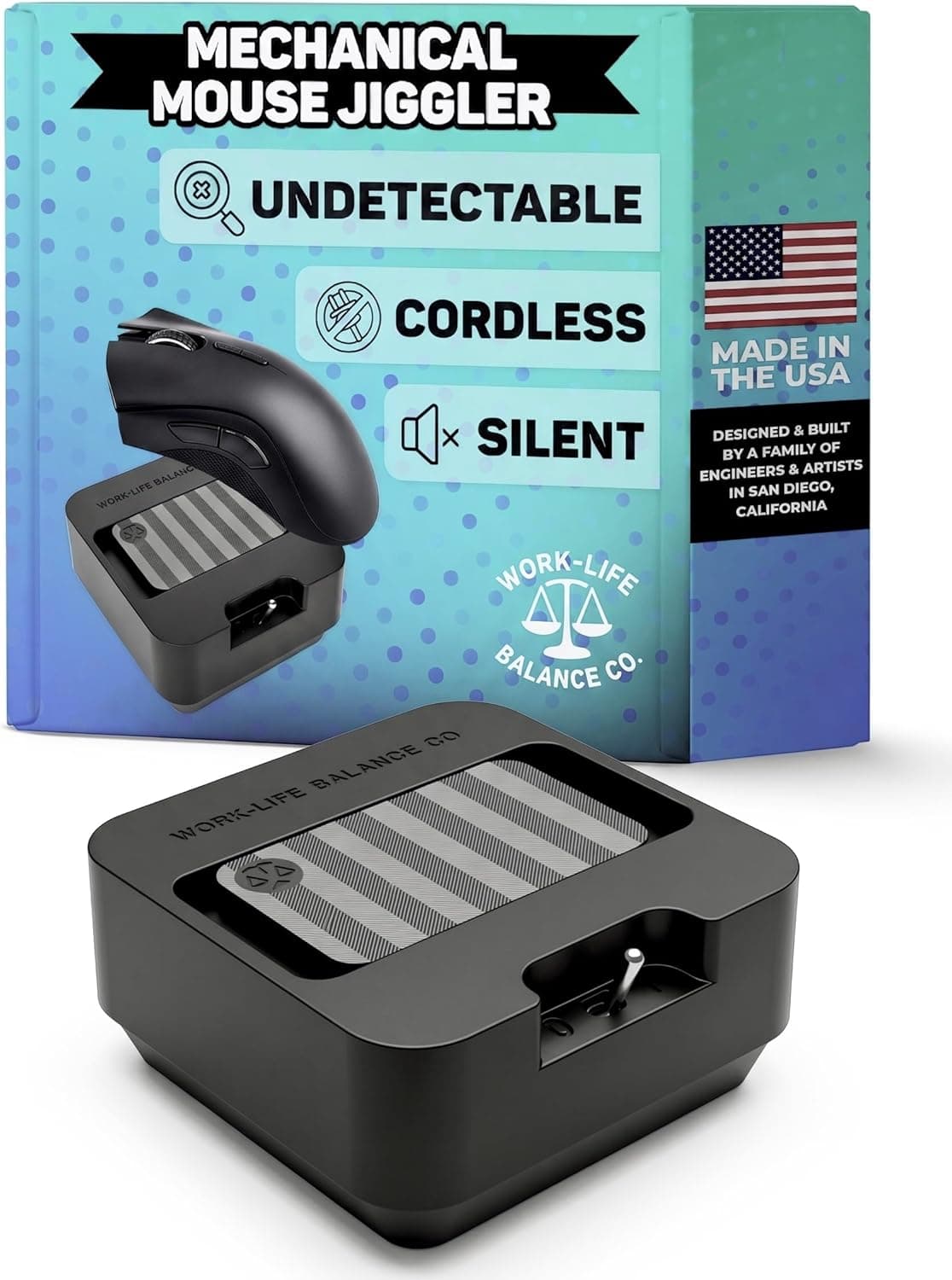
| Mechanical turntable | ¥1,000–3,000 | Looks like ordinary mouse input | Takes desk space, makes noise |
The advantages over software are narrow but real: no install rights needed, and no OS-side configuration changes. If it is your own PC and you can edit the power plan, do that instead — it is faster, more reliable, and free.
Living With It
Because the cursor twitches constantly, working with the device plugged in is unpleasant. Text selection, precise dragging, and drawing all suffer from a few pixels of drift.
Plug it in when you step away, pull it out when you return.
Mode choice matters too. The left-right and up-down sweeps are easy to confirm visually but obviously mechanical.
Random jitter looks more natural, yet the cursor can wander onto UI elements and trigger a stream of tooltips. Before a presentation, park the cursor at a screen edge first.
Best Use Cases
- Remote workers on locked-down machines — you cannot install software, but you want to avoid re-authenticating every time you take a call. Check your employer's policy first.
- Long meetings and presentations — keeps a slide deck on screen without a screensaver interrupting.
- Always-on display or monitoring PCs — dashboards and camera feeds that must stay visible. Still review the OS power plan as well.
- People juggling several machines — moving one dongle between PCs is simpler than installing software on each.
If you own the machine and can edit its power settings, or your work involves constant precise mouse input, skip it.
Things to Consider
1. It cannot wake a sleeping PC. It only resets the idle timer.
Many machines cut USB power once asleep, which stops the device entirely. Fix the power plan first.
2. Workplace policy risk is the real cost. Many employers explicitly ban devices that misrepresent presence, and USB connection events are commonly logged by asset-management tools.
"Undetectable" describes the cursor motion, not the fact that a USB device was attached. Using it to misrepresent hours worked is a disciplinary matter regardless of whether it technically works.
3. Undetectable is a claim, not a guarantee. Software that inspects hardware IDs or analyses input patterns can still flag it.
4. Do not use it in games. Simulated input can be treated as cheating by anti-cheat systems; the risk is not worth it.
5. It costs you a port and comfort. On a two-port laptop that hurts, and precise work with it attached is impractical.
6. Verify the listing yourself. Low-cost accessories frequently carry inconsistent Amazon metadata — this product's price records even disagree on the seller label.
Confirm the product image, title, and ASIN B0DM256W1S match what you intend to buy.
7. Nineteen reviews is thin evidence. A 4.8 average is encouraging but says little about failure rates or two-year durability.
FAQ
Q: Do I need drivers? A: No.
It enumerates as a standard USB HID mouse and works the moment it is plugged in. There is no configuration app either.
Q: Does it work on every OS? A: Windows XP/7/8/10/11, Linux, Mac OS, and Android are listed.
Android needs USB OTG support, and restricted thin-client environments may not cooperate.
Q: Is it really undetectable? A: Random jitter looks more natural than a simple sweep, but the USB connection itself is still visible to management tooling.
No guarantee of concealment.
Q: Can it wake a sleeping PC?
A: No. It only prevents sleep from starting.
Q: What about a USB-C-only laptop?
A: You need a separate USB-C to USB-A adapter or hub; none is included.
Q: Can I leave it plugged in while working?
A: Not recommended — constant cursor drift interferes with selection and dragging.
Q: What does it cost? A: ¥3,558 on Amazon.co.jp as of 10 September 2026, and ¥3,841 in a 19 July 2026 capture.
Both are point-in-time figures; check the listing.
Product Disclosure (Amazon)
- Manufacturer: aMZCaSE
- Seller: Amazon US
- Fulfilled by: Amazon US
- ASIN: B0DM256W1S
- Note: This article covers a manufacturer-made product based on Amazon listing details.