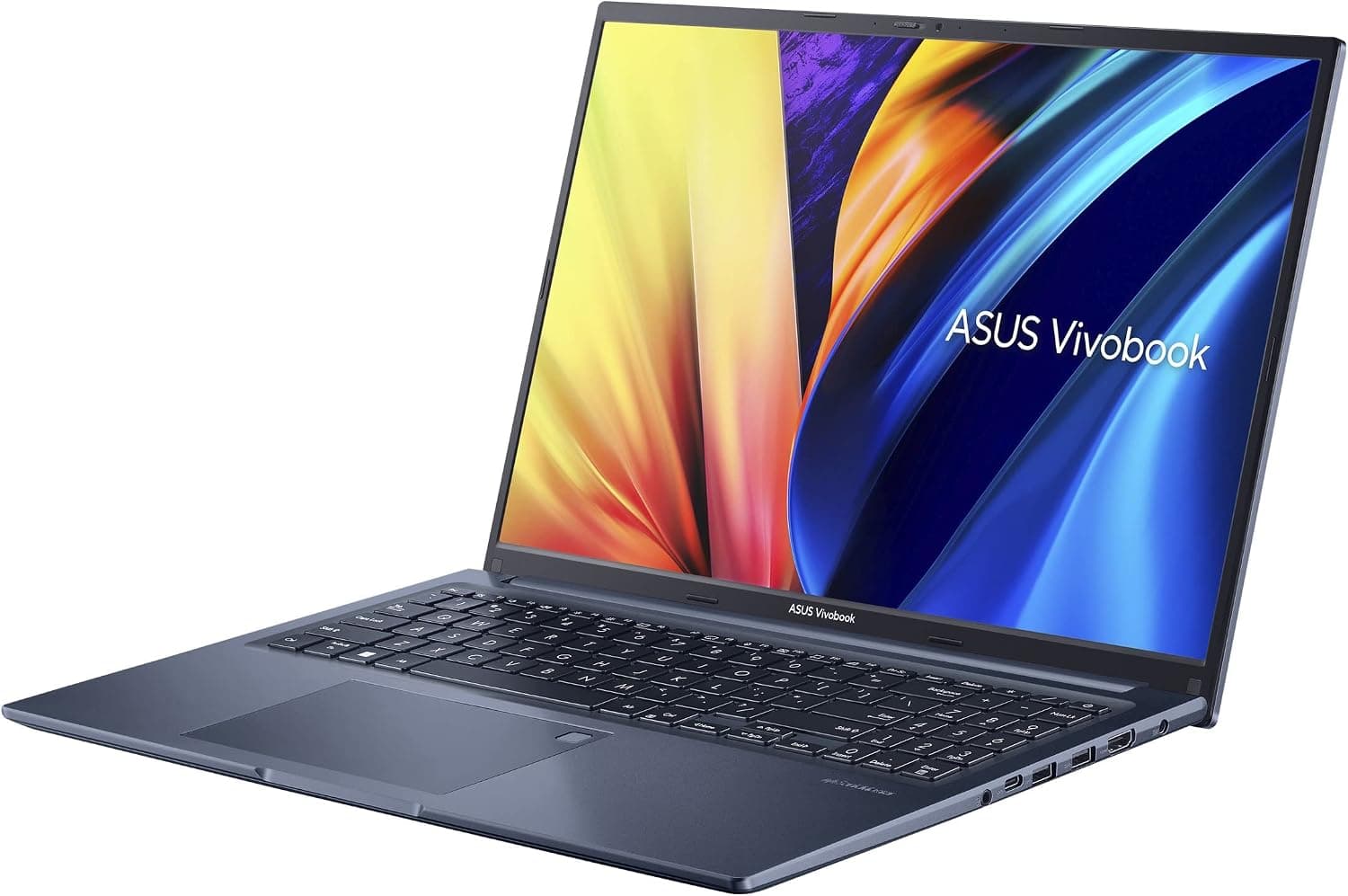
This article covers 3画面ノートパソコン 16インチ+10.5インチ×2 サブスクリーン Core i7-12700H 16GB 1TBSSD Windows 11 Pro Wi-Fi5 BT5.0 顔認証 指紋認証 日本語キーボード USB-C HDMI テレワーク.
Overview
The KOOFORWAY Max16 is a triple-screen laptop that integrates two 10.5-inch foldable side displays alongside a 16-inch main panel. Powered by an Intel Core i7-12700H processor, 16GB of RAM, and a 1TB SSD, it targets professionals who need expansive screen real estate without carrying external monitors. The main display runs at 1920×1200 (16:10), while each side panel offers 1920×1280 resolution. This setup allows for true multi-monitor workflows in a single portable chassis. The unit ships with Windows 11 Pro pre-installed and supports both facial recognition and fingerprint login via Windows Hello.
Connectivity & Compatibility
Port selection includes one USB-C (with video output), one HDMI out, two USB-A 3.0 ports, an RJ45 Gigabit Ethernet jack, and a 3.5mm headphone/mic combo. You can connect an external monitor in addition to the three built-in screens for a total of four displays. Wireless connectivity covers Wi-Fi 5 (802.11ac) and Bluetooth 5.0. The Max16 also features a 720p IR camera for Windows Hello face unlock and a fingerprint reader embedded in the touchpad.
Product Info
The KOOFORWAY Max16 became available through online retailers like in late 2024. Pricing sits around ¥257,999 to ¥280,000 depending on configuration and seller. Warranty is typically 1 year from the point of purchase. This laptop occupies the entry-to-mid tier in the mobile workstation space. The Core i7-12700H (14 cores / 20 threads) still delivers competitive single-threaded performance for 2025-2026 office and light creative workloads. However, it falls behind newer Core Ultra chips in power efficiency, and the lack of a dedicated GPU limits graphical tasks.
Best Use Cases
Stock traders & financial analysts benefit most from the triple-screen setup. You can display real-time charts on the main panel, news feeds on one side, and trade execution windows on the other. No external monitors required. Remote workers / programmers will appreciate having documentation open on a side display while coding on the main screen. The ability to keep Slack, email, and a reference browser tab simultaneously visible can significantly boost productivity. Light video editors working with 1080p footage can arrange a timeline on one side, preview on the main display, and asset folders on the other. For 4K or heavy effects work, the lack of a discrete GPU will become a bottleneck. ## Alternatives
Compared to the ASUS ZenBook Pro Duo series, the Max16 offers a more affordable triple-screen solution at roughly half the price. The ZenBook's ScreenPad Plus has better software integration for creative apps, but the Max16 provides a larger side-display area. Another competitor is the MAG Mini Air 16 with a similar triple-screen layout. KOOFORWAY generally offers slightly higher RAM/storage configurations at a lower price, but MAG may have a more established support network. Budget-conscious users should weigh warranty and return policies carefully.
Things to Consider
Battery life is a significant compromise. With all three screens active, the 77Wh battery lasts only 3–4 hours under real-world use. You will want to keep the AC adapter handy. Gaming performance is minimal. The integrated Intel UHD Graphics can handle basic 2D titles and media playback but cannot run modern 3D games at playable frame rates. Thermals and fan noise can become noticeable under sustained load. The chassis gets warm on the underside, so using the laptop on a hard, flat surface is recommended rather than on soft surfaces like a bed or lap.
Product Disclosure (Amazon)
- Manufacturer: AMD
- Seller: ディーライズ【新品】(すり替え・抜き取り対策実施中)
- Fulfilled by: ディーライズ【新品】(すり替え・抜き取り対策実施中)
- ASIN: B0FK5SQZ44
- Note: This article covers a manufacturer-made product based on Amazon listing details.