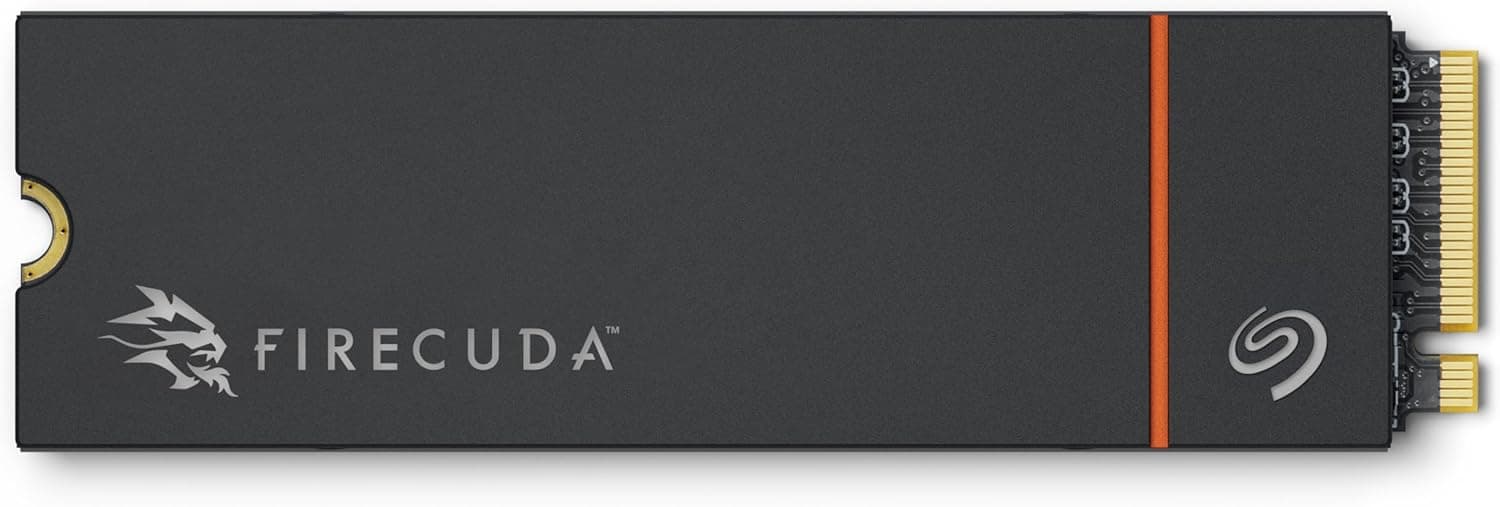
This article covers シリコンパワー 2TB US75 NVMe PCIe Gen4 M.2 2280 SSD R.
Overview
Silicon Power's US75 series is an NVMe SSD lineup that supports PCIe Gen4 x4 connectivity. The 2TB model (part number: SP02KGBP44US7505) delivers sequential read speeds up to 7,000MB/s and write speeds up to 6,500MB/s, making it a solid choice for gaming PC boot drives and PlayStation 5 internal storage expansion.
The drive uses the compact M.2 2280 form factor, so it fits directly into standard motherboard slots as well as the PS5's internal SSD bay. With 2TB of capacity, you can install multiple modern game titles without constantly worrying about running out of space.
In the current market, this drive sits in the entry-to-mid tier of Gen4 SSDs. It doesn't match Gen5 drives in raw throughput, but it delivers more than enough performance for contemporary gaming workloads, offering a strong balance of price and capability.
Compatibility Guide
This is an M.2 2280 NVMe drive with a PCIe Gen4 x4 interface. It will also work in PCIe Gen3 slots, but in that case the transfer speed will be limited to Gen3 bandwidth.
For PS5 installation, the drive fits directly into the console's M.2 slot. It meets Sony's official requirements (PCIe Gen4 x4, read speeds above 5,500MB/s), so it's fully compatible with the console's expansion bay.
On desktop PCs, install it into an M.2 slot that supports PCIe Gen4 x4 to get full performance. If you use a Gen3-only slot, speeds will drop to roughly 3,500MB/s, so check your motherboard's specifications before buying.
Product Info
This is the 2TB variant of Silicon Power's US75 series, model number SP02KGBP44US7505. It uses a PCIe Gen4 x4 NVMe interface with maximum sequential read and write speeds of 7,000MB/s and 6,500MB/s respectively.
The form factor is M.2 2280, measuring approximately 80mm in length, 22mm in width, and 3.6mm in height, with a weight of about 5g. It's compatible with PS5 internal storage expansion, making it a versatile option for both PC and console users.
In terms of market positioning, this is a mid-tier Gen4 NVMe SSD. It doesn't reach the speeds of Gen5 drives, but it offers ample performance for current gaming needs at a more accessible price point.
Best Use Cases
- Gamers looking to expand PS5 internal storage. This drive meets Sony's official compatibility requirements and offers 2TB of space for installing many titles. However, if you only need extra storage for PS4 games, a cheaper external HDD might suffice.
- PC builders who want a fast boot drive for gaming. The Gen4 speeds reduce OS boot times and game loading. But if your motherboard only has Gen3 slots, be aware that performance will be capped.
- Creators handling large files. The 2TB capacity and fast sequential speeds help with video editing and RAW photo workflows. For 4K video editing with extremely high bitrates, a Gen5 drive might be a better fit.
Things to Consider
This drive does not come with a heatsink, so you'll need to install one yourself when using it in a PS5. The console's M.2 bay generates significant heat, and without proper cooling, thermal throttling could occur.
If you install it in a PCIe Gen3 slot, transfer speeds will be limited to Gen3 bandwidth (around 3,500MB/s). To get the full Gen4 performance, you need a Gen4-capable motherboard and CPU.
Additionally, this is a DRAM-less design without a dedicated DRAM cache. Compared to drives with DRAM, there may be performance differences when handling many small files. For gaming this isn't a major concern, but for server workloads with heavy random access, consider a DRAM-equipped model.
FAQ
Q: Do I need a heatsink for PS5 installation?
A: Yes, the PS5's M.2 slot generates significant heat, so a heatsink is recommended. Choose a slim model that fits within the console's size limits (25mm wide, 110mm long) so the cover can be reattached.
Q: Will this work on a PCIe Gen3 motherboard?
A: Yes, it will function, but speeds will be limited to Gen3 bandwidth, capping read speeds around 3,500MB/s. To take advantage of Gen4 performance, you need a Gen4-capable motherboard and CPU.
Q: Should I choose the 2TB or 1TB model?
A: The 2TB model is better for gamers who install many titles or creators who work with large files. If you only need storage for the OS and essential applications, the 1TB version may be sufficient.
Product Disclosure (Amazon)
- Manufacturer: SP Silicon Power
- Model: SP02KGBP44US7505
- ASIN: B0CCD9LBPH
- Note: This article covers a manufacturer-made product based on Amazon listing details.