Overview
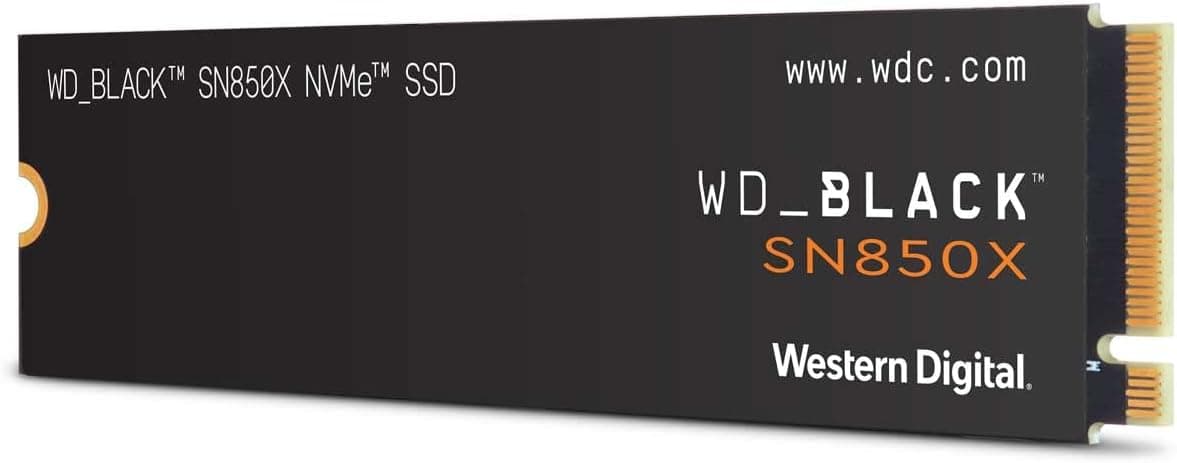
Western Digital's WD Black series has long been a familiar name among gamers looking for storage that keeps up with their rigs. The WD Black SN750SE 500GB is an NVMe SSD in the M.2-2280 form factor that supports the PCIe Gen4 interface. Sequential read speeds reach 3,600MB/s and writes hit 2,000MB/s, which translates into noticeably faster game loading and quicker OS boot times.
This is an internal SSD designed for desktop PCs, with gaming as its primary use case. The 500GB capacity strikes a practical balance for installing an operating system plus a handful of major titles. If your motherboard supports PCIe Gen4, you can take full advantage of the bandwidth this drive offers.
In the broader market, the SN750SE sits in the entry-to-mid tier of gaming SSDs. It brings PCIe Gen4 support at a more accessible price point, making it a sensible first NVMe drive for users who are new to the interface.
Compatibility Guide
The drive uses the M.2-2280 form factor, so it fits directly into the M.2 slot on most modern motherboards. The interface is PCIe Gen4 x4, but it will also work in a PCIe Gen3 x4 slot without issue. In that case, transfer speeds will be limited to Gen3 bandwidth, though compatibility is not a concern.
The supported device is a desktop PC. While the drive may physically fit in some laptops with an M.2 slot, the manufacturer's intended use is desktop systems. Before installing, check the M.2 slot location on your motherboard and whether a heatsink is already provided.
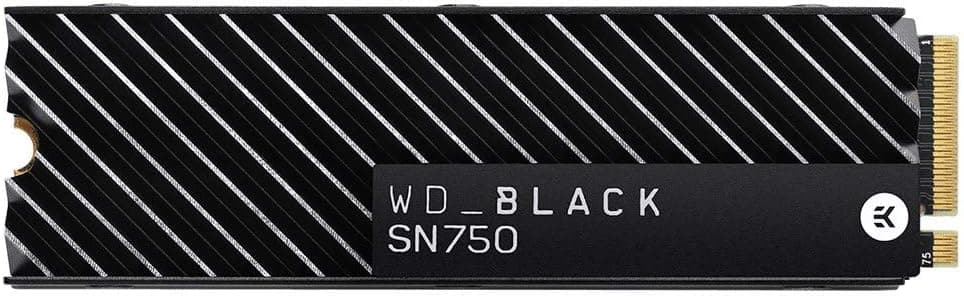
NVMe SSDs tend to run warmer than SATA drives. If your motherboard includes an M.2 heatsink, it is worth using it. Note that this drive does not have a DRAM cache, but it uses the Host Memory Buffer (HMB) feature to leverage system memory as a cache.
Product Info
The WD Black SN750SE 500GB belongs to Western Digital's WD Black series, a lineup aimed at gamers. It uses the PCIe Gen4 interface, the M.2-2280 form factor, and NVMe connectivity. Sequential read speed is 3,600MB/s and sequential write speed is 2,000MB/s, which helps cut game load times significantly.
In terms of market positioning, this is an entry-to-mid tier gaming SSD. It offers PCIe Gen4 support at a restrained price, making it an approachable option for users upgrading from SATA SSDs or HDDs.
Best Use Cases
- Gamers building a new PC with a PCIe Gen4-capable motherboard. This drive lets you take advantage of that bandwidth, and installing the OS and games on it makes booting and loading noticeably snappier.
- Users upgrading from a SATA SSD or HDD who want to feel the difference NVMe makes. It works well as a system drive, though you should know that on a PCIe Gen3-only system, performance will be capped.
- Budget-conscious gamers who value cost performance. The 500GB capacity and price point are well balanced, letting you build a fast storage setup without overspending. If you install many large titles at once, this capacity may not be enough.
Things to Consider
This is the 500GB model, and modern game installs can exceed 100GB each. If your library is large, you may run out of space quickly, and a 1TB or larger drive would be a better fit.
The drive has no DRAM cache. Under sustained heavy write workloads, performance can drop compared to DRAM-equipped models. For gaming and general desktop use this is rarely a problem, but if you frequently move large files for video editing, it is worth keeping in mind.
On a PCIe Gen3 system, transfer speeds will be limited to Gen3 bandwidth. If your motherboard does not support PCIe Gen4, you will not be able to get the full rated performance out of this drive.
FAQ
Q: Will this work on a PCIe Gen3 motherboard?
A: Yes, it will work without any issues. However, transfer speeds will be limited to PCIe Gen3 bandwidth (roughly 3,500MB/s maximum). You will not reach the 3,600MB/s read speed that is possible on a Gen4 board, but operation is normal.
Q: Is this suitable as a game installation drive?
A: Yes, this drive is optimized for gaming use, and you can expect faster load times. Just keep in mind that 500GB is a limited capacity, so you will need to choose which games to install.
Q: Do I need a heatsink for this SSD?
A: If your motherboard includes an M.2 heatsink, it is recommended to use it. NVMe SSDs generate heat under heavy load, and proper cooling helps maintain stable performance.
Product Disclosure (Amazon)
- Manufacturer: ウエスタンデジタル(Western Digital)
- ASIN: B097DKPCKR
- Note: This article covers a manufacturer-made product based on Amazon listing details.