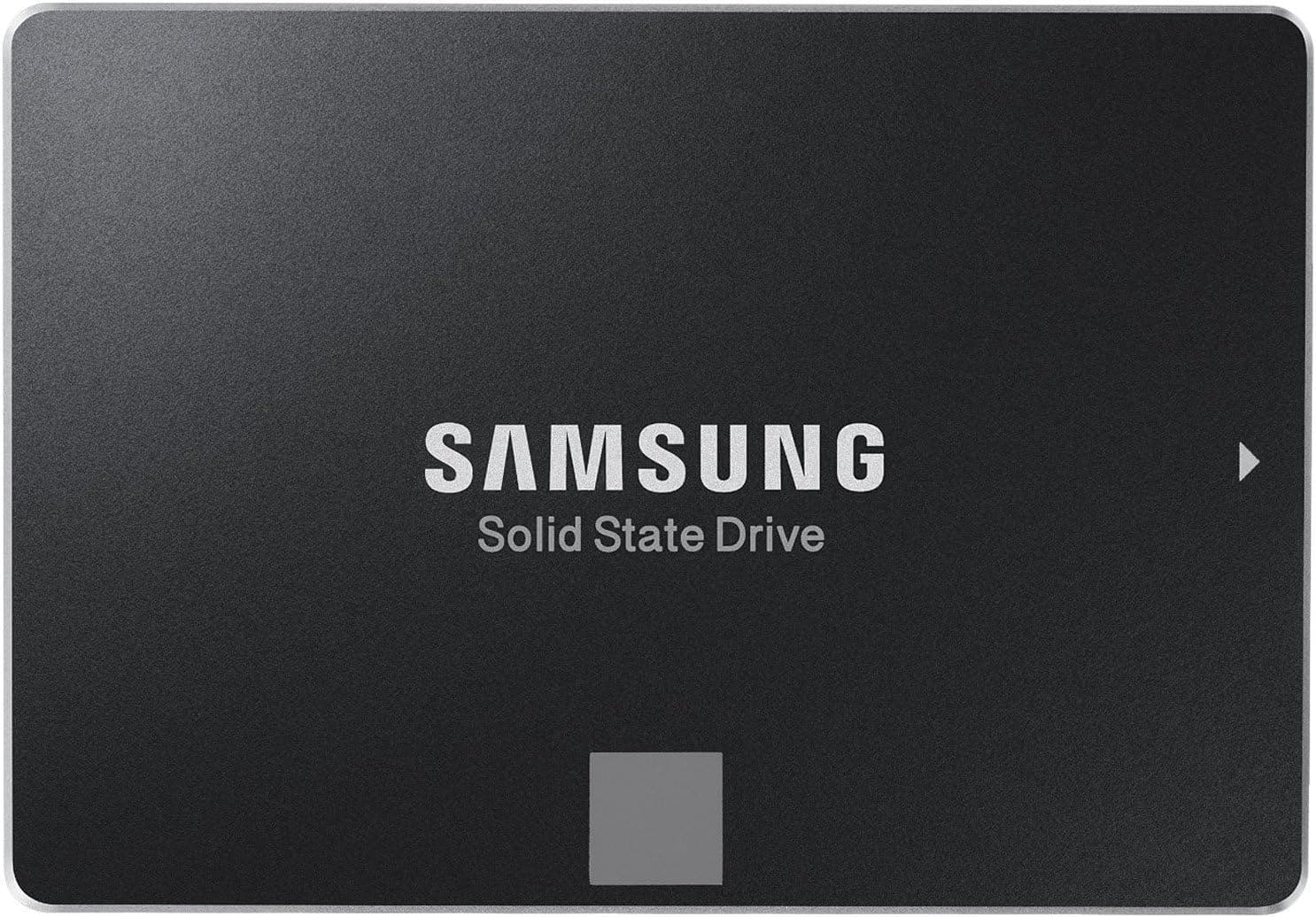
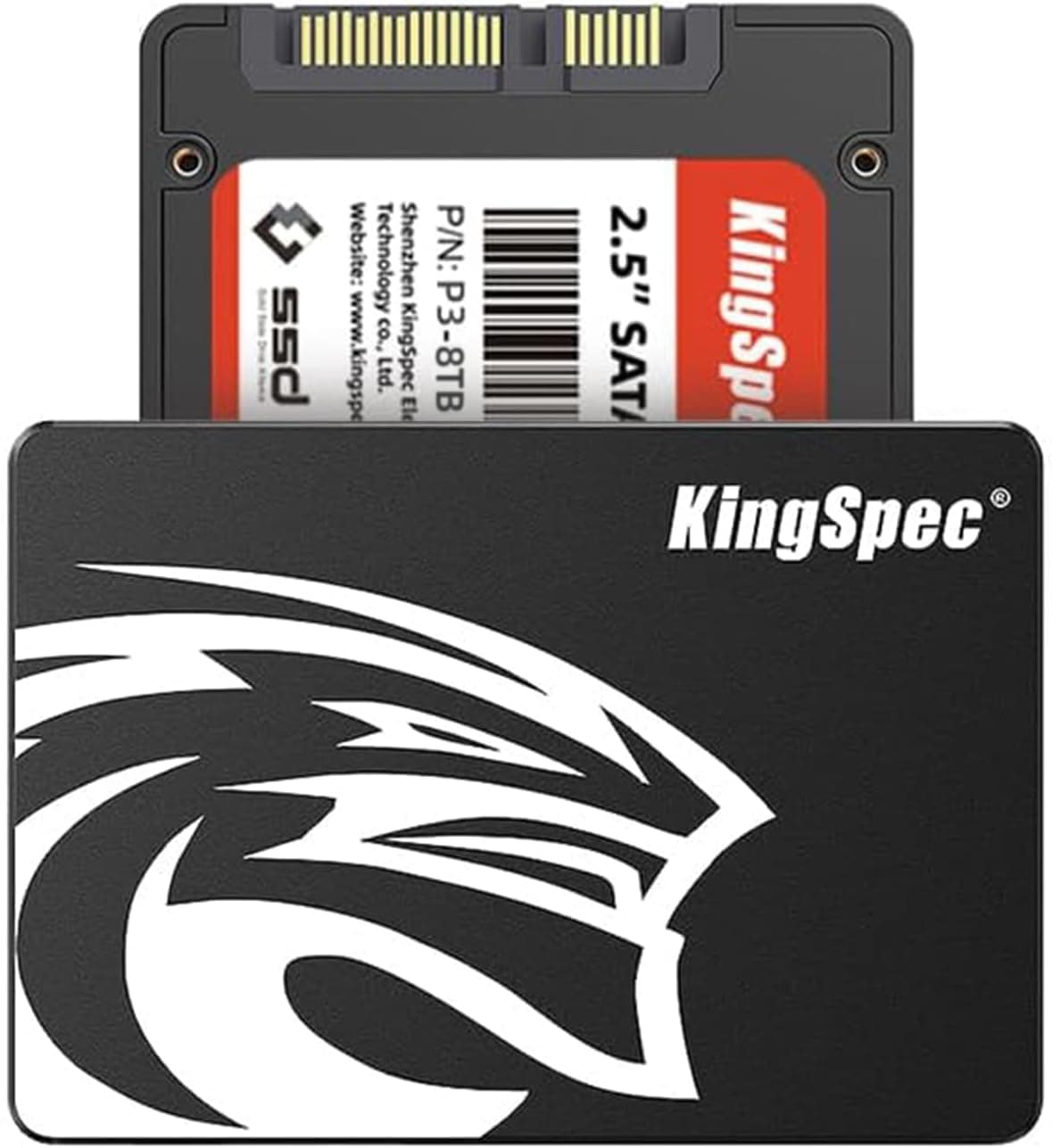
Overview
It pairs 3D NAND flash with an SLC cache scheme intended to keep write performance from sagging during sustained transfers. The interface is SATA III, and the drive is built into a slim 7mm chassis.
That thin profile tells you who the drive is aimed at: people upgrading ultrabooks and slim notebooks, or refreshing an older desktop that still has open SATA ports. The goal here is faster boot times and a more responsive system overall, not chasing the highest sequential numbers on the market. It is a practical everyday drive rather than a flagship.
Positioning sits in the entry-to-mid range. Buyers who already own NVMe-capable hardware will find faster options, but anyone limited to SATA gets a sensible, no-drama upgrade path.
Compatibility Guide
Because the connection is SATA III, the drive fits desktops and notebooks with a 2.5-inch bay and a free SATA port. Installation is straightforward: connect the SATA data cable and a power connector, then confirm detection in the BIOS. Machines with only M.2 slots cannot take this drive at all, so check the chassis before buying.
In a desktop, mounting into a 3.5-inch bay may require an adapter bracket. TRIM support and garbage collection are part of the feature set, which helps the drive stay organized over years of use, and the spec sheet also mentions RAID and ECC error correction for multi-drive setups.
Product Info
The drive launched on June 24, 2025, with 512GB of capacity, a SATA III interface, and a 2.5-inch form factor. Published dimensions are 100 mm long, 70 mm wide, and 7 mm high, with a weight of 40 g. A three-year limited warranty applies, and product registration is handled through the manufacturer's official site.
In the market, this sits in the entry-leaning mid tier. It gives up bandwidth to NVMe models but asks nothing exotic of the host system. For SATA-only builds, that trade-off is easy to accept.
Best Use Cases
- Owners of older notebooks still running a hard drive who want snappier boots and app launches: the 7mm body fits slim chassis and SATA keeps the swap simple, though M.2-only ultrabooks are out of scope.
- People building a budget secondary or backup PC: 512GB covers an OS and everyday applications comfortably, but anyone hoarding a large game library will run out of room.
- IT-minded users who keep a spare drive on hand for repairs: SATA III works across a wide range of machines, while speed-focused creative work is better served elsewhere.
Things to Consider
SATA III caps throughput, so sequential transfers will trail any modern NVMe drive. If you benchmark it against a current-generation M.2 model, the gap is real and worth accepting up front. Motherboards with only M.2 slots cannot host this drive, so verify bays and ports first. And 512GB suits an OS-plus-apps workload; heavy video files or big game installs call for more capacity or an external drive alongside it.
FAQ
Q: Will this work in an older desktop PC?
A: Yes, as long as there is a free SATA port and a 2.5-inch bay. Have a SATA cable and power connector ready and check BIOS detection after installing.
Q: Can I swap it in for a notebook hard drive?
A: If the notebook takes a 2.5-inch drive, it is a candidate. The 7mm height helps in slimmer chassis.
Q: Is it good enough for games?
A: Load times and boot speed should improve noticeably, but SATA limits peak speed. If your board has M.2, an NVMe drive is the faster route.
Product Disclosure (Amazon)
- Manufacturer: SP Silicon Power
- Model: SP512GBSS3A58A25
- ASIN: B07LG1PJMH
- Note: This article covers a manufacturer-made product based on Amazon listing details.