Overview
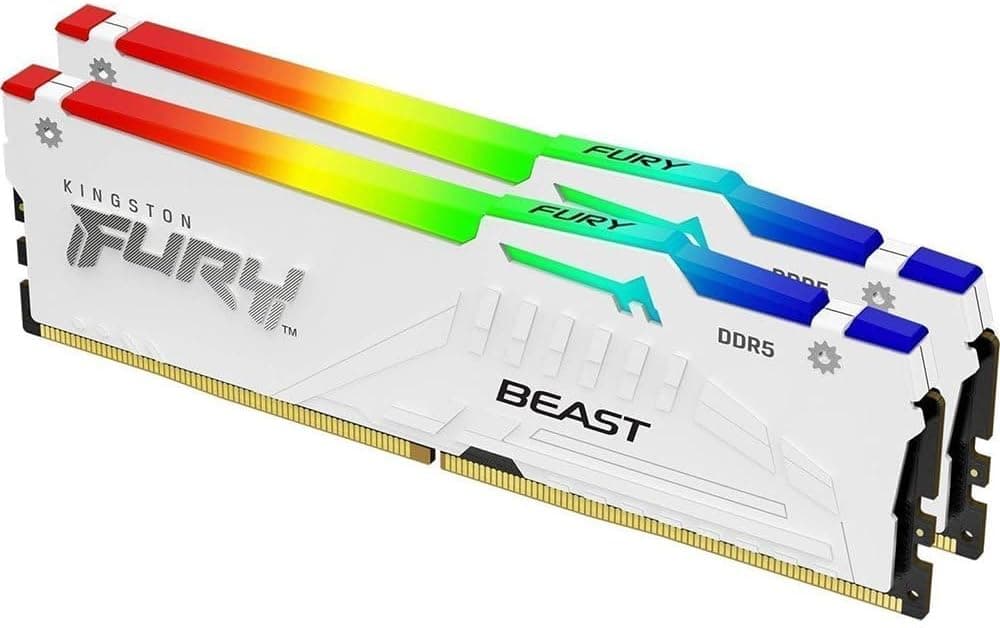
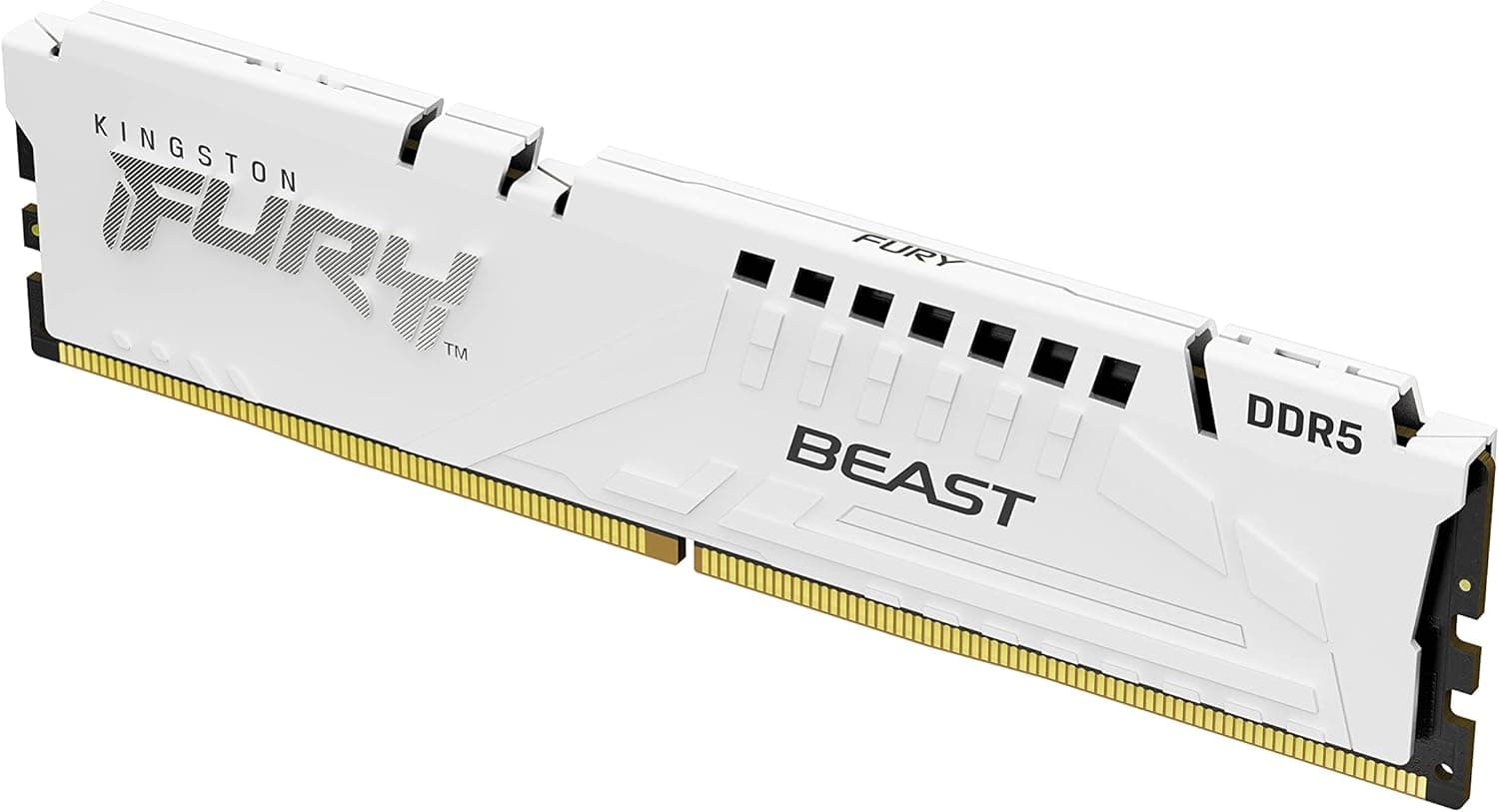
The Kingston FURY Beast White DDR5 16GB 5600MT/s CL36 is an entry-level DDR5 module wrapped in a white heat spreader. The short version: it is a sensible way into DDR5 for someone building a white-themed PC, and a poor choice for anyone chasing peak memory performance.
The given specs are a 16GB single module, 5600 MT/s, CL36, both Intel XMP 3.0 and AMD EXPO support, and Kingston's lifetime warranty.
The detail that matters most is that this is a single stick, not a two-piece kit. Dual-channel operation requires buying a second identical module, and missing that is how people end up saying "I moved to DDR5 and it didn't feel faster."
Amazon.co.Check the retailer's page for the latest user reviews.
That is a fine score, but ten reviews is a very small sample — a single outlier moves it by several tenths, so do not treat it as evidence of quality.
Compatibility Guide
DDR5 has a different notch position from DDR4 and physically will not fit a DDR4 board. Confirm your motherboard is DDR5 first.
Several Intel 600/700-series boards ship in both DDR4 and DDR5 variants under near-identical names, so check the listing text carefully.
| Item | Detail |
|---|---|
| Memory standard | DDR5 (DIMM) |
| Intel support | 12th Gen (Alder Lake), 13th Gen, 14th Gen |
| AMD support | Ryzen 7000 / 8000 series and later (Socket AM5) |
| Example chipsets | Intel: Z690 / Z790 / B760 / H610; AMD: X670 / B650 / A620 |
| Profiles | Intel XMP 3.0 / AMD EXPO |
AM5 is DDR5-only, so mix-ups are unlikely there. Intel 12th–14th Gen is where mistakes happen.
This is a desktop DIMM and will not fit laptop SO-DIMM slots.
Cooler clearance is rarely an issue here: there is no RGB crown on top, just the heat spreader. Even so, a large air cooler may need its fan raised a few millimetres.
Compare your cooler's stated memory clearance in mm against the module height on the product page.
Slot placement trips people up too. On most four-slot boards the correct pair for dual channel is A2/B2 — the second and fourth slots from the CPU.
Filling adjacent slots can drop you to single channel or prevent POST entirely. Check the manual's diagram.
Product Info
| Item | Value |
|---|---|
| Capacity | 16GB (single module) |
| Speed | 5600 MT/s |
| Latency | CL36 |
| Profiles | Intel XMP 3.0 / AMD EXPO |
| Color | White |
| Warranty | Lifetime |
5600 MT/s sits near the bottom of the DDR5 range, but it is still roughly 1.75x the theoretical bandwidth of the DDR4-3200 that dominated the previous generation.
CL36 is entirely normal for this speed tier. Converting to nanoseconds (CL divided by half the transfer rate, times 1000) gives roughly 12.9ns — slower on paper than DDR4-3200 CL16 at about 10ns, with the bandwidth making up the difference.
That trade-off is characteristic of the whole DDR5 generation.
The lifetime warranty is genuinely useful for memory, a part that either fails early or runs for a decade. Claims usually go through the manufacturer rather than the retailer, so keep your proof of purchase.
This article deliberately quotes no price. The captured price data is an implausible figure for a single 16GB DDR5 module and looks like a collection error or a reseller markup (see Things to Consider).
Check the product page for the current price.
Comparison With Alternatives
Three questions decide this purchase.
- 5600 or 6000+? On Ryzen 7000/8000, DDR5-6000 is widely treated as the sweet spot because of how it lines up with Infinity Fabric. On Intel 12th–14th Gen, 5600 is perfectly reasonable.
- Single stick or a matched kit? A two-piece kit is validated as a pair and is the safer route to stable dual channel. Buying one now and one later risks a chip-vendor change between production runs.
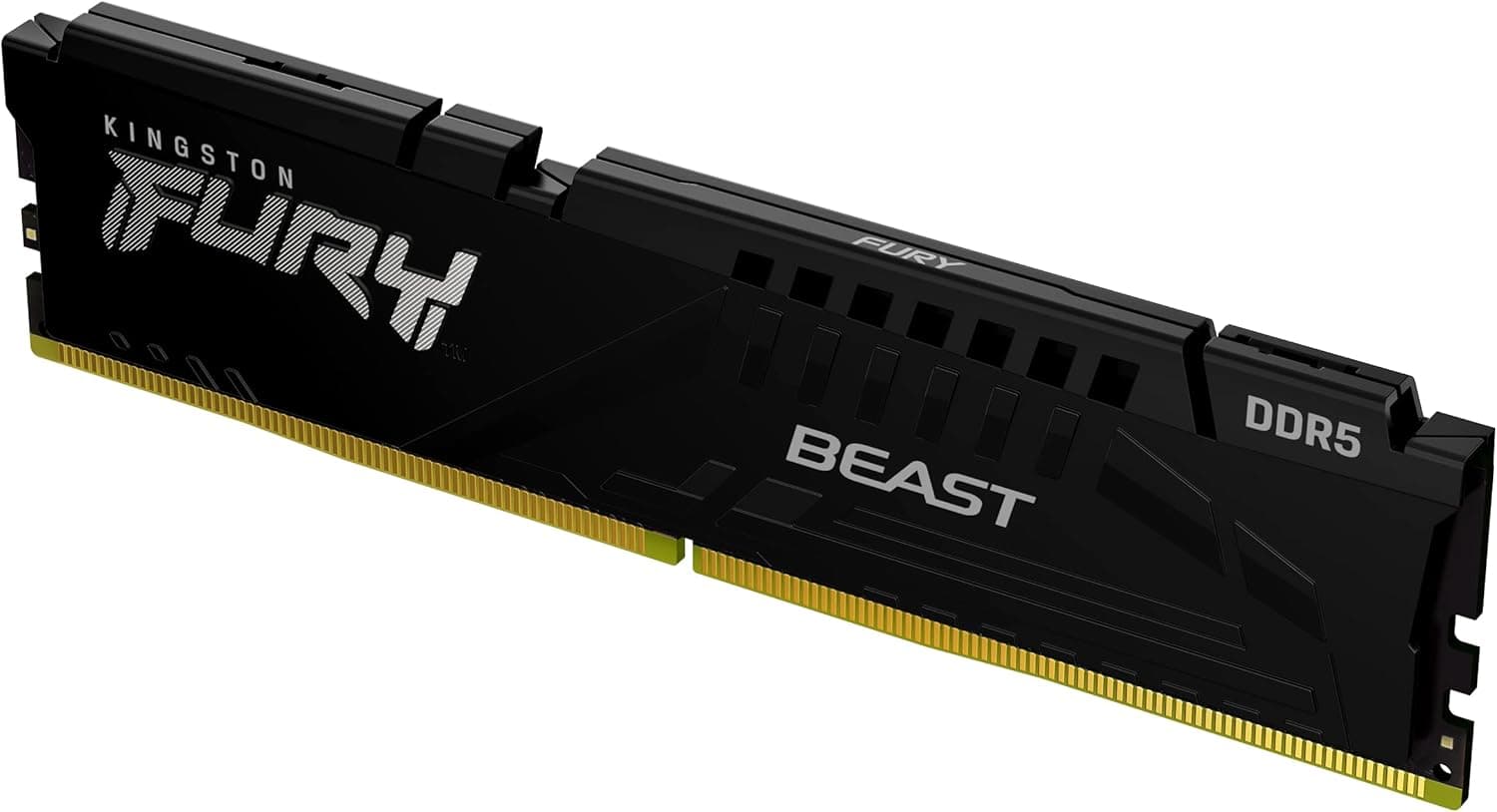
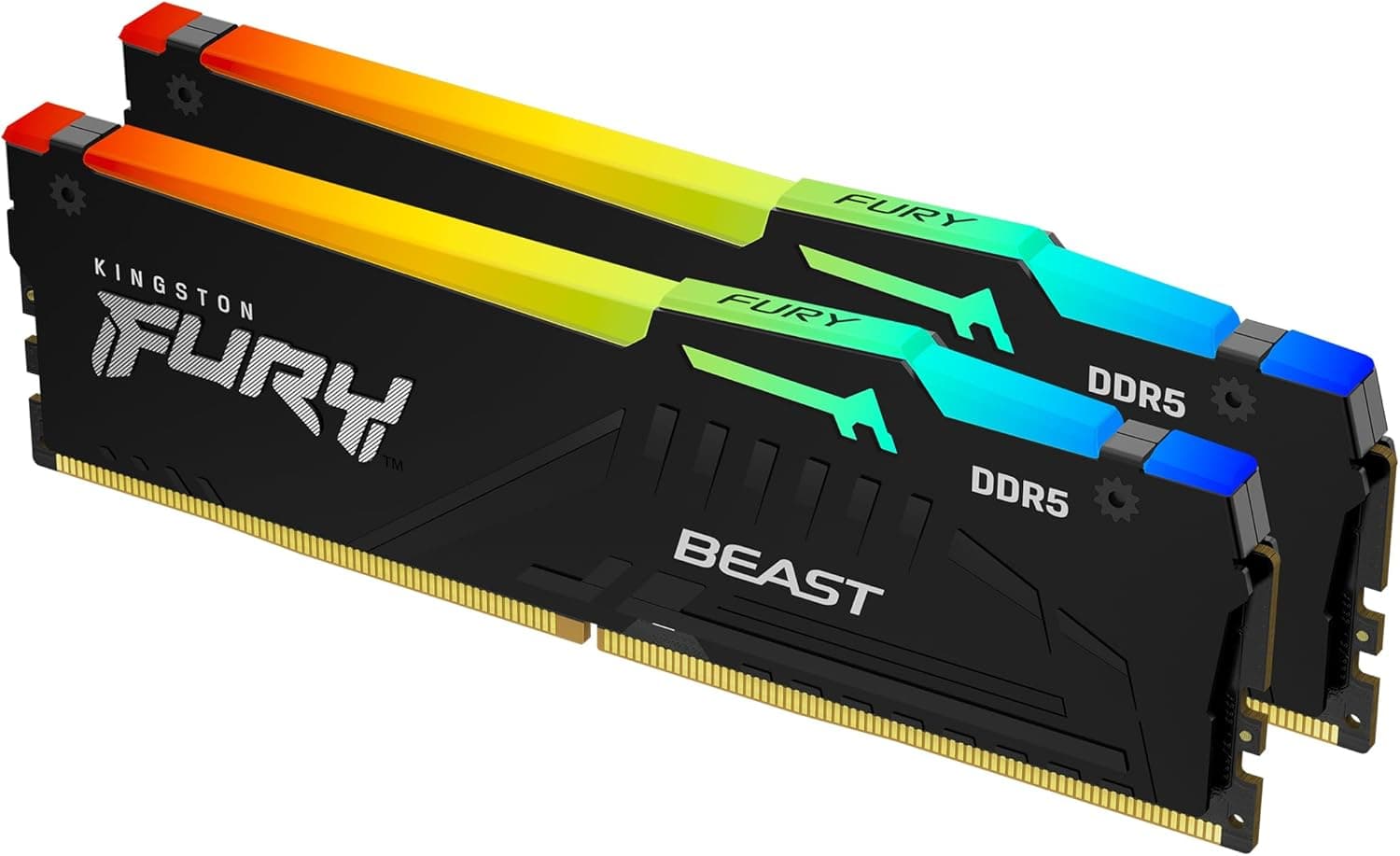
- RGB or not? This module has no LEDs. If the rest of your build lights up, this stick will sit dark.
Setup Steps
- Update the BIOS first. Early DDR5 boards gained most of their memory compatibility through firmware updates.
This single step fixes more problems than anything else. 2.
Boot with one stick at stock. Reach the OS at JEDEC speed before enabling anything.
Enable XMP 3.0 or EXPO and confirm it posts at 5600 MT/s.
Run a memory test. Booting is not the same as stable — one full MemTest86 pass minimum.
DDR5's on-die ECC is not system ECC and will not rescue an unstable overclock. 5.
Clear CMOS if it won't post after enabling the profile. Nothing is broken; just reset and retry.
Best Use Cases
- White-themed builders. One black stick ruins an otherwise coordinated white build. The Kingston FURY Beast White DDR5 16GB 5600MT/s CL36 solves that without adding RGB.
- First-time DDR5 users. Dual XMP 3.0 and EXPO support means one BIOS toggle gets you to rated speed on either platform. No manual timing work required.
- Staged upgraders who want to start at 16GB and add a second module later — with the caveats below understood.
- People who don't want to think about memory. Lifetime warranty, standard timings, install and forget.
Things to Consider
On pricing first. The captured price data for this listing was wildly out of line for a single 16GB DDR5 module — the kind of figure you would expect from a mismatched product record or a reseller markup.
That is why no amount appears in this article. If the page shows a similarly odd price when you open it, skip that seller and compare against other listings.
The same caution applies to listing metadata: verify from the product image and title that you are looking at a white DDR5 16GB 5600MT/s module, because marketplace listings sometimes carry incorrect manufacturer or seller details.
The single-stick issue is the big one. You will read that DDR5 modules are internally split into two 32-bit sub-channels and are therefore "already dual channel." From the CPU's perspective you still have one channel, and you will not match two-stick bandwidth.
It shows up most clearly in 1% lows in games. For a new build, buy a matched two-stick kit.
Adding a second module later is a real risk. Chip vendors and rank configurations change between production runs of the same part number.
Mixed sticks may refuse the XMP/EXPO profile and fall back to JEDEC speed. Only take this path if you can live with that outcome.
Not for performance chasers. 5600 MT/s is the entry rung.
If you are tuning a competitive FPS rig, especially on AM5, look at 6000 MT/s kits instead.
Reconsider 16GB. In 2026, gaming while streaming — or gaming with a heavy browser session open — is more comfortable at 32GB.
Treat 16GB as a starting point, not a destination.
No lighting. It is white, not illuminated.
FAQ
Q. Does it work with Ryzen 7000/8000? A.
Yes. It supports AMD EXPO, so enabling the profile in BIOS runs it at 5600 MT/s.
That said, AM5 generally gets more out of DDR5-6000, so consider a faster kit if performance is the priority.
Q. Is one stick okay on its own? A.
It works, but you are in single channel. That hurts in bandwidth-sensitive cases: integrated graphics, video editing, and minimum frame rates in some games.
Two sticks if the budget allows.
Q. How much faster is dual channel? A.
Theoretical bandwidth roughly doubles. Bandwidth-bound work like rendering and video editing benefits clearly; gaming gains depend heavily on your GPU and title, so no single percentage applies.
Q. Can I use both XMP and EXPO?
A. Both are supported, but you pick one — XMP 3.0 on Intel boards, EXPO on AMD boards.
Q. Will it fit a DDR4 motherboard?
A. No. The notch position differs and the module will not seat. Forcing it damages the slot.
Q.
A. That is far too small a sample to lean on. Checking your motherboard's memory QVL is a better use of your time.
Product Disclosure (Amazon)
- Manufacturer: Kingston
- Seller: Kk-shop
- Fulfilled by: Kk-shop
- ASIN: B0BZJ4PJFG
- Note: This article covers a manufacturer-made product based on Amazon listing details.