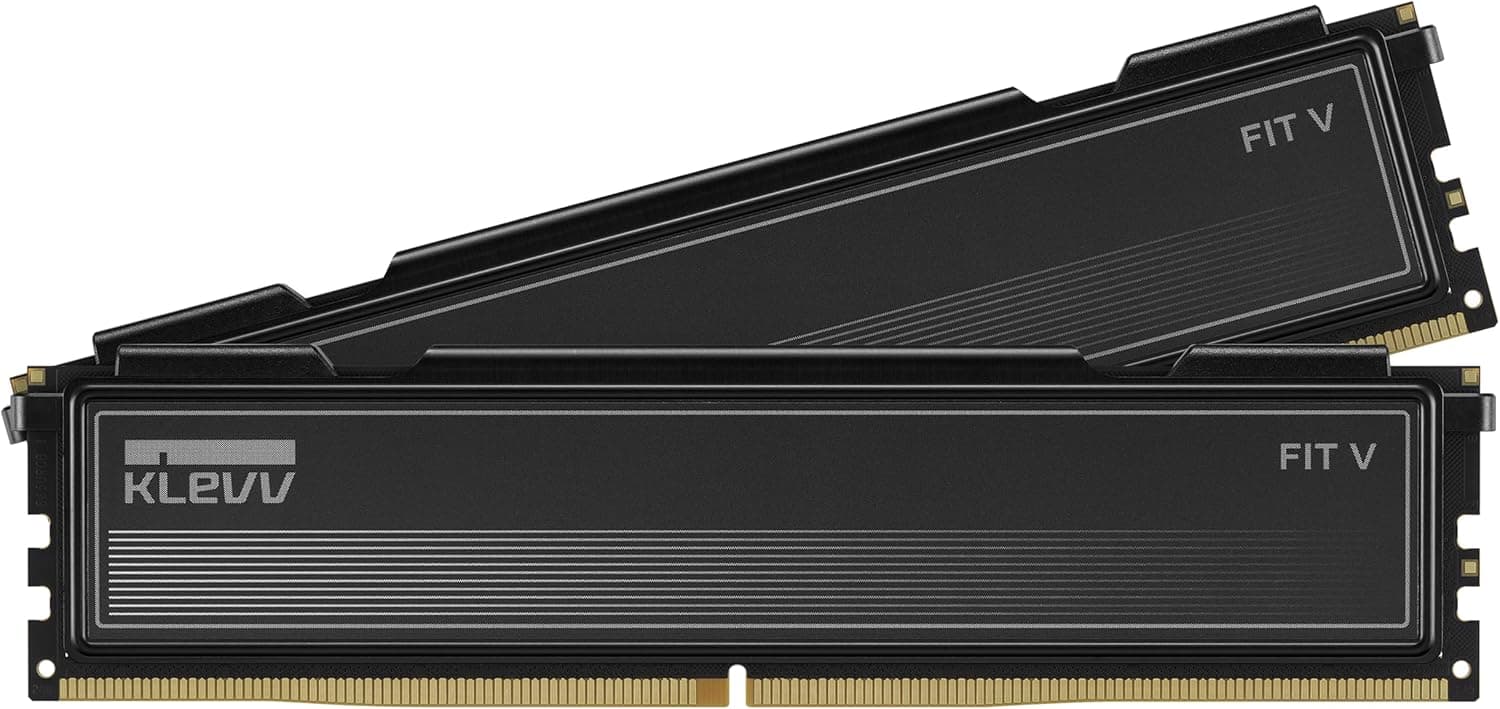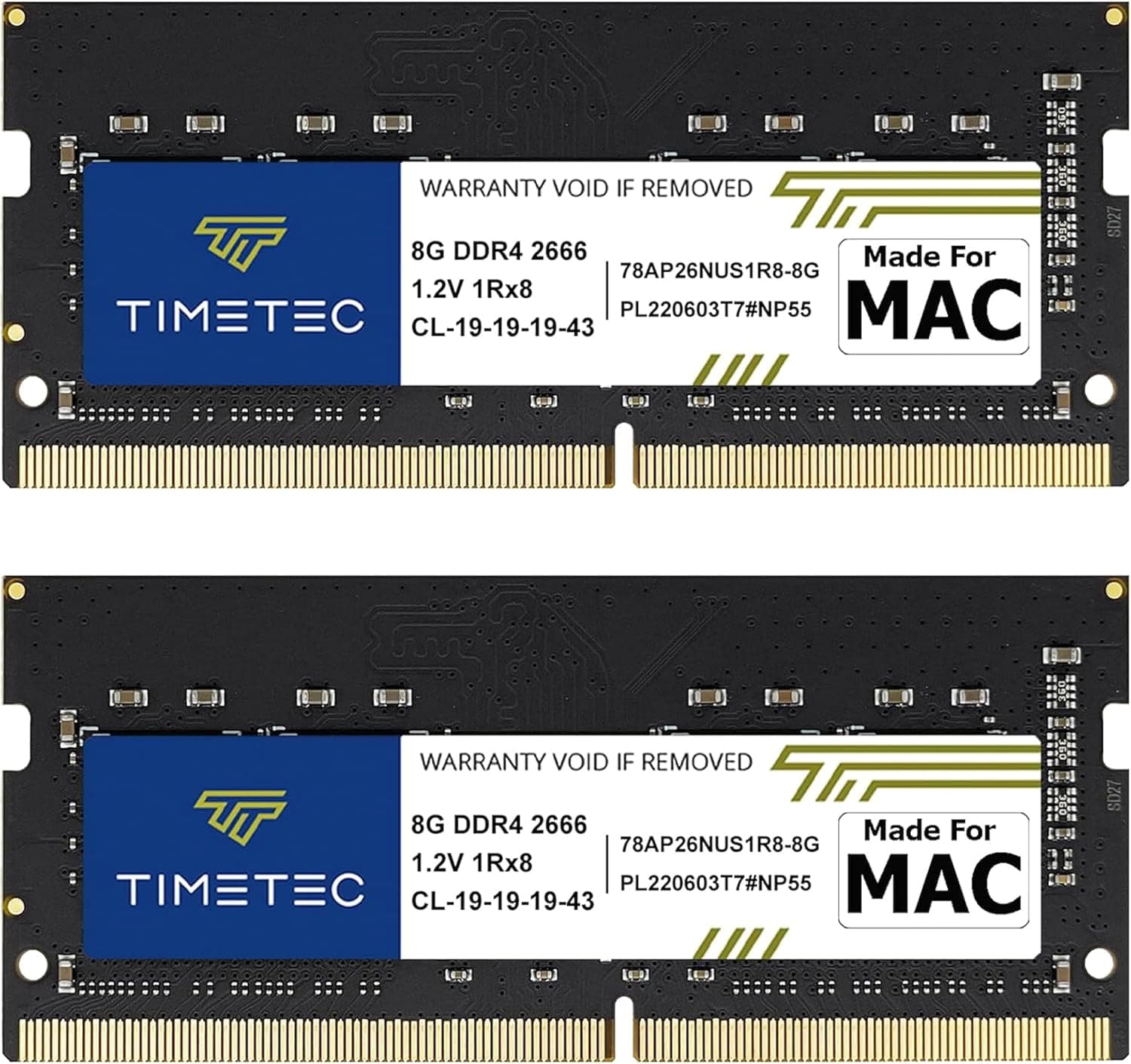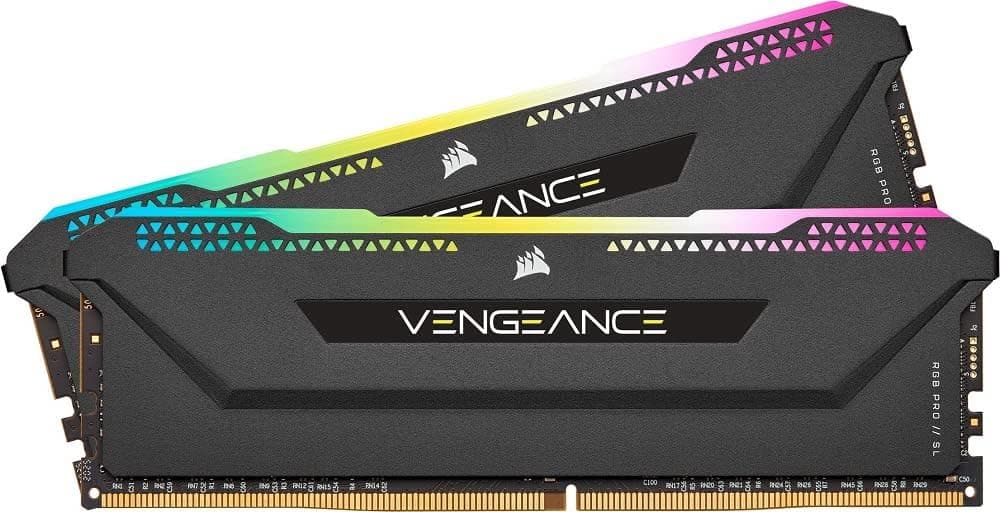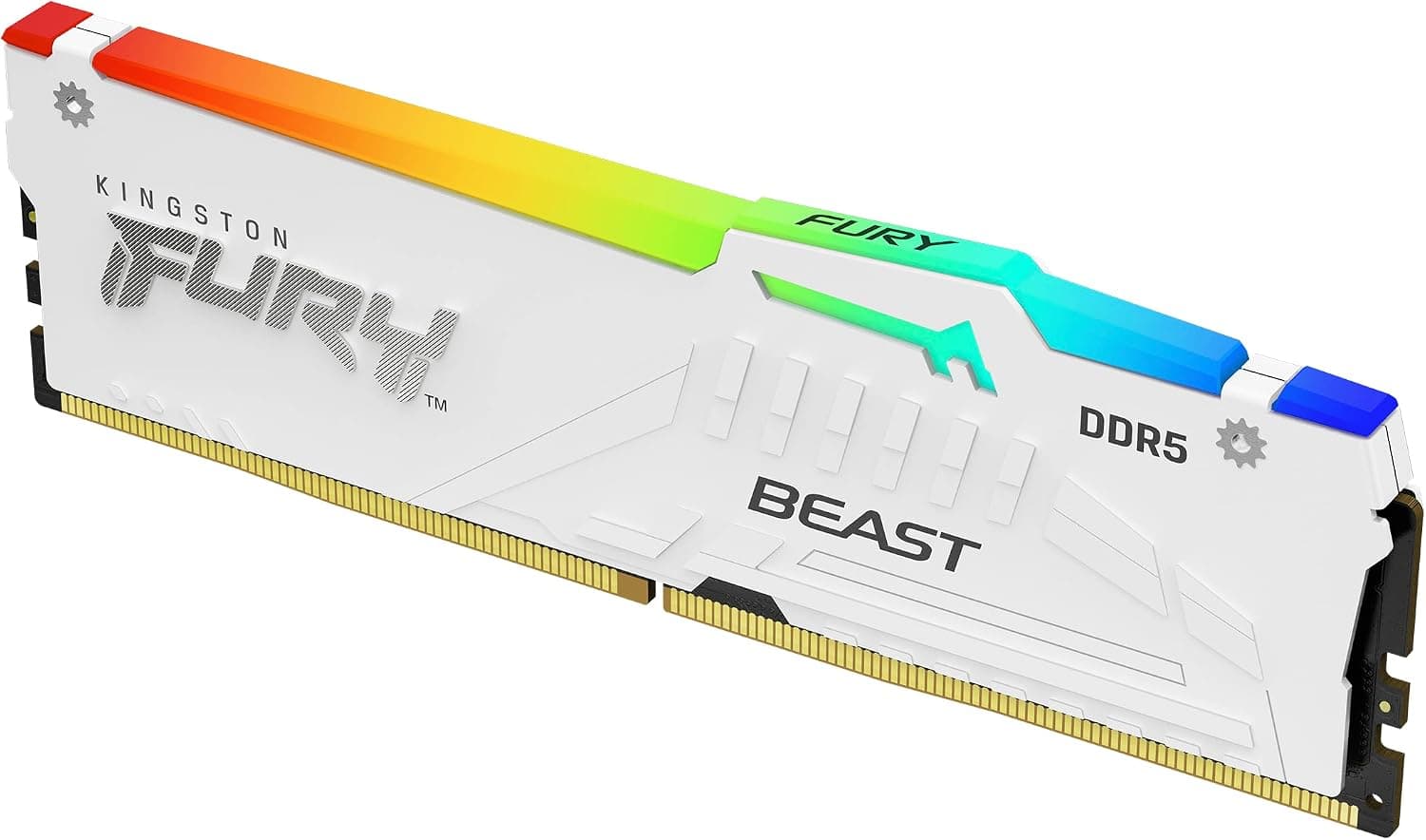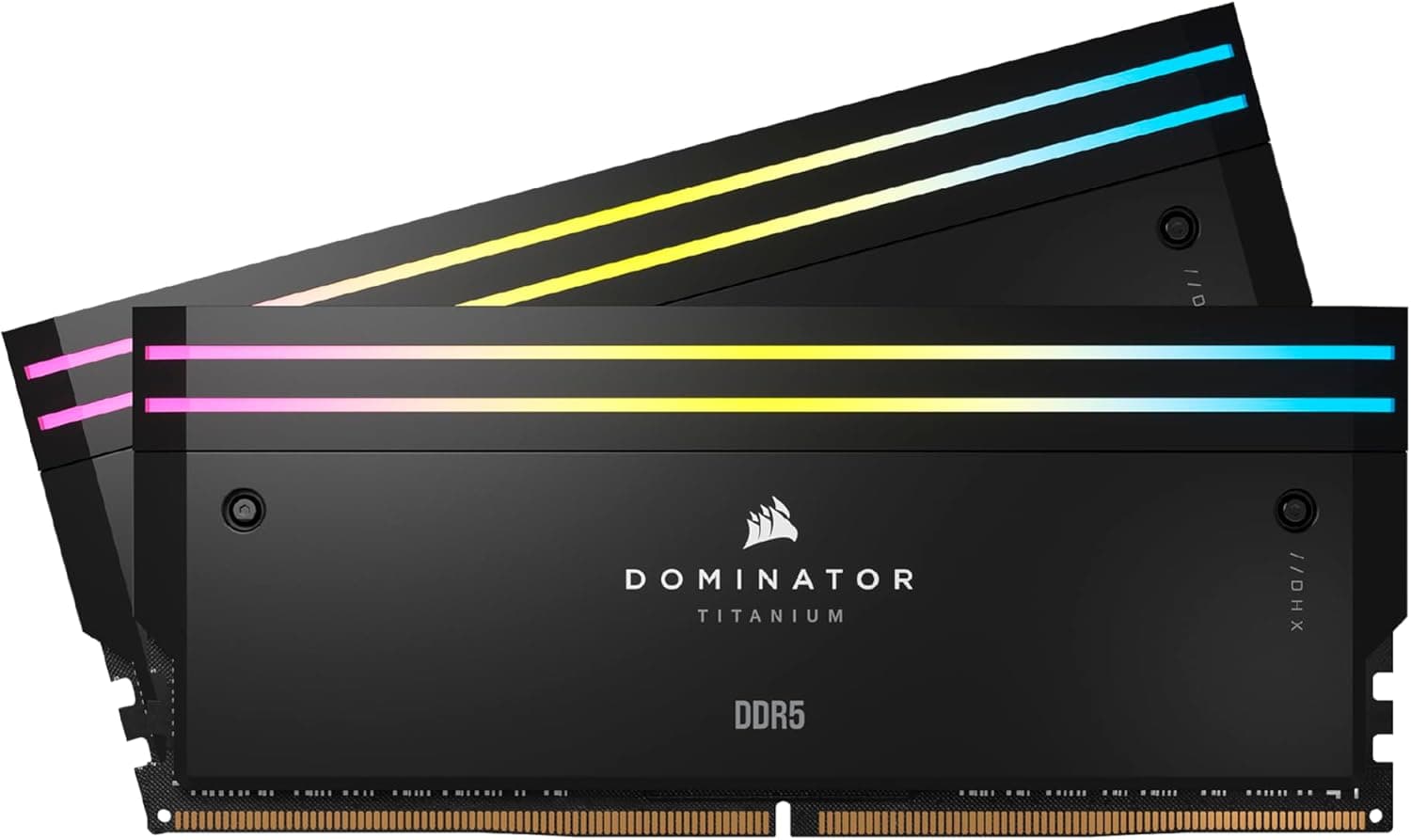
This article covers CORSAIR DOMINATOR TITANIUM RGB DDR5 メモリ 32GB(16GB×2)最大6000MHz対応 Intel XMP対応 CL30 デスクトップPC用 ブラック CMP32GX5M2B6000C30.
Overview
Corsair's flagship memory series, the DOMINATOR TITANIUM RGB DDR5, arrives as a 32GB dual-channel kit (2×16GB) with model number CMP32GX5M2B6000C30. It features a rated speed of 6000MHz with a tight CL30 latency, making it a high-performance choice for enthusiasts. The forged aluminum heatspreader and interchangeable top bar give it a premium build quality that stands out in any build. As a DDR5 kit, it leverages the platform's higher bandwidth to keep modern CPUs fed, whether for gaming or creative tasks. Intel XMP 3.0 support makes overclocking straightforward—just enable the profile in BIOS to reach the rated 6000MHz. The kit also includes 11 individually addressable RGB LEDs per module, fully customizable via Corsair iCUE software.
Compatibility Guide
This memory is designed for DDR5 DIMM slots found on Intel LGA1700 (600/700 series) and AMD AM5 (X670, B650, etc.) motherboards. For Intel platforms, XMP 3.0 is required to achieve 6000MHz; for AMD, EXPO is the equivalent, though Corsair primarily certifies XMP. Always check your motherboard's QVL (Qualified Vendor List) for this specific model. Clearance is a consideration: the modules are approximately 56mm tall due to the heatspreader and RGB diffuser. Large air coolers, especially dual-tower designs, may overhang the RAM slots. Water cooling users have no such issue. Ensure your case's CPU cooler height allowance accommodates the RAM plus cooler if using a top-flow cooler.
Product Info
Launched in 2023, the DOMINATOR TITANIUM series sits at the top of Corsair's memory lineup. The kit reviewed here (CMP32GX5M2B6000C30) typically retails for around $150–$200 USD or ¥22,000–¥30,000 JPY, though the seller listing at the time of writing shows an unusually high ¥229,112—verify current market pricing. Corsair backs it with a limited lifetime warranty in most regions. Market positioning: absolute high-end, competing against G.Skill Trident Z5 Royal and Team Group T-Force Xtreem. Key differentiators include the swappable top bar (Corsair offers official accessories, and users can 3D-print their own), forged aluminum construction, and deep iCUE ecosystem integration. The DHX (Dual-path Heat eXchange) cooling tech helps maintain stability under load.
Best Use Cases
Gaming: 6000MHz CL30 provides excellent throughput for modern AAA titles and competitive shooters. The 32GB capacity is sufficient for multitasking with Discord, streaming, and background apps. XMP enables easy one-click tuning for peak performance. Creative Work: Video editing, 3D rendering, and large file processing benefit from the bandwidth. 32GB is the sweet spot for 4K editing; the speed reduces export times compared to slower DDR5 kits. * Aesthetic Builds: The RGB lighting and swappable top bar allow for personalized looks. iCUE Murals can sync lighting across other Corsair peripherals. The black finish matches most modern PC themes. ## Alternatives
Competitors in the same price/performance tier include G.Skill Trident Z5 Royal DDR5-6000 CL30. It offers similar specs with a mirrored heatspreader and often a lower price. The Corsair kit edges ahead with the interchangeable top bar and RGB customization depth via iCUE. Another alternative is Team Group T-Force Xtreem DDR5-6000 CL30, which includes a small active fan on the heatspreader for enthusiasts pushing high voltages. It lacks the premium aluminum feel but may provide better thermals under extreme OC. Choose Corsair if build quality and software ecosystem matter more.
Things to Consider
The price listed on this listing (¥229,112) is far above typical retail—this might be a scalper or limited-stock listing. Always compare prices across multiple retailers before purchasing. XMP stability depends on your CPU's memory controller and motherboard. Ryzen 7000 series often handles 6000MHz well, but some chips may require BIOS tweaks. Intel 13th/14th gen similarly need a capable motherboard. Check the QVL and update BIOS to the latest version. The tall heatspreader may block the first PCIe slot on some compact motherboards—unlikely with a standard layout, but microATX boards can be tight. Test fitment before applying thermal paste if you're building from scratch.